
怎么用网址打开php_通过网址访问PHP文件方法教程
怎么入门文章编程?需要学习哪些知识点?这是新手们刚接触编程时常见的问题;下面golang学习网就来给大家整理分享一些知识点,希望能够给初学者一些帮助。本篇文章就来介绍《怎么用网址打开php_通过网址访问PHP文件方法教程》,涉及到,有需要的可以收藏一下
正确配置服务器后,将PHP文件放入指定目录(如/var/www/html或C:\xampp\htdocs),启动Apache等Web服务器,通过http://localhost/filename.php访问,确保PHP已安装且服务器支持PHP模块,以正常执行PHP代码。
If you are trying to access a PHP file through a web browser, you need to ensure the server is properly configured. Here are the steps to do it correctly:
The operating environment of this tutorial: MacBook Pro, macOS Sonoma
1. Place the PHP File in the Correct Server Directory
Web servers only process PHP files when they are located in specific directories designated for web content. Placing the file in the correct folder ensures that the server can interpret and execute the PHP code.
- For Apache on macOS or Linux, move your PHP file to the /var/www/html directory or the ~/Sites folder if using built-in server features.
- On Windows with XAMPP, place the file in C:\xampp\htdocs.
- Ensure the file has a .php extension, such as index.php.
2. Start the Web Server
PHP is processed by a web server like Apache or Nginx. Without an active server, opening the file directly in a browser will not execute the PHP code.
- If using XAMPP, open the control panel and start the Apache module.
- On macOS, enable the built-in Apache server by running sudo apachectl start in Terminal.
- Verify the server is running by visiting http://localhost in your browser.
3. Access the PHP File via Browser
After placing the file in the correct directory and starting the server, use the proper URL format to access the file through HTTP.
- Type http://localhost/filename.php in the browser's address bar.
- If the file is in a subfolder, include the path, such as http://localhost/myproject/test.php.
- Do not open the file by double-clicking it or using a file:// URL, as this bypasses the server and won't execute PHP.
4. Check PHP Installation and Configuration
If the PHP code is not executing and the browser displays raw PHP code, the server may not be configured to handle PHP files.
- Ensure PHP is installed by running php -v in the terminal or command prompt.
- Confirm that the web server (e.g., Apache) has the PHP module enabled.
- On Apache, verify that the configuration includes lines like LoadModule php_module modules/libphp.so and associates .php files with the handler.
今天关于《怎么用网址打开php_通过网址访问PHP文件方法教程》的内容就介绍到这里了,是不是学起来一目了然!想要了解更多关于的内容请关注golang学习网公众号!
 PLSQL检查数据库对象变更
- 上一篇
- PLSQL检查数据库对象变更

- 下一篇
- 如何使用Golang mock外部依赖_Golang mock技巧与依赖替身说明
-
- 文章 · php教程 | 1天前 | JSON · api设计 · php教程 · php json_encode JsonSerializable JSON_THROW_ON_ERROR jsonSerialize
- PHP JsonSerializable 控制对象输出字段
- 129浏览 收藏
-
- 文章 · php教程 | 1天前 | 内存优化 · php教程 · php 文件上传 php://input stream_filter php_user_filter
- PHP stream_filter 处理上传内容的分段方式
- 292浏览 收藏
-
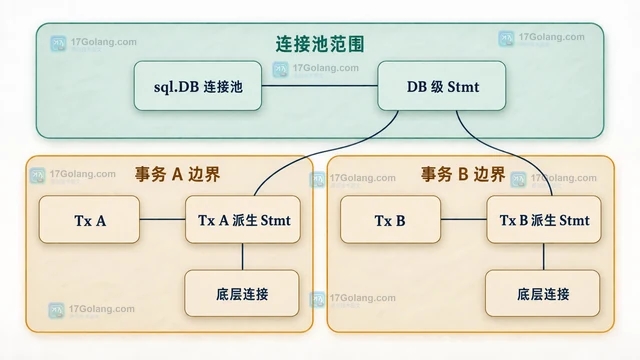
- 文章 · php教程 | 3天前 |
- PHP Lazy Objects 延迟初始化实体的状态边界
- 409浏览 收藏
-
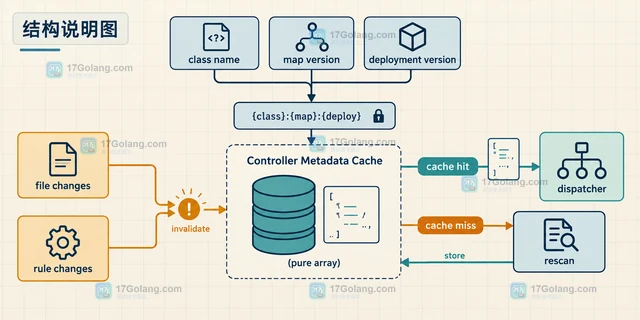
- 文章 · php教程 | 3天前 |
- PHP Attributes 扫描控制器元数据的缓存方法
- 357浏览 收藏
-
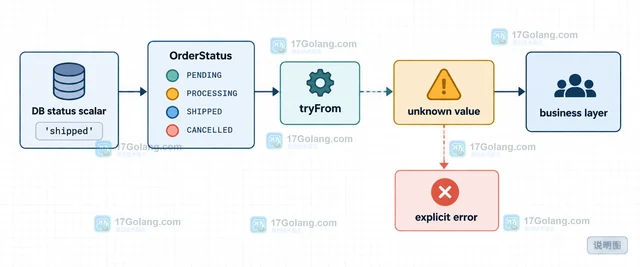
- 文章 · php教程 | 3天前 |
- PHP Enum 映射数据库值的类型安全方案
- 278浏览 收藏
-
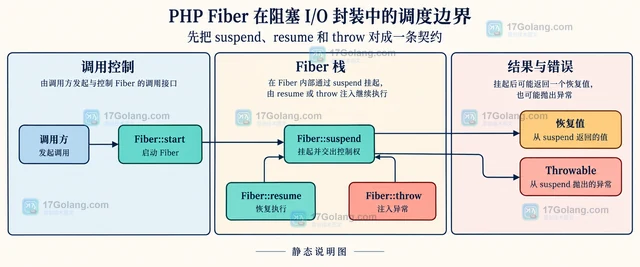
- 文章 · php教程 | 4天前 | php教程 · php Fiber 事件循环 非阻塞I/O Fiber::suspend Fiber::resume
- PHP Fiber 在阻塞 I/O 封装中的调度边界
- 176浏览 收藏
-
- 文章 · php教程 | 4天前 |
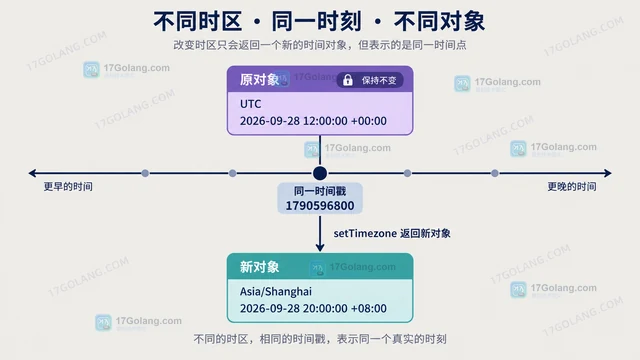
- PHP DateTimeImmutable 按时区转换并保持原对象
- 485浏览 收藏
-
- 文章 · php教程 | 4天前 | PHP · 日期时间 · php 时区 DateTimeImmutable createFromInterface
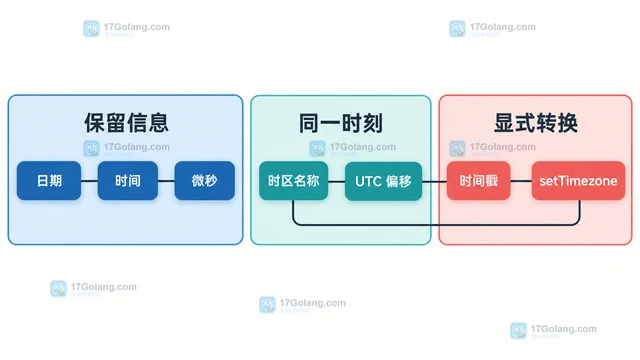
- PHP DateTimeImmutable createFromInterface 怎么保留时区
- 201浏览 收藏
-
- 文章 · php教程 | 4天前 |
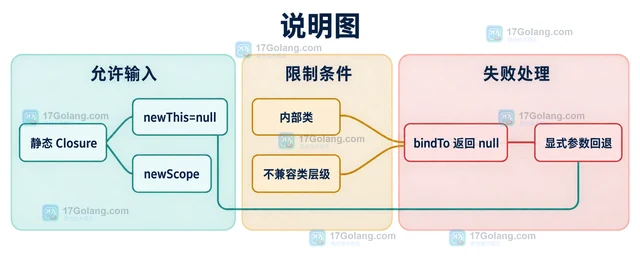
- PHP Closure bindTo 改变作用域时有哪些限制
- 394浏览 收藏
-
- 文章 · php教程 | 4天前 | HTTP · php教程 · php Http请求 file_get_contents stream_context
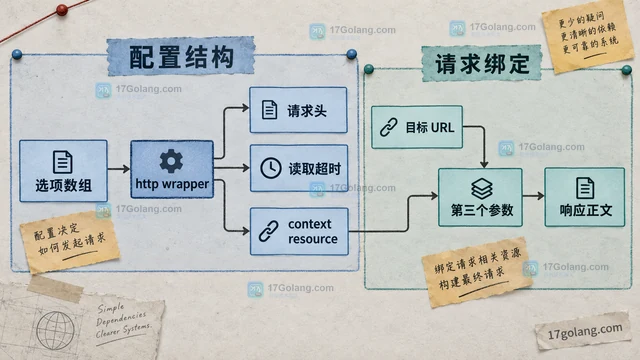
- PHP stream_context 怎么为单次 HTTP 请求设置选项
- 263浏览 收藏
-

- 前端进阶之JavaScript设计模式
- 设计模式是开发人员在软件开发过程中面临一般问题时的解决方案,代表了最佳的实践。本课程的主打内容包括JS常见设计模式以及具体应用场景,打造一站式知识长龙服务,适合有JS基础的同学学习。
- 543次学习
-

- GO语言核心编程课程
- 本课程采用真实案例,全面具体可落地,从理论到实践,一步一步将GO核心编程技术、编程思想、底层实现融会贯通,使学习者贴近时代脉搏,做IT互联网时代的弄潮儿。
- 516次学习
-

- 简单聊聊mysql8与网络通信
- 如有问题加微信:Le-studyg;在课程中,我们将首先介绍MySQL8的新特性,包括性能优化、安全增强、新数据类型等,帮助学生快速熟悉MySQL8的最新功能。接着,我们将深入解析MySQL的网络通信机制,包括协议、连接管理、数据传输等,让
- 500次学习
-

- JavaScript正则表达式基础与实战
- 在任何一门编程语言中,正则表达式,都是一项重要的知识,它提供了高效的字符串匹配与捕获机制,可以极大的简化程序设计。
- 487次学习
-

- 从零制作响应式网站—Grid布局
- 本系列教程将展示从零制作一个假想的网络科技公司官网,分为导航,轮播,关于我们,成功案例,服务流程,团队介绍,数据部分,公司动态,底部信息等内容区块。网站整体采用CSSGrid布局,支持响应式,有流畅过渡和展现动画。
- 485次学习
-

- PubMedQA
- 深入了解PubMedQA生物医学问答数据集,涵盖其核心功能、使用方法及在临床决策、药物研发等场景的应用,助力提升NLP模型性能。
- 301次使用
-

- H2O EvalGPT
- H2O EvalGPT是H2O.ai推出的开源LLM评估平台,提供详细的大模型性能排行榜、行业特定基准测试及A/B测试功能,助您快速选择最适合项目的高性能大语言模型。
- 358次使用
-

- LMArena
- LMArena是加州大学伯克利分校推出的AI模型匿名评测平台。通过盲测投票机制,用户可对比不同大模型回答并生成实时排行榜,助力开发者优化模型及用户选择最佳AI工具。
- 357次使用
-

- HELM
- 深入了解斯坦福推出的HELM(Holistic Evaluation of Language Models)大模型评测体系。本文解析其核心功能、安装配置步骤及应用场景,涵盖准确性、公平性、鲁棒性等多维度指标,助力开发者全面优化语言模型性能。
- 324次使用
-

- MMBench
- MMBench是由上海人工智能实验室等机构联合推出的多模态基准测试平台,提供细粒度能力评估、大规模数据集及VLMEvalKit工具。本文详细介绍其核心功能、安装使用方法及应用场景,助力开发者全面评估多模态模型性能。
- 143次使用
-
- PHP JSON_THROW_ON_ERROR 抛错后怎么保留原始字段位置
- 2026-09-09 501浏览
-
- PHP 8.5 array_last() 怎么处理空数组:从 null 结果到兼容旧版本的 Polyfill
- 2026-08-16 501浏览
-
- 宝塔配置Ruby环境:RVM+Nginx反代教程
- 2026-05-29 501浏览
-
- unset函数作用范围详解
- 2026-05-29 501浏览
-
- VS Code配置Xdebug教程:PHP调试技巧全解析
- 2026-05-13 501浏览


