PHP文件运行与网站访问教程
想让PHP文件真正运行起来并能通过浏览器访问?本文手把手教你三种实用方法:无需复杂配置,用XAMPP一键搭建本地Apache环境,把文件丢进htdocs就能通过localhost直接运行;懒人首选PHP内置服务器,命令行一行指令(php -S localhost:8000)秒启开发环境;还想上线展示?只需将PHP文件上传至支持PHP的网络主机public_html目录,绑定域名即可全球访问——无论你是刚入门的新手还是需要快速验证代码的开发者,这三种方式覆盖从本地调试到线上部署的全部场景。

To run a PHP file and access it through a website, you need to set up a proper environment where the PHP code can be executed by a web server. Here are the methods to achieve this:
The operating environment of this tutorial: Dell XPS 13, Windows 11
1. Set Up a Local Development Server Using XAMPP
This method involves installing a local server package that includes Apache, MySQL, and PHP. XAMPP is one of the most popular tools for running PHP files locally.
- Download XAMPP from the official Apache Friends website and install it on your system.
- Launch the XAMPP Control Panel and start the Apache module.
- Place your PHP file inside the htdocs folder located in the XAMPP installation directory (e.g., C:\xampp\htdocs\).
- Open a web browser and navigate to http://localhost/your-file.php, replacing "your-file.php" with the actual filename.
2. Use Built-in PHP Development Server
PHP comes with a built-in development server that allows you to run PHP scripts without installing a full web server stack. This is ideal for testing and development purposes.
- Open a command-line interface (CLI) such as Command Prompt or PowerShell.
- Navigate to the directory containing your PHP file using the cd command.
- Run the command php -S localhost:8000 to start the server on port 8000.
- Access your file by visiting http://localhost:8000 in your browser.
3. Deploy PHP File on a Web Hosting Service
If you want your PHP website to be accessible online, upload your PHP files to a web hosting provider that supports PHP and MySQL.
- Choose a hosting service that supports PHP (most shared hosts do).
- Use an FTP client like FileZilla or the host’s file manager to upload your PHP file to the public_html or www directory.
- Ensure file permissions are correctly set (usually 644 for PHP files).
- Visit your domain followed by the filename, such as https://yourdomain.com/your-file.php.
好了,本文到此结束,带大家了解了《PHP文件运行与网站访问教程》,希望本文对你有所帮助!关注golang学习网公众号,给大家分享更多文章知识!
 字母悬停渐变高亮实现技巧
- 上一篇
- 字母悬停渐变高亮实现技巧
- 下一篇
- CSS加载顺序与优先级解析:link标签影响关键分析
-
- 文章 · php教程 | 15小时前 | PHP ·
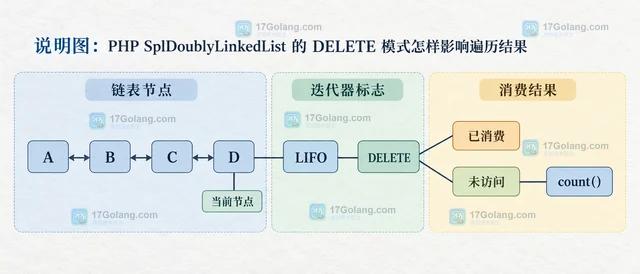
- PHP SplDoublyLinkedList 的 DELETE 模式怎样影响遍历结果
- 317浏览 收藏
-
- 文章 · php教程 | 15小时前 | PHP · 数据处理 · 迭代器 · php ArrayIterator MultipleIterator
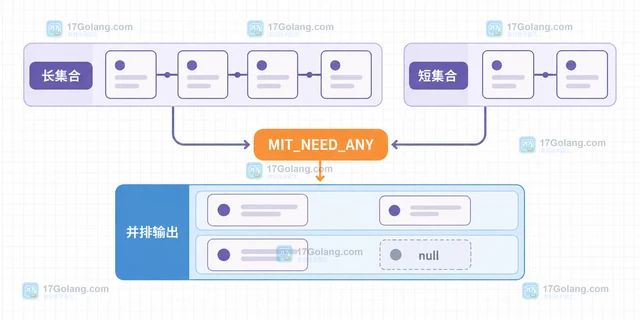
- PHP MultipleIterator 怎样并排遍历长度不同的集合
- 107浏览 收藏
-
- 文章 · php教程 | 15小时前 | php 迭代器 CachingIterator FULL_CACHE getCache
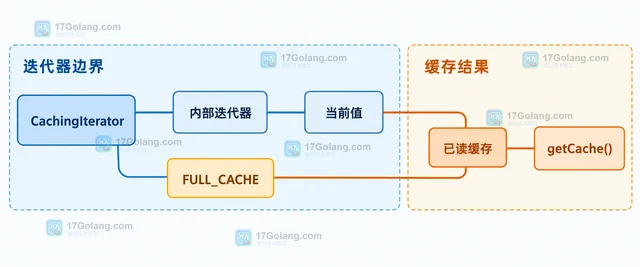
- PHP CachingIterator 怎样启用完整缓存后按键读取
- 462浏览 收藏
-
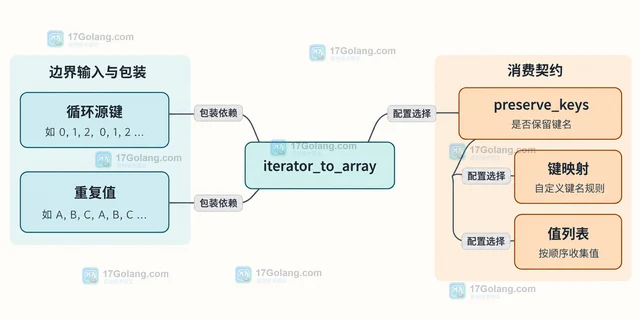
- 文章 · php教程 | 15小时前 | php InfiniteIterator LimitIterator
- PHP InfiniteIterator 怎样配合 LimitIterator 生成有限循环
- 313浏览 收藏
-
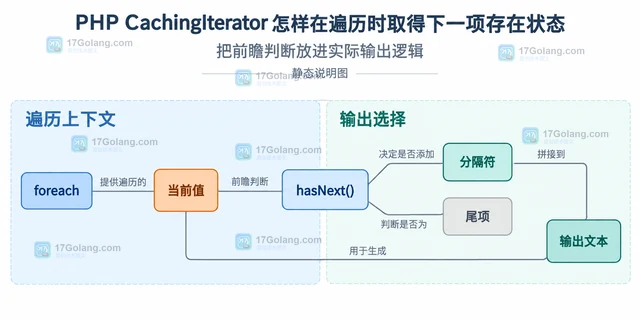
- 文章 · php教程 | 15小时前 | php 迭代器 hasNext CachingIterator
- PHP CachingIterator 怎样在遍历时取得下一项存在状态
- 209浏览 收藏
-
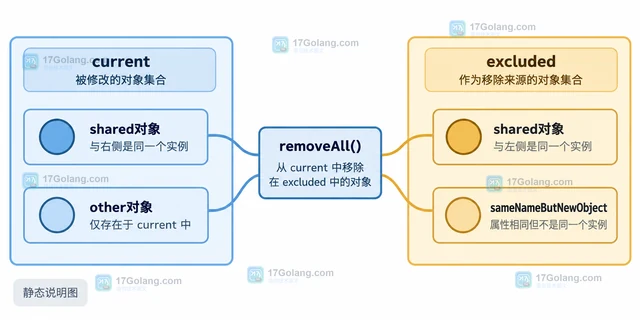
- 文章 · php教程 | 15小时前 | php removeAll SplObjectStorage 对象集合差集
- PHP SplObjectStorage 怎样一次移除另一集合中的对象
- 462浏览 收藏
-
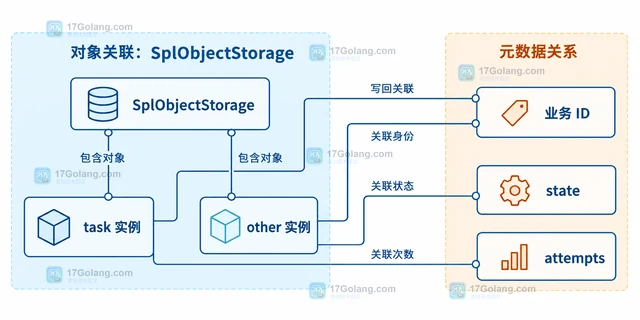
- 文章 · php教程 | 15小时前 | php SplObjectStorage 对象元数据
- PHP SplObjectStorage 怎样给对象关联附加数据
- 500浏览 收藏
-
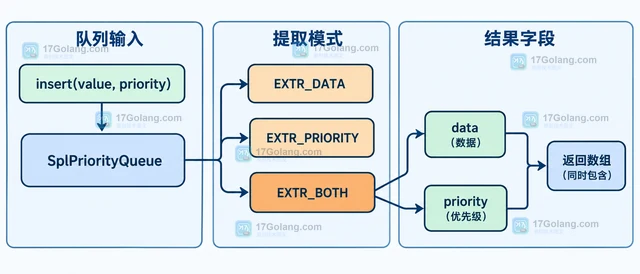
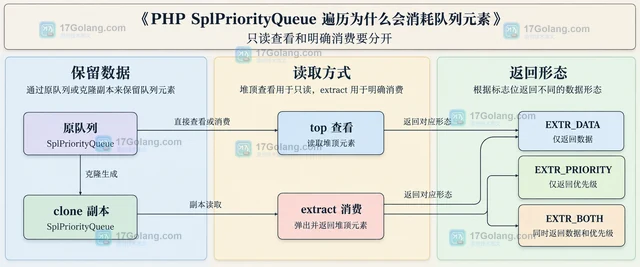
- 文章 · php教程 | 15小时前 | 数据结构 · php教程 · PHP SplPriorityQueue SplPriorityQueue::EXTR_BOTH PHP优先队列 提取优先级
- PHP SplPriorityQueue 怎样同时提取数据和优先级
- 424浏览 收藏
-
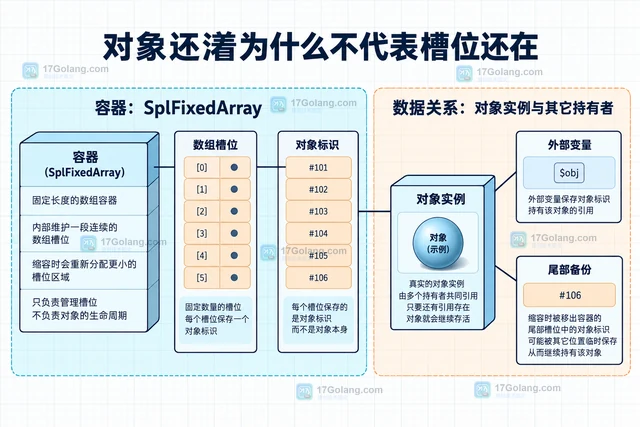
- 文章 · php教程 | 15小时前 | php SplFixedArray setSize
- PHP SplFixedArray 缩容后超出范围的元素会怎样
- 286浏览 收藏
-
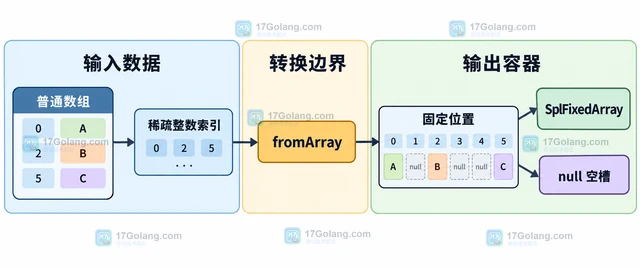
- 文章 · php教程 | 15小时前 | 数据结构 · php教程 · php SplFixedArray 数组索引 fromArray preserveKeys
- PHP SplFixedArray 怎样从普通数组转换并保留索引
- 286浏览 收藏
-
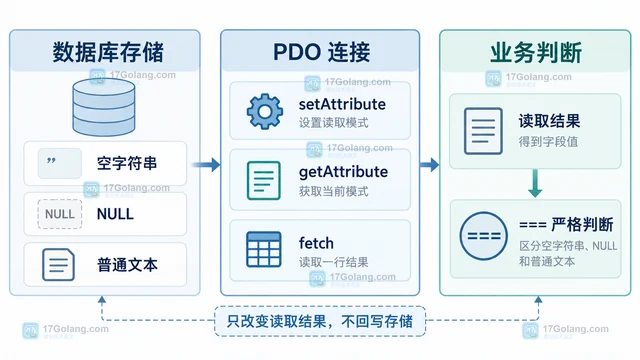
- 文章 · php教程 | 23小时前 |
- PHP PDO::ATTR_ORACLE_NULLS 怎样处理空字符串
- 109浏览 收藏
-

- 前端进阶之JavaScript设计模式
- 设计模式是开发人员在软件开发过程中面临一般问题时的解决方案,代表了最佳的实践。本课程的主打内容包括JS常见设计模式以及具体应用场景,打造一站式知识长龙服务,适合有JS基础的同学学习。
- 543次学习
-

- GO语言核心编程课程
- 本课程采用真实案例,全面具体可落地,从理论到实践,一步一步将GO核心编程技术、编程思想、底层实现融会贯通,使学习者贴近时代脉搏,做IT互联网时代的弄潮儿。
- 516次学习
-

- 简单聊聊mysql8与网络通信
- 如有问题加微信:Le-studyg;在课程中,我们将首先介绍MySQL8的新特性,包括性能优化、安全增强、新数据类型等,帮助学生快速熟悉MySQL8的最新功能。接着,我们将深入解析MySQL的网络通信机制,包括协议、连接管理、数据传输等,让
- 500次学习
-

- JavaScript正则表达式基础与实战
- 在任何一门编程语言中,正则表达式,都是一项重要的知识,它提供了高效的字符串匹配与捕获机制,可以极大的简化程序设计。
- 487次学习
-

- 从零制作响应式网站—Grid布局
- 本系列教程将展示从零制作一个假想的网络科技公司官网,分为导航,轮播,关于我们,成功案例,服务流程,团队介绍,数据部分,公司动态,底部信息等内容区块。网站整体采用CSSGrid布局,支持响应式,有流畅过渡和展现动画。
- 485次学习
-
- PubMedQA
- 深入了解PubMedQA生物医学问答数据集,涵盖其核心功能、使用方法及在临床决策、药物研发等场景的应用,助力提升NLP模型性能。
- 790次使用
-
- H2O EvalGPT
- H2O EvalGPT是H2O.ai推出的开源LLM评估平台,提供详细的大模型性能排行榜、行业特定基准测试及A/B测试功能,助您快速选择最适合项目的高性能大语言模型。
- 781次使用
-

- LMArena
- LMArena是加州大学伯克利分校推出的AI模型匿名评测平台。通过盲测投票机制,用户可对比不同大模型回答并生成实时排行榜,助力开发者优化模型及用户选择最佳AI工具。
- 869次使用
-
- HELM
- 深入了解斯坦福推出的HELM(Holistic Evaluation of Language Models)大模型评测体系。本文解析其核心功能、安装配置步骤及应用场景,涵盖准确性、公平性、鲁棒性等多维度指标,助力开发者全面优化语言模型性能。
- 834次使用
-
- MMBench
- MMBench是由上海人工智能实验室等机构联合推出的多模态基准测试平台,提供细粒度能力评估、大规模数据集及VLMEvalKit工具。本文详细介绍其核心功能、安装使用方法及应用场景,助力开发者全面评估多模态模型性能。
- 661次使用
-
- PHP fgetcsv escape 参数显式设置与 RFC 4180 兼容处理
- 2026-10-26 501浏览
-
- PHP JSON_THROW_ON_ERROR 抛错后怎么保留原始字段位置
- 2026-09-09 501浏览
-
- PHP 8.5 array_last() 怎么处理空数组:从 null 结果到兼容旧版本的 Polyfill
- 2026-08-16 501浏览
-
- 宝塔配置Ruby环境:RVM+Nginx反代教程
- 2026-05-29 501浏览
-
- unset函数作用范围详解
- 2026-05-29 501浏览