
VSCode配置PHP环境详细教程
文章不知道大家是否熟悉?今天我将给大家介绍《VS Code配置PHP开发环境教程》,这篇文章主要会讲到等等知识点,如果你在看完本篇文章后,有更好的建议或者发现哪里有问题,希望大家都能积极评论指出,谢谢!希望我们能一起加油进步!
Install PHP Intelephense extension for syntax highlighting and IntelliSense. 2. Set PHP executable path in settings for linting and debugging. 3. Enable real-time syntax checking to catch errors. 4. Configure Xdebug with proper php.ini settings and launch.json for step-through debugging. 5. Use PHP snippets to accelerate coding with predefined templates.
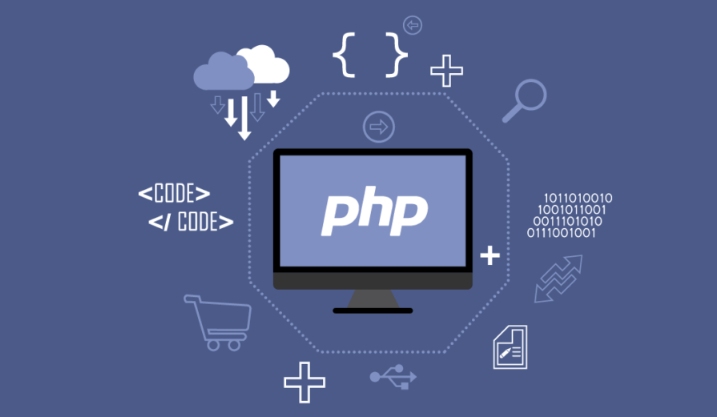
To write PHP code effectively in Visual Studio Code, proper configuration is essential for syntax support, debugging, and error checking.
The operating environment of this tutorial: Dell XPS 13, Windows 11
1. Install the PHP Language Extension
This extension adds core PHP language features such as syntax highlighting, IntelliSense, and code navigation to VS Code.
- Open Visual Studio Code and go to the Extensions view by clicking the Extensions icon in the Activity Bar or pressing Ctrl+Shift+X
- Search for "PHP Intelephense" developed by Ben Mewburn
- Click Install to add the extension to your editor
IntelliSense will now provide function suggestions, parameter hints, and class auto-completion as you type
2. Configure PHP Executable Path
VS Code needs to know where the PHP interpreter is located on your system to enable features like linting and debugging.
- Download and install PHP from the official PHP website if not already installed
- After installation, locate the php.exe file (typically in C:\php or a subfolder under your web server directory)
- In VS Code, open Settings by pressing Ctrl+,
- Search for "php.validate.executablePath"
- Set the path to your php.exe file (e.g., C:\php\php.exe)
Ensure the PHP version is compatible with your project requirements
3. Enable Syntax Checking and Linting
Syntax checking helps identify errors in your PHP code as you write it.
- With the PHP extension installed and executable path set, syntax validation runs automatically
- Type a deliberate error such as missing semicolon or unmatched bracket
- Observe that the editor underlines the error and displays a warning in the Problems panel
Errors appear in real time, helping catch bugs before runtime
4. Set Up Debugging with Xdebug
Debugging allows step-through execution, variable inspection, and breakpoint management in your PHP scripts.
- Download Xdebug extension compatible with your PHP version from xdebug.org
- Place the downloaded .dll file in the ext folder of your PHP installation
- Edit your php.ini file and add the following lines:
- zend_extension=xdebug
- xdebug.mode=debug
- xdebug.start_with_request=yes
- Restart your web server or PHP service
- In VS Code, go to Run and Debug view (Ctrl+Shift+D), click "create a launch.json file", and select PHP
- Verify the configuration points to the correct PHP executable
Launch debugging by setting a breakpoint and starting the debugger with F5
5. Use Snippets and Code Templates
Code snippets speed up development by inserting commonly used code blocks with minimal keystrokes.
- Install additional snippet extensions like "PHP Snippets" by Christian Knuth
- Type keywords such as "phpclass", "phpfunc", or "phpprop" in a .php file
- Select the desired snippet from the suggestion list and press Tab to expand it
Customize snippets via User Snippets in VS Code settings if needed
今天关于《VSCode配置PHP环境详细教程》的内容就介绍到这里了,是不是学起来一目了然!想要了解更多关于的内容请关注golang学习网公众号!
 TOD政策详解与实施指南
- 上一篇
- TOD政策详解与实施指南

- 下一篇
- 路由器恢复出厂后如何设置上网?
-
- 文章 · php教程 | 2天前 |
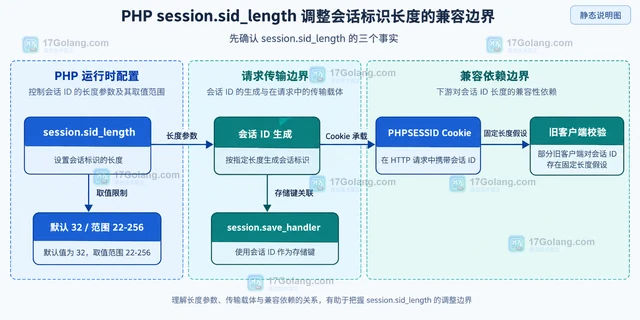
- PHP session.sid_length 调整会话标识长度的兼容边界
- 403浏览 收藏
-
- 文章 · php教程 | 2天前 | 消息队列 · PHP · 异步任务 · PHP消息队列 失败重试 Symfony Messenger DelayStamp 异步传输
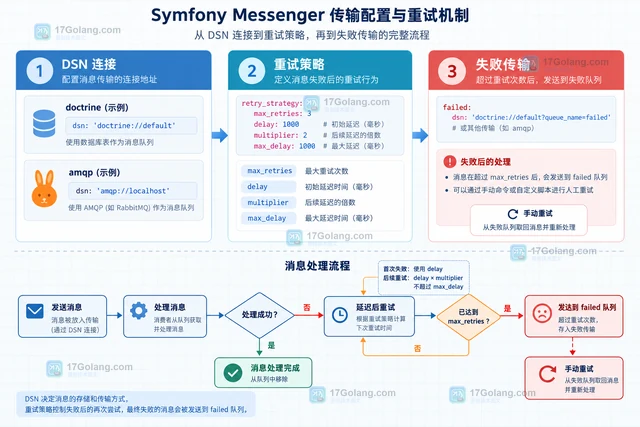
- Symfony Messenger 延迟消息的传输配置
- 301浏览 收藏
-
- 文章 · php教程 | 2天前 | 队列 · PHP · laravel · 工程实践 · 批处理 · Laravel 队列 失败重试 Job Batching queue:retry-batch
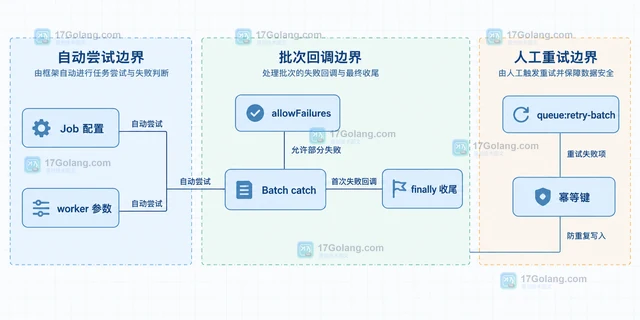
- Laravel 队列批处理的失败项重试边界
- 121浏览 收藏
-
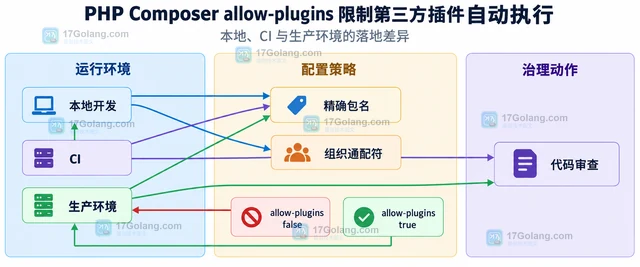
- 文章 · php教程 | 2天前 | 插件 · PHP · php 依赖管理 Composer allow-plugins
- PHP Composer allow-plugins 限制第三方插件自动执行
- 170浏览 收藏
-
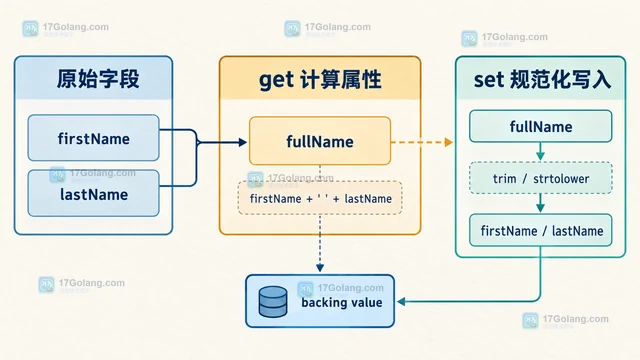
- 文章 · php教程 | 2天前 |
- PHP 属性钩子处理延迟计算字段的设计
- 311浏览 收藏
-
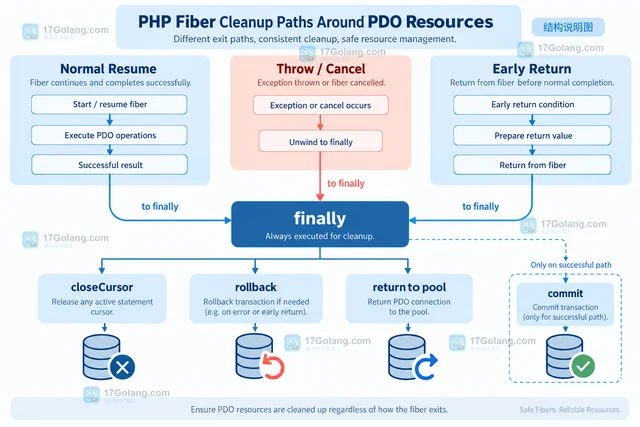
- 文章 · php教程 | 2天前 |
- PHP Fiber 与数据库异步封装的资源释放
- 153浏览 收藏
-

- 前端进阶之JavaScript设计模式
- 设计模式是开发人员在软件开发过程中面临一般问题时的解决方案,代表了最佳的实践。本课程的主打内容包括JS常见设计模式以及具体应用场景,打造一站式知识长龙服务,适合有JS基础的同学学习。
- 543次学习
-

- GO语言核心编程课程
- 本课程采用真实案例,全面具体可落地,从理论到实践,一步一步将GO核心编程技术、编程思想、底层实现融会贯通,使学习者贴近时代脉搏,做IT互联网时代的弄潮儿。
- 516次学习
-

- 简单聊聊mysql8与网络通信
- 如有问题加微信:Le-studyg;在课程中,我们将首先介绍MySQL8的新特性,包括性能优化、安全增强、新数据类型等,帮助学生快速熟悉MySQL8的最新功能。接着,我们将深入解析MySQL的网络通信机制,包括协议、连接管理、数据传输等,让
- 500次学习
-

- JavaScript正则表达式基础与实战
- 在任何一门编程语言中,正则表达式,都是一项重要的知识,它提供了高效的字符串匹配与捕获机制,可以极大的简化程序设计。
- 487次学习
-

- 从零制作响应式网站—Grid布局
- 本系列教程将展示从零制作一个假想的网络科技公司官网,分为导航,轮播,关于我们,成功案例,服务流程,团队介绍,数据部分,公司动态,底部信息等内容区块。网站整体采用CSSGrid布局,支持响应式,有流畅过渡和展现动画。
- 485次学习
-

- PubMedQA
- 深入了解PubMedQA生物医学问答数据集,涵盖其核心功能、使用方法及在临床决策、药物研发等场景的应用,助力提升NLP模型性能。
- 445次使用
-

- H2O EvalGPT
- H2O EvalGPT是H2O.ai推出的开源LLM评估平台,提供详细的大模型性能排行榜、行业特定基准测试及A/B测试功能,助您快速选择最适合项目的高性能大语言模型。
- 517次使用
-

- LMArena
- LMArena是加州大学伯克利分校推出的AI模型匿名评测平台。通过盲测投票机制,用户可对比不同大模型回答并生成实时排行榜,助力开发者优化模型及用户选择最佳AI工具。
- 532次使用
-

- HELM
- 深入了解斯坦福推出的HELM(Holistic Evaluation of Language Models)大模型评测体系。本文解析其核心功能、安装配置步骤及应用场景,涵盖准确性、公平性、鲁棒性等多维度指标,助力开发者全面优化语言模型性能。
- 478次使用
-

- MMBench
- MMBench是由上海人工智能实验室等机构联合推出的多模态基准测试平台,提供细粒度能力评估、大规模数据集及VLMEvalKit工具。本文详细介绍其核心功能、安装使用方法及应用场景,助力开发者全面评估多模态模型性能。
- 301次使用
-
- PHP JSON_THROW_ON_ERROR 抛错后怎么保留原始字段位置
- 2026-09-09 501浏览
-
- PHP 8.5 array_last() 怎么处理空数组:从 null 结果到兼容旧版本的 Polyfill
- 2026-08-16 501浏览
-
- 宝塔配置Ruby环境:RVM+Nginx反代教程
- 2026-05-29 501浏览
-
- unset函数作用范围详解
- 2026-05-29 501浏览
-
- VS Code配置Xdebug教程:PHP调试技巧全解析
- 2026-05-13 501浏览


