PHP视频采集技术解析与实现方法
想要用PHP实现视频采集功能吗?本文将详细解析PHP视频采集的关键实现方法,助你轻松构建视频抓取功能。首先,利用cURL模拟浏览器行为,抓取视频页面内容,通过设置User-Agent等HTTP头部信息,有效绕过反爬机制。其次,使用DOMDocument和XPath解析HTML,精准定位视频元素或包含视频元数据的script标签,提取有效的.mp4或.m3u8等格式的视频URL。此外,本文还将介绍如何利用fopen和file_put_contents高效下载大文件,以及如何运用正则表达式从JavaScript中提取混淆的视频URL。掌握这些技巧,你就能轻松实现高效、稳定的PHP视频采集功能。
Use cURL to fetch video page content by initializing a session, setting the URL, enabling return transfer, executing the request, and closing the session. 2. Parse HTML with DOMDocument and XPath to locate video elements or script tags containing metadata, then extract valid video URLs in formats like .mp4 or .m3u8. 3. Handle HTTP headers and user-agent spoofing by setting browser-like headers and managing cookies to bypass bot detection. 4. Download the video using fopen and file_put_contents with stream copying to efficiently save large files while minimizing memory use. 5. Apply regular expressions to extract obfuscated video URLs from JavaScript, validate them via headers, and filter out inaccessible links before downloading.
If you are trying to build a video scraping feature with PHP, it's essential to understand the technical steps involved in fetching and processing video content from external sources. Here are the methods to achieve this:
The operating environment of this tutorial: Dell XPS 15, Windows 11
1. Use cURL to Fetch Video Page Content
This method involves retrieving the HTML content of a webpage that hosts the video. By analyzing the source code, you can locate the direct video URL embedded within the page.
- Initialize a cURL session using curl_init() in PHP
- Set the target URL with curl_setopt($ch, CURLOPT_URL, "video_page_url")
- Enable return transfer so the output is captured as a string: curl_setopt($ch, CURLOPT_RETURNTRANSFER, true)
- Execute the request and store the HTML response in a variable using curl_exec($ch)
- Close the cURL session with curl_close($ch)
2. Parse HTML with DOMDocument and XPath
Once the page content is retrieved, you need to extract the actual video link. This technique uses PHP’s built-in DOM parsing tools to search for video elements like
- Create a new DOMDocument instance and load the fetched HTML
- Use DOMXPath to query elements such as //video/source/@src or //script[contains(.,'manifest')]
- Extract the video URL from the attribute or JSON string found in the script tag
- Apply filters to ensure only valid .mp4, .m3u8, or .webm links are selected
3. Handle HTTP Headers and User-Agent Spoofing
Some websites block requests that appear non-browser-like. To bypass basic bot detection, simulate a real browser by setting proper headers.
- Add headers such as User-Agent, Accept-Language, and Referer using curl_setopt($ch, CURLOPT_HTTPHEADER, [...])
- Use a common browser signature like: Mozilla/5.0 (Windows NT 10.0; Win64; x64) AppleWebKit/537.36
- Enable cookie handling with CURLOPT_COOKIEJAR and CURLOPT_COOKIEFILE to maintain session state if needed
4. Download Video Using file_put_contents and fopen
After obtaining the direct video URL, save it locally using PHP's stream-enabled file functions. This works well for smaller files or when memory usage must be minimized.
- Open a read stream to the video URL using fopen($videoUrl, 'r')
- Open a write stream to a local file path using fopen($localPath, 'w')
- Copy data in chunks with stream_copy_to_stream() to avoid memory overflow
- Close both streams after completion
5. Integrate Regular Expressions for Dynamic URL Extraction
In cases where video URLs are obfuscated or embedded in JavaScript, regex can help extract patterns matching known formats such as HLS (.m3u8) or MPD (.mpd) manifests.
- Use preg_match_all() with a pattern like '/https?:\/\/[^\s]*\.m3u8/i' to find streaming playlists
- Analyze matched results and validate them using get_headers() to confirm accessibility
- Filter out invalid or expired links before proceeding to download
以上就是本文的全部内容了,是否有顺利帮助你解决问题?若是能给你带来学习上的帮助,请大家多多支持golang学习网!更多关于文章的相关知识,也可关注golang学习网公众号。
 交管12123查违章照片步骤详解
- 上一篇
- 交管12123查违章照片步骤详解

- 下一篇
- DeepSeek官网入口与访问教程
-
- 文章 · php教程 | 49分钟前 |
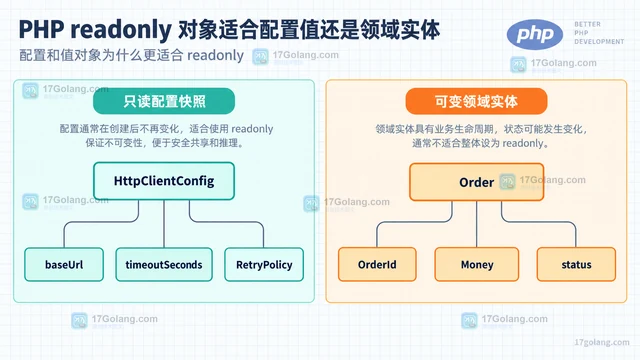
- PHP readonly 对象适合配置值还是领域实体
- 178浏览 收藏
-
- 文章 · php教程 | 3小时前 | PHP · php-fpm · PHP OPcache opcache_reset validate_timestamps revalidate_freq opcache_invalidate
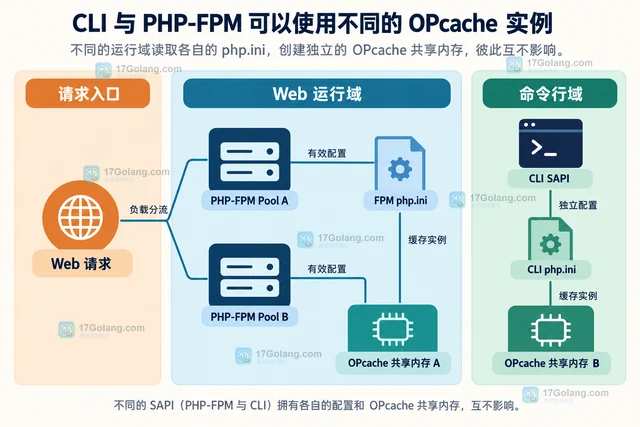
- OPcache 更新代码后仍命中旧脚本,该检查哪些配置
- 382浏览 收藏
-
- 文章 · php教程 | 9小时前 |
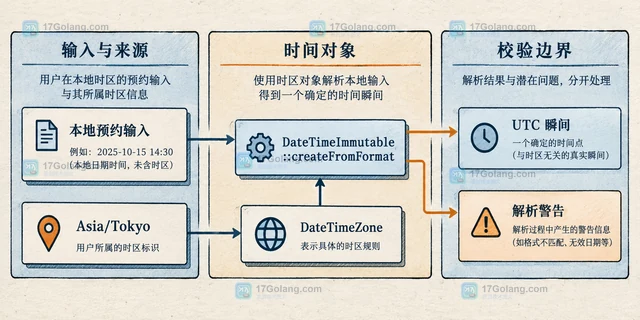
- PHP DateTimeImmutable 处理跨时区预约的正确方式
- 448浏览 收藏
-
- 文章 · php教程 | 1天前 |
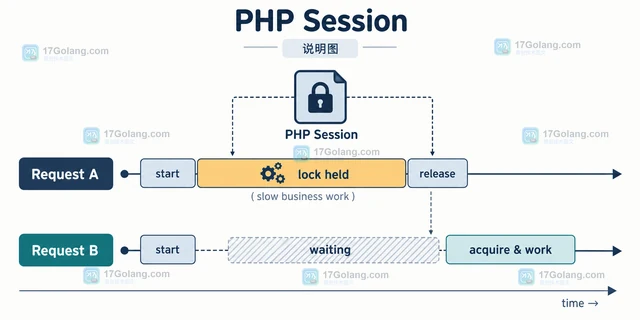
- PHP Session 锁为什么会阻塞并发请求,怎样缩短持锁时间
- 305浏览 收藏
-
- 文章 · php教程 | 1天前 | PHP ·
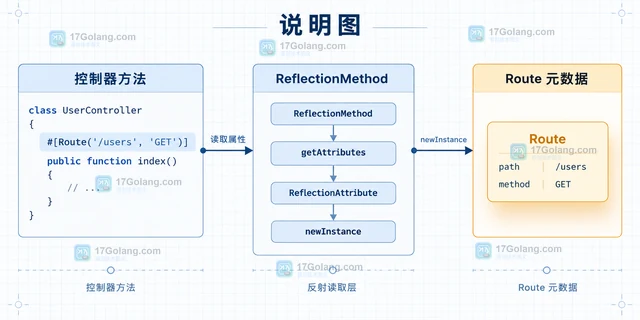
- PHP Attribute 做路由元数据:读取、缓存与冲突处理
- 413浏览 收藏
-
- 文章 · php教程 | 1天前 |
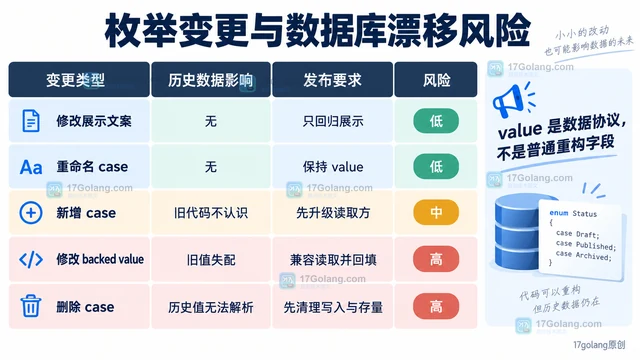
- PHP 枚举承载业务状态时怎样避免数据库值漂移
- 135浏览 收藏
-
- 文章 · php教程 | 1天前 | 协程 · 异常处理 · php教程 · 异常恢复 PHP Fiber Fiber suspend Fiber resume Fiber throw 可暂停任务
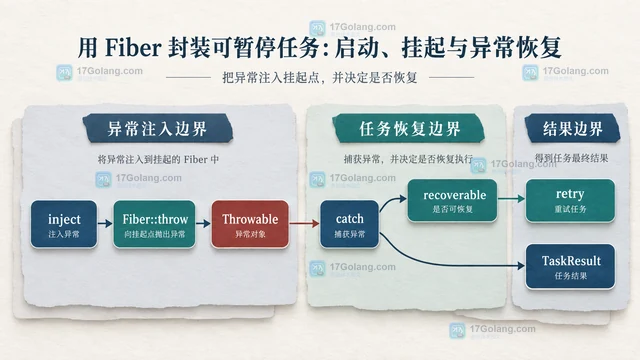
- 用 Fiber 封装可暂停任务:启动、挂起与异常恢复
- 246浏览 收藏
-
- 文章 · php教程 | 1天前 |
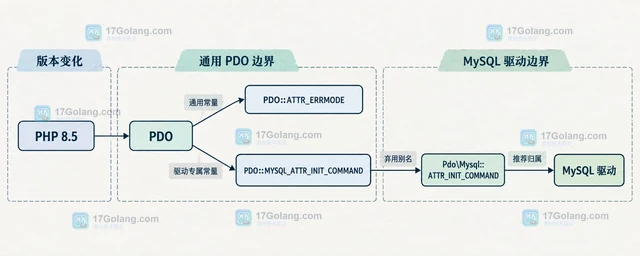
- PHP 8.5 迁移 PDO 驱动常量时要改哪些代码
- 162浏览 收藏
-
- 前端进阶之JavaScript设计模式
- 设计模式是开发人员在软件开发过程中面临一般问题时的解决方案,代表了最佳的实践。本课程的主打内容包括JS常见设计模式以及具体应用场景,打造一站式知识长龙服务,适合有JS基础的同学学习。
- 543次学习
-

- GO语言核心编程课程
- 本课程采用真实案例,全面具体可落地,从理论到实践,一步一步将GO核心编程技术、编程思想、底层实现融会贯通,使学习者贴近时代脉搏,做IT互联网时代的弄潮儿。
- 516次学习
-

- 简单聊聊mysql8与网络通信
- 如有问题加微信:Le-studyg;在课程中,我们将首先介绍MySQL8的新特性,包括性能优化、安全增强、新数据类型等,帮助学生快速熟悉MySQL8的最新功能。接着,我们将深入解析MySQL的网络通信机制,包括协议、连接管理、数据传输等,让
- 500次学习
-
- JavaScript正则表达式基础与实战
- 在任何一门编程语言中,正则表达式,都是一项重要的知识,它提供了高效的字符串匹配与捕获机制,可以极大的简化程序设计。
- 487次学习
-

- 从零制作响应式网站—Grid布局
- 本系列教程将展示从零制作一个假想的网络科技公司官网,分为导航,轮播,关于我们,成功案例,服务流程,团队介绍,数据部分,公司动态,底部信息等内容区块。网站整体采用CSSGrid布局,支持响应式,有流畅过渡和展现动画。
- 485次学习
-
- PubMedQA
- 深入了解PubMedQA生物医学问答数据集,涵盖其核心功能、使用方法及在临床决策、药物研发等场景的应用,助力提升NLP模型性能。
- 381次使用
-
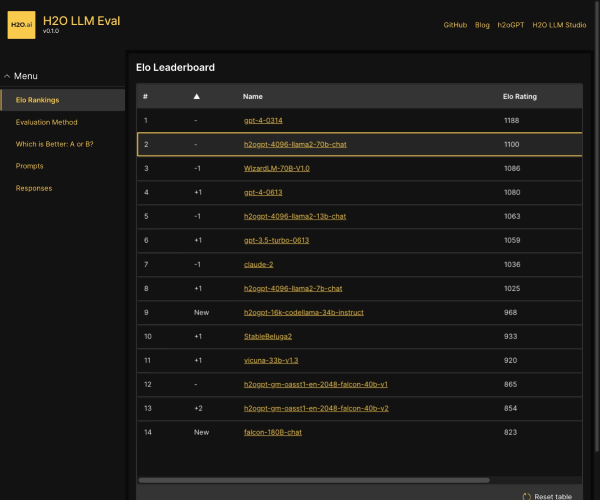
- H2O EvalGPT
- H2O EvalGPT是H2O.ai推出的开源LLM评估平台,提供详细的大模型性能排行榜、行业特定基准测试及A/B测试功能,助您快速选择最适合项目的高性能大语言模型。
- 451次使用
-

- LMArena
- LMArena是加州大学伯克利分校推出的AI模型匿名评测平台。通过盲测投票机制,用户可对比不同大模型回答并生成实时排行榜,助力开发者优化模型及用户选择最佳AI工具。
- 462次使用
-
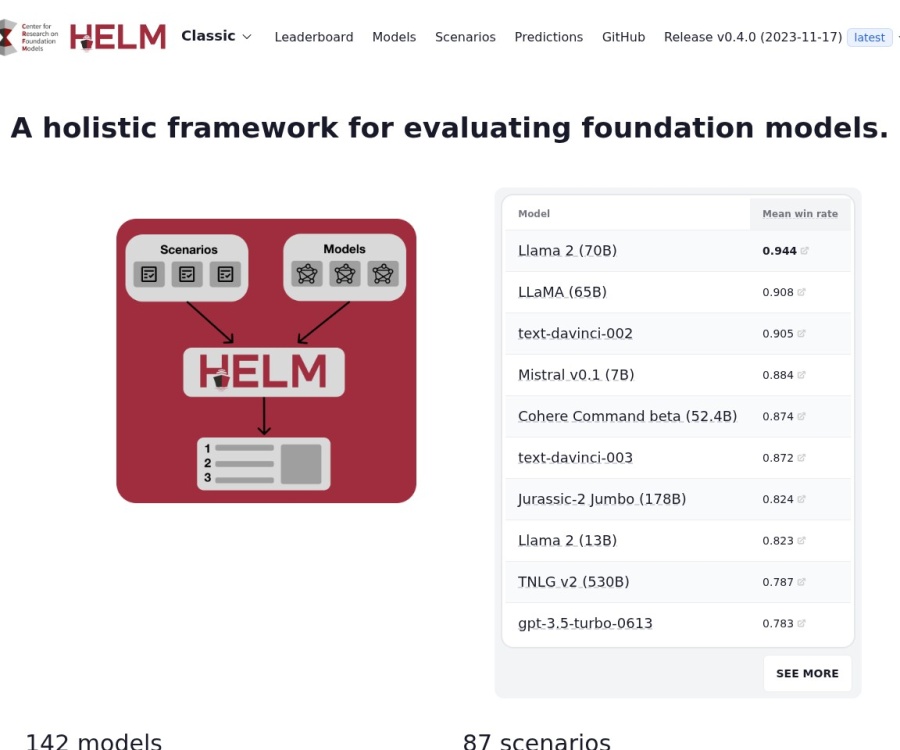
- HELM
- 深入了解斯坦福推出的HELM(Holistic Evaluation of Language Models)大模型评测体系。本文解析其核心功能、安装配置步骤及应用场景,涵盖准确性、公平性、鲁棒性等多维度指标,助力开发者全面优化语言模型性能。
- 403次使用
-

- MMBench
- MMBench是由上海人工智能实验室等机构联合推出的多模态基准测试平台,提供细粒度能力评估、大规模数据集及VLMEvalKit工具。本文详细介绍其核心功能、安装使用方法及应用场景,助力开发者全面评估多模态模型性能。
- 232次使用
-
- PHP JSON_THROW_ON_ERROR 抛错后怎么保留原始字段位置
- 2026-09-09 501浏览
-
- PHP 8.5 array_last() 怎么处理空数组:从 null 结果到兼容旧版本的 Polyfill
- 2026-08-16 501浏览
-
- 宝塔配置Ruby环境:RVM+Nginx反代教程
- 2026-05-29 501浏览
-
- unset函数作用范围详解
- 2026-05-29 501浏览
-
- VS Code配置Xdebug教程:PHP调试技巧全解析
- 2026-05-13 501浏览