
Linux下dircolors设置教程与实例解析
想让你的Linux终端更加个性化吗?本文将详细介绍如何在Linux系统下使用`dircolors`命令自定义`ls`命令的颜色显示方案。`dircolors`命令允许你根据文件类型、权限等属性,为`ls`命令的输出结果设置不同的颜色,从而更清晰地识别文件。本文将深入讲解`dircolors`命令的语法、参数,并通过实例演示如何查看默认配置、修改配置文件,以及如何将配置应用到你的shell环境中。掌握`dircolors`命令,让你的文件管理更加高效便捷,打造专属的Linux使用体验。

Linux dircolors命令
Linux dircolors命令用于配置 ls 命令在显示目录或文件时所使用的颜色。
dircolors可以根据[颜色配置文件]来设定LS_COLORS环境变量,或者输出用于设置该变量的shell命令。
语法
dircolors [颜色配置文件]或
dircolors [-bcp][--help][--version]参数说明:
- -b或--sh或--bourne-shell 输出适用于Bourne shell中设置LS_COLORS的命令。
- -c或--csh或--c-shell 输出适用于C shell中设置LS_COLORS的命令。
- -p或--print-database 显示默认的配置信息。
- --help 显示帮助信息。
- --version 显示程序版本。
示例
查看默认配置值
# dircolors -p //显示默认值
# Configuration file for dircolors, a utility to help you set the
# LS_COLORS environment variable used by GNU ls with the --color option.
# Copyright (C) 1996, 1999-2008
# Free Software Foundation, Inc.
# Copying and distribution of this file, with or without modification,
# are permitted provided the copyright notice and this notice are preserved.
# The keywords COLOR, OPTIONS, and EIGHTBIT (honored by the
# slackware version of dircolors) are recognized but ignored.
# Below, there should be one TERM entry for each termtype that is colorizable
TERM Eterm
TERM ansi
TERM color-xterm
TERM con132x25
TERM con132x30
TERM con132x43
TERM con132x60
TERM con80x25
TERM con80x28
TERM xterm-debian
# Below are the color init strings for the basic file types. A color init
# string consists of one or more of the following numeric codes:
# Attribute codes:
# 00=none 01=bold 04=underscore 05=blink 07=reverse 08=concealed
# Text color codes:
# 30=black 31=red 32=green 33=yellow 34=blue 35=magenta 36=cyan 37=white
# Background color codes:
# 40=black 41=red 42=green 43=yellow 44=blue 45=magenta 46=cyan 47=white
#NORMAL 00 # no color code at all
#FILE 00 # regular file: use no color at all
RESET 0 # reset to “normal“ color
DIR 01;34 # directory
LINK 01;36 # symbolic link. (If you set this to 'target' instead of a
# numerical value, the color is as for the file pointed to.)
HARDLINK 44;37 # regular file with more than one link
FIFO 40;33 # pipe
SOCK 01;35 # socket
DOOR 01;35 # door
BLK 40;33;01 # block device driver
CHR 40;33;01 # character device driver
ORPHAN 40;31;01 # symlink to nonexistent file, or non-stat'able file
SETUID 37;41 # file that is setuid (u+s)
SETGID 30;43 # file that is setgid (g+s)
CAPABILITY 30;41 # file with capability
STICKY_OTHER_WRITABLE 30;42 # dir that is sticky and other-writable (+t,o+w)
OTHER_WRITABLE 34;42 # dir that is other-writable (o+w) and not sticky
STICKY 37;44 # dir with the sticky bit set (+t) and not other-writable
# This is for files with execute permission:
EXEC 01;32
# List any file extensions like '.gz' or '.tar' that you would like ls
# to colorize below. Put the extension, a space, and the color init string.
# (and any comments you want to add after a '#')
# If you use DOS-style suffixes, you may want to uncomment the following:
#.cmd 01;32 # executables (bright green)
#.exe 01;32
#.com 01;32
#.btm 01;32
#.bat 01;32
# Or if you want to colorize scripts even if they do not have the
# executable bit actually set.
#.sh 01;32
#.csh 01;32
# archives or compressed (bright red)
.tar 01;31
.pcx 01;35
.mov 01;35
.mpg 01;35
.mpeg 01;35
.m2v 01;35
.mkv 01;35
.ogm 01;35
.mp4 01;35
.m4v 01;35
.mp4v 01;35
.vob 01;35
.qt 01;35
.nuv 01;35
.wmv 01;35
.asf 01;35
.rm 01;35
.rmvb 01;35
.flc 01;35
.avi 01;35
.fli 01;35
.flv 01;35
.gl 01;35
.dl 01;35
.xcf 01;35
.xwd 01;35
.yuv 01;35
http://wiki.xiph.org/index.php/MIME_Types_and_File_Extensions
.axv 01;35
.anx 01;35
.ogv 01;35
.ogx 01;35
audio formats
.aac 00;36
.au 00;36
.flac 00;36
.mid 00;36
.midi 00;36
.mka 00;36
.mp3 00;36
.mpc 00;36
.ogg 00;36
.ra 00;36
.wav 00;36
http://wiki.xiph.org/index.php/MIME_Types_and_File_Extensions
.axa 00;36
.oga 00;36
.spx 00;36
.xspf 00;36
本篇关于《Linux下dircolors设置教程与实例解析》的介绍就到此结束啦,但是学无止境,想要了解学习更多关于文章的相关知识,请关注golang学习网公众号!
 Python异步编程怎么实现?asyncio入门教程
- 上一篇
- Python异步编程怎么实现?asyncio入门教程

- 下一篇
- SpringBoot异常处理技巧大全
-
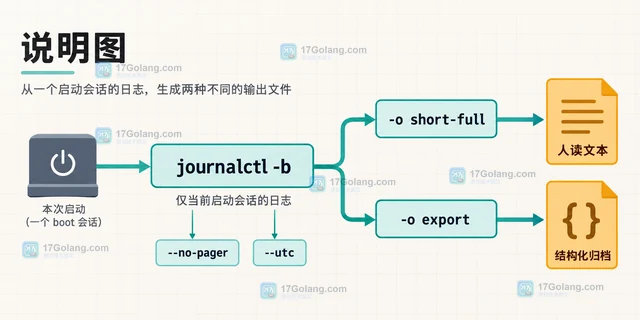
- 文章 · linux | 1天前 | Linux · 运维 · 日志排查 · journalctl 启动日志 Boot ID --list-boots systemd日志导出
- journalctl 按启动会话筛选并导出日志
- 369浏览 收藏
-
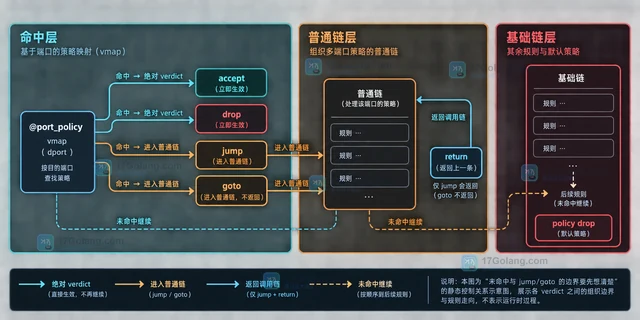
- 文章 · linux | 1天前 | Linux · Linux防火墙 nftables verdict map 多端口策略
- nftables verdict map 组织多端口策略的规则设计
- 475浏览 收藏
-
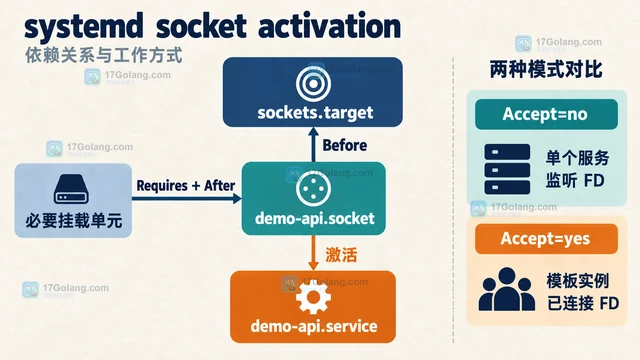
- 文章 · linux | 1天前 | 权限控制 · 服务管理 · systemd socket激活 systemd.socket ListenStream Accept
- systemd socket 激活服务的依赖与监听配置
- 229浏览 收藏
-
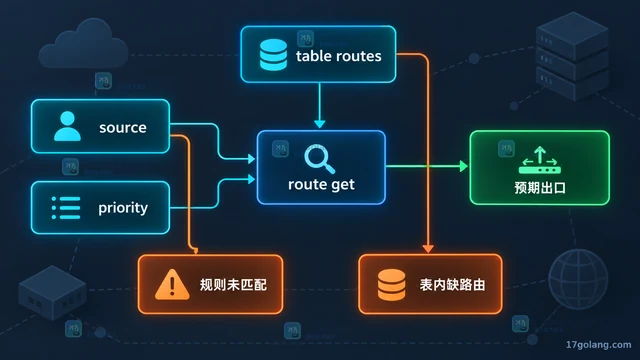
- 文章 · linux | 2天前 |
- Linux ip rule 怎么按来源地址选择路由表
- 347浏览 收藏
-
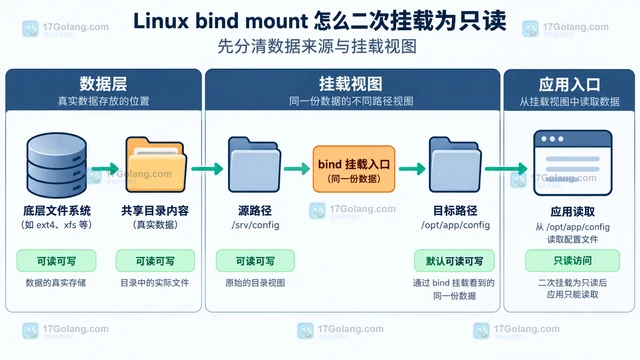
- 文章 · linux | 2天前 | Linux · 文件系统 · Linux mount bind mount remount
- Linux bind mount 怎么二次挂载为只读
- 116浏览 收藏
-
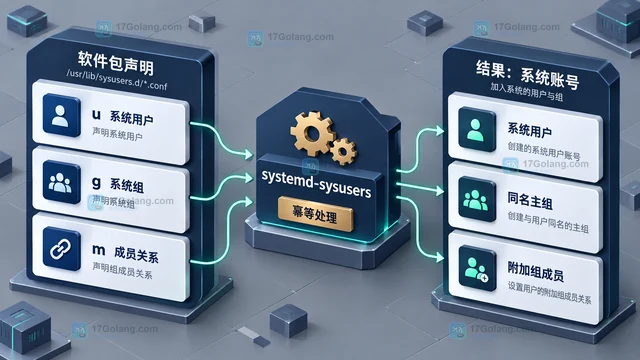
- 文章 · linux | 2天前 |
- systemd-sysusers 怎么声明软件包所需系统账号
- 150浏览 收藏
-
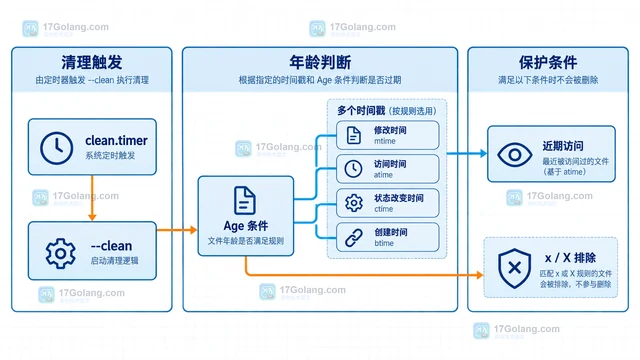
- 文章 · linux | 2天前 |
- systemd-tmpfiles 怎么按文件年龄自动清理目录
- 464浏览 收藏
-

- 前端进阶之JavaScript设计模式
- 设计模式是开发人员在软件开发过程中面临一般问题时的解决方案,代表了最佳的实践。本课程的主打内容包括JS常见设计模式以及具体应用场景,打造一站式知识长龙服务,适合有JS基础的同学学习。
- 543次学习
-

- GO语言核心编程课程
- 本课程采用真实案例,全面具体可落地,从理论到实践,一步一步将GO核心编程技术、编程思想、底层实现融会贯通,使学习者贴近时代脉搏,做IT互联网时代的弄潮儿。
- 516次学习
-

- 简单聊聊mysql8与网络通信
- 如有问题加微信:Le-studyg;在课程中,我们将首先介绍MySQL8的新特性,包括性能优化、安全增强、新数据类型等,帮助学生快速熟悉MySQL8的最新功能。接着,我们将深入解析MySQL的网络通信机制,包括协议、连接管理、数据传输等,让
- 500次学习
-

- JavaScript正则表达式基础与实战
- 在任何一门编程语言中,正则表达式,都是一项重要的知识,它提供了高效的字符串匹配与捕获机制,可以极大的简化程序设计。
- 487次学习
-

- 从零制作响应式网站—Grid布局
- 本系列教程将展示从零制作一个假想的网络科技公司官网,分为导航,轮播,关于我们,成功案例,服务流程,团队介绍,数据部分,公司动态,底部信息等内容区块。网站整体采用CSSGrid布局,支持响应式,有流畅过渡和展现动画。
- 485次学习
-

- PubMedQA
- 深入了解PubMedQA生物医学问答数据集,涵盖其核心功能、使用方法及在临床决策、药物研发等场景的应用,助力提升NLP模型性能。
- 264次使用
-

- H2O EvalGPT
- H2O EvalGPT是H2O.ai推出的开源LLM评估平台,提供详细的大模型性能排行榜、行业特定基准测试及A/B测试功能,助您快速选择最适合项目的高性能大语言模型。
- 316次使用
-

- LMArena
- LMArena是加州大学伯克利分校推出的AI模型匿名评测平台。通过盲测投票机制,用户可对比不同大模型回答并生成实时排行榜,助力开发者优化模型及用户选择最佳AI工具。
- 300次使用
-

- HELM
- 深入了解斯坦福推出的HELM(Holistic Evaluation of Language Models)大模型评测体系。本文解析其核心功能、安装配置步骤及应用场景,涵盖准确性、公平性、鲁棒性等多维度指标,助力开发者全面优化语言模型性能。
- 273次使用
-

- MMBench
- MMBench是由上海人工智能实验室等机构联合推出的多模态基准测试平台,提供细粒度能力评估、大规模数据集及VLMEvalKit工具。本文详细介绍其核心功能、安装使用方法及应用场景,助力开发者全面评估多模态模型性能。
- 93次使用
-
- Linux vmstat 如何分辨内存抖动与磁盘等待:si、so、wa 与复测顺序
- 2026-08-30 501浏览
-
- Linux搭建vsftpdFTP服务器教程
- 2026-04-30 501浏览
-
- Shell脚本安装教程:.sh一键安装指南
- 2026-03-16 501浏览
-
- Linux清空文件内容的几种方法
- 2025-12-01 501浏览
-
- Linux命令行下载文件技巧
- 2025-11-23 501浏览