自动化每日Arxiv纸摘要和松弛通知
在文章实战开发的过程中,我们经常会遇到一些这样那样的问题,然后要卡好半天,等问题解决了才发现原来一些细节知识点还是没有掌握好。今天golang学习网就整理分享《自动化每日Arxiv纸摘要和松弛通知》,聊聊,希望可以帮助到正在努力赚钱的你。
This Python script automates the process of fetching daily arXiv papers, generating summaries using Gemini, and posting them to a Slack channel. Let's improve the clarity and organization for better understanding.

This script retrieves papers from arXiv, summarizes them using generative AI (specifically, Google Gemini), and posts the summaries to a Slack channel.
I. Python Code:
import datetime
import logging
import os
import time

import arxiv
import google.generativeai as genai
from slack_sdk import WebClient
from slack_sdk.errors import SlackApiError

# Configuration (best practice to use environment variables for sensitive data)
PAPER_TYPES = ["cs.ai", "cs.cy", "cs.ma"]
GEMINI_API_KEY = os.environ.get("GEMINI_API_KEY")
GEMINI_MODEL = "gemini-2.0-flash"
SLACK_BOT_TOKEN = os.environ.get("SLACK_BOT_TOKEN")
SLACK_CHANNEL = os.environ.get("SLACK_CHANNEL")
MAX_RESULTS = 30

# Logging setup (highly recommended for debugging and monitoring)
logging.basicConfig(level=logging.INFO, format='%(asctime)s - %(levelname)s - %(message)s')
logger = logging.getLogger(__name__)


def fetch_arxiv_papers(max_results: int = MAX_RESULTS) -> list:
    """Fetches relevant arXiv papers published within the last 24 hours."""
    query = " OR ".join([f"cat:{paper_type}" for paper_type in PAPER_TYPES])
    client = arxiv.Client()
    search = client.search(query=query, max_results=max_results, sort_by=arxiv.SortCriterion.SubmittedDate, sort_order=arxiv.SortOrder.Descending)
    papers = list(client.results(search))

    if not papers:
        logger.warning("No papers found.")
        return []

    latest_published = papers[0].published
    threshold = latest_published - datetime.timedelta(hours=24)
    filtered_papers = [paper for paper in papers if paper.published >= threshold]

    return [
        {
            "title": paper.title,
            "summary": paper.summary,
            "pdf_url": paper.pdf_url,
            "published": paper.published,
        } for paper in filtered_papers
    ]


def summarize_paper(abstract_text: str) -> str:
    """Generates a summary of the paper abstract using Google Gemini."""
    try:
        genai.configure(api_key=GEMINI_API_KEY)
        model = genai.GenerativeModel(GEMINI_MODEL)
        prompt = (
            "Summarize the following paper abstract concisely (under 300 characters) for beginners, "
            "including significance and results.  Output only the summary.\n---\n\n"
            f"{abstract_text}"
        )
        response = model.generate_content(prompt)
        return response.text.strip()
    except Exception as e:
        logger.error(f"Error summarizing paper: {e}")
        return "Error generating summary."


def post_to_slack(papers: list) -> None:
    """Posts the paper summaries to the specified Slack channel."""
    if not papers:
        return

    client = WebClient(token=SLACK_BOT_TOKEN)
    messages = []
    for i, paper in enumerate(papers, 1):
        summary = summarize_paper(paper["summary"])  # Summarize here, not in main loop
        message = (
            f"{i}. *{paper['title']}*\n\n"
            f"{summary}\n\n"
            f"PDF: {paper['pdf_url']}\n"
            f"Published: {paper['published']}\n"
            f"────────────────────────"
        )
        messages.append(message)

    all_messages = "\n".join(messages)

    try:
        result = client.chat_postMessage(channel=SLACK_CHANNEL, text=all_messages)
        logger.info(f"Slack message sent successfully: {result}")
    except SlackApiError as e:
        logger.error(f"Error posting to Slack: {e}")


def lambda_handler(event, context):
    """AWS Lambda handler function."""
    papers = fetch_arxiv_papers()
    post_to_slack(papers)
    return {
        'statusCode': 200,
        'body': "Successfully processed arXiv papers and posted to Slack."
    }
II. Local Setup and Deployment to AWS Lambda:
- Environment Setup: Use
pyenvto manage Python versions. Install Python 3.12. - Install Libraries: Create a folder (e.g.,
lambda_dependencies), then install required libraries:pip install arxiv google-generativeai slack_sdk -t lambda_dependencies
- Create Zip File: Zip the
lambda_dependenciesfolder:zip -r lambda_layer.zip lambda_dependencies/*
- Create AWS Lambda Layer: Upload
lambda_layer.zipas a new layer in AWS Lambda. Set architecture tox86_64and runtime toPython 3.12. - Create AWS Lambda Function: Upload the modified Python code (above) to a new Lambda function. Configure the function to use the created layer. Set environment variables (
GEMINI_API_KEY,SLACK_BOT_TOKEN,SLACK_CHANNEL). - Schedule with AWS EventBridge: Create an EventBridge rule with a cron expression (e.g.,
cron(30 6 * * ? *)for 6:30 AM UTC daily) and set the Lambda function as the target.
III. Important Considerations:
- Error Handling: The improved code includes more robust error handling using
try...exceptblocks and logging. This is crucial for reliable operation. - Rate Limiting: Be mindful of API rate limits for both arXiv and Gemini. The code includes a small delay (
time.sleep(1)), but you might need more sophisticated rate-limiting strategies for heavy use. - Security: Never hardcode API keys directly in your code. Always use environment variables.
- Logging: Comprehensive logging is essential for debugging and monitoring the function's execution.
- Testing: Thoroughly test your code locally before deploying it to AWS Lambda.
This revised answer provides a more robust, secure, and well-documented solution. Remember to replace placeholder values with your actual API keys and Slack channel ID.
以上就是本文的全部内容了,是否有顺利帮助你解决问题?若是能给你带来学习上的帮助,请大家多多支持golang学习网!更多关于文章的相关知识,也可关注golang学习网公众号。
 华硕主板会损坏显卡金手指?别怕!后续补偿方案来了
- 上一篇
- 华硕主板会损坏显卡金手指?别怕!后续补偿方案来了
- 下一篇
- 必易微“开关控制电路及其开关控制方法和开关电源”专利公布
-
- 文章 · python教程 | 2小时前 | python · Python import很慢 -X importtime 模块级副作用 延迟导入 Python启动优化
- Python import 很慢怎么分析:模块级副作用与延迟导入
- 292浏览 收藏
-
- 文章 · python教程 | 4小时前 | python · 异步编程 · Python asyncio contextvars request_id
- contextvars 在异步请求链中传递追踪信息
- 393浏览 收藏
-
- 文章 · python教程 | 12小时前 | 并发 · 异常处理 · python · asyncio · CancelledError 结构化并发 ExceptionGroup Python asyncio TaskGroup asyncio gather
- asyncio TaskGroup 让并发任务在首错时一起收敛
- 246浏览 收藏
-
- 文章 · python教程 | 14小时前 |
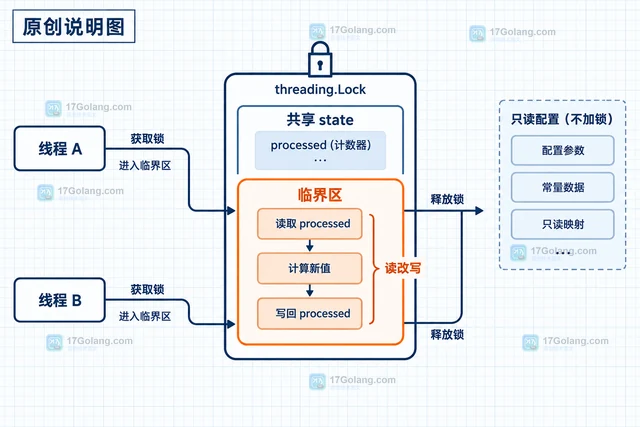
- Python 3.14 自由线程程序怎样显式保护共享状态
- 337浏览 收藏
-
- 文章 · python教程 | 17小时前 | 标准库 · Python教程 · Python Traversable importlib.resources 包内资源
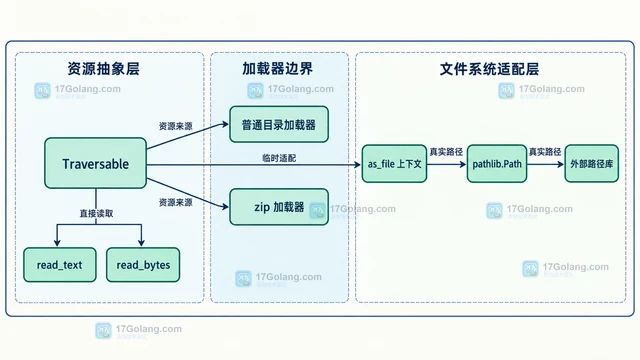
- Python importlib.resources Traversable 怎么读取包内目录
- 359浏览 收藏
-
- 文章 · python教程 | 20小时前 | 时区 · python · Python zoneinfo reset_tzpath TZPATH 自定义时区库 ZoneInfo缓存
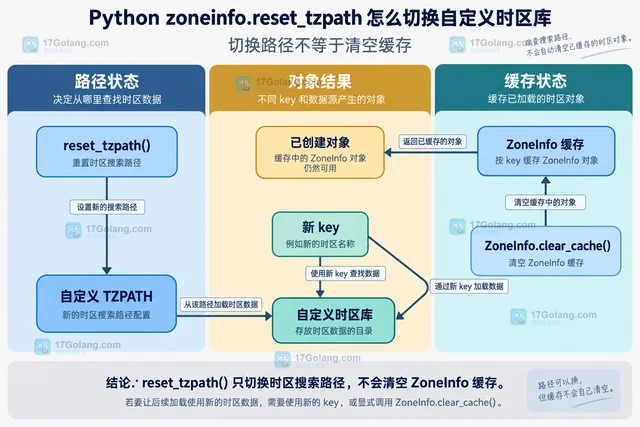
- Python zoneinfo.reset_tzpath 怎么切换自定义时区库
- 176浏览 收藏
-
- 文章 · python教程 | 22小时前 | Python教程 · Python 并行执行 全局状态 InterpreterPoolExecutor
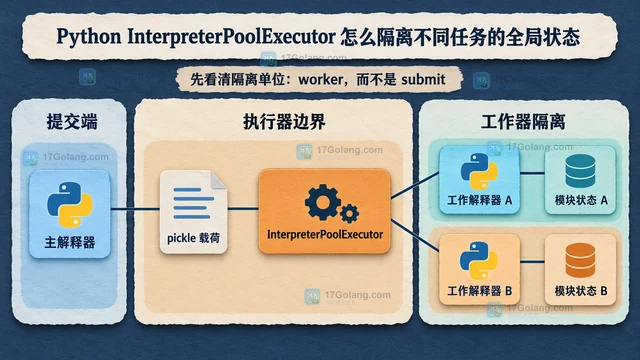
- Python InterpreterPoolExecutor 怎么隔离不同任务的全局状态
- 130浏览 收藏
-
- 文章 · python教程 | 1天前 |
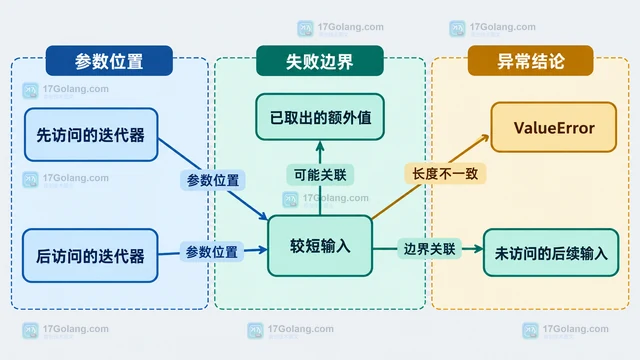
- Python zip strict=True 在第几次迭代发现长度不一致
- 437浏览 收藏
-
- 前端进阶之JavaScript设计模式
- 设计模式是开发人员在软件开发过程中面临一般问题时的解决方案,代表了最佳的实践。本课程的主打内容包括JS常见设计模式以及具体应用场景,打造一站式知识长龙服务,适合有JS基础的同学学习。
- 543次学习
-

- GO语言核心编程课程
- 本课程采用真实案例,全面具体可落地,从理论到实践,一步一步将GO核心编程技术、编程思想、底层实现融会贯通,使学习者贴近时代脉搏,做IT互联网时代的弄潮儿。
- 516次学习
-
- 简单聊聊mysql8与网络通信
- 如有问题加微信:Le-studyg;在课程中,我们将首先介绍MySQL8的新特性,包括性能优化、安全增强、新数据类型等,帮助学生快速熟悉MySQL8的最新功能。接着,我们将深入解析MySQL的网络通信机制,包括协议、连接管理、数据传输等,让
- 500次学习
-
- JavaScript正则表达式基础与实战
- 在任何一门编程语言中,正则表达式,都是一项重要的知识,它提供了高效的字符串匹配与捕获机制,可以极大的简化程序设计。
- 487次学习
-

- 从零制作响应式网站—Grid布局
- 本系列教程将展示从零制作一个假想的网络科技公司官网,分为导航,轮播,关于我们,成功案例,服务流程,团队介绍,数据部分,公司动态,底部信息等内容区块。网站整体采用CSSGrid布局,支持响应式,有流畅过渡和展现动画。
- 485次学习
-
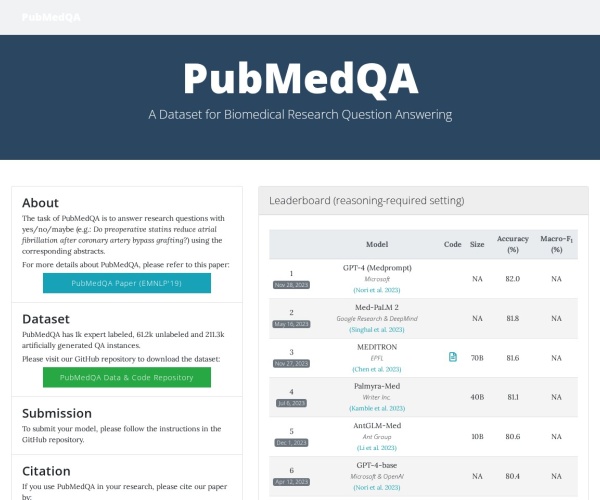
- PubMedQA
- 深入了解PubMedQA生物医学问答数据集,涵盖其核心功能、使用方法及在临床决策、药物研发等场景的应用,助力提升NLP模型性能。
- 365次使用
-
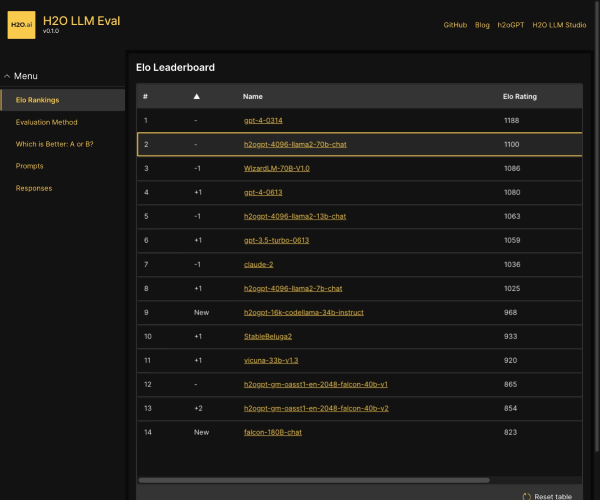
- H2O EvalGPT
- H2O EvalGPT是H2O.ai推出的开源LLM评估平台,提供详细的大模型性能排行榜、行业特定基准测试及A/B测试功能,助您快速选择最适合项目的高性能大语言模型。
- 424次使用
-

- LMArena
- LMArena是加州大学伯克利分校推出的AI模型匿名评测平台。通过盲测投票机制,用户可对比不同大模型回答并生成实时排行榜,助力开发者优化模型及用户选择最佳AI工具。
- 437次使用
-
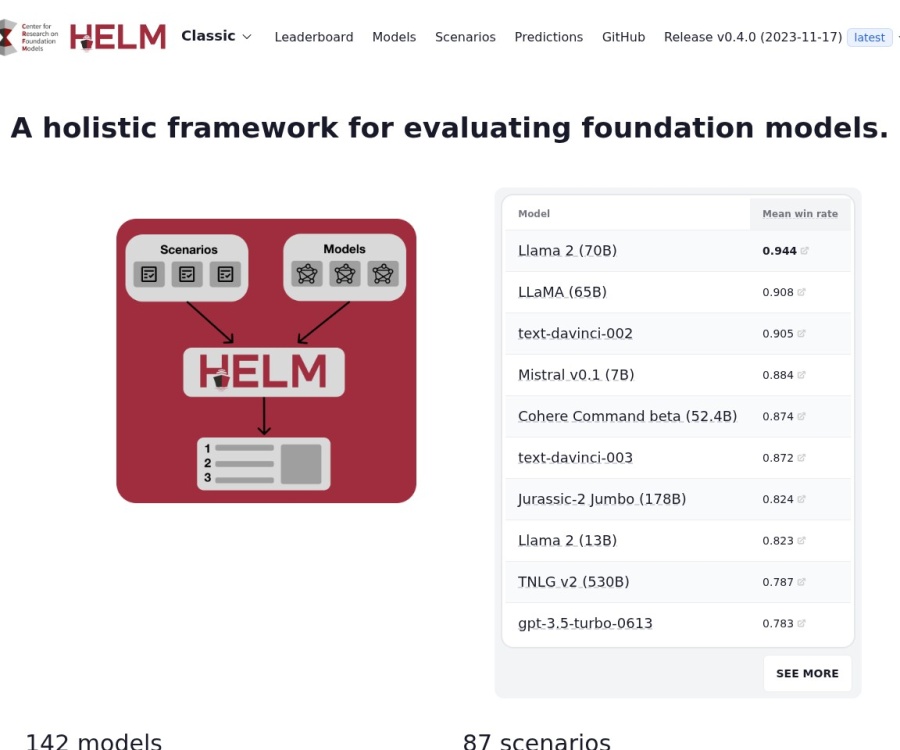
- HELM
- 深入了解斯坦福推出的HELM(Holistic Evaluation of Language Models)大模型评测体系。本文解析其核心功能、安装配置步骤及应用场景,涵盖准确性、公平性、鲁棒性等多维度指标,助力开发者全面优化语言模型性能。
- 387次使用
-

- MMBench
- MMBench是由上海人工智能实验室等机构联合推出的多模态基准测试平台,提供细粒度能力评估、大规模数据集及VLMEvalKit工具。本文详细介绍其核心功能、安装使用方法及应用场景,助力开发者全面评估多模态模型性能。
- 214次使用
-
- Python sqlite3 Connection serialize 怎么导出数据库快照:备份窗口、内存占用与恢复校验
- 2026-08-26 501浏览
-
- Python监控网页状态:requests异常处理实战
- 2026-05-29 501浏览
-
- TensorFlow模型部署为API的TF Serving方法
- 2026-05-26 501浏览
-
- Python字符串编码转换:encode与decode详解
- 2026-05-16 501浏览
-
- TensorFlow裁剪无用算子方法详解
- 2026-05-15 501浏览