
解析配置文件在 Go 中
来源:stackoverflow
2024-03-25 08:03:27
0浏览
收藏
**文章摘要:** 在 Go 中使用 viper 库读取 JSON 配置文件时,如果配置文件中嵌套的结构体(如 alerts)使用 map[string]string 或 alerts 作为 JSON 结构,而不是使用 mapstructure 标签,则解组后会打印为空配置。这是因为 viper 使用 mapstructur 包进行解组,而不是使用 JSON 标签。
问题内容
我正在尝试使用 viper 库读取 json 文件中的配置
//config.json
    {
        "currency": {
            "btc": [{
                "api_endpoint": "api.blockcypher.com/v1/btc/main/addrs/$address/balance",
                "balance_threshold": 234234.34,
                "wallet_address": "0xsdrsdf",
                "alerts":{
                    "slack": "put slack config here",
                    "sms": "put sms config here"
                },
                "enable_monitoring": true
            }],
            "eth": [{
                "api_endpoint": "some endpoint",
                "balance_threshold" : 2234234.234,
                "wallet_address": "0xsdrsdf",
                "alerts":{
                    "slack": "put slack config here",
                    "sms": "put sms config here"
                },
                "enable_monitoring": true
            }]
        }
    }
和 config.go 像这样
func getconfig() {
        viper.setconfigname("config") // name of config file (without extension)
        viper.setconfigtype("json")   // required if the config file does not have the extension in the name
        viper.addconfigpath(".")      // path to look for the config file in
        viper.addconfigpath("$home/") // path to look for the config file in
        err := viper.readinconfig()   // find and read the config file
        if err != nil {               // handle errors reading the config file
            panic(fmt.errorf("fatal error config file: %s", err))
        }
        var config config
        viper.unmarshal(&config)
        fmt.println(viper.get("currency"))
        fmt.printf("config: %v\n", config["currency"])
    }

    type coreconfig struct {
        apiendpoint      string  `json:"api_endpoint"`
        balancethreshold float64 `json:"balance_threshold"`
        walletaddress    string  `json:"wallet_address"`
        enablemonitoring bool    `json:"enable_monitoring"`
        alerts           map[string]alerts
    }

    type alerts struct {
        sms   string `json:"sms"`
        slack string `json:"slack"`
    }

    type currencyconfig map[string][]coreconfig

    type config map[string]currencyconfig
输出打印为空配置
[map[btc:[map[alerts:[map[slack:put slack config here sms:put sms config here]] api_endpoint:api.blockcypher.com/v1/btc/main/addrs/$address/balance balance_threshold:234234 enable_monitoring:true wallet_address:0xsdrsdf]] eth:[map[alerts:[map[slack:put slack config here sms:put sms config here]] api_endpoint:some endpoint balance_threshold:2.234234e+06 enable_monitoring:true wallet_address:0xsdrsdf]]]] <= This shows that config file is read correctly

Config: map[] <= actual output
解决方案
仅在 coreconfig 结构中使用 map[string]string 或 alerts 作为 json 结构。
json 标签由 json 包使用,而不是由 viper 使用。 viper 使用 github.com/mitchellh/mapstructur 包进行解组,因此使用 mapstruct 标签。
type coreconfig struct {
    APIEndpoint      string  `mapstructure:"api_endpoint"`
    BalanceThreshold float64 `mapstructure:"balance_threshold"`
    WalletAddress    string  `mapstructure:"wallet_address"`
    EnableMonitoring bool    `mapstructure:"enable_monitoring"`
    Alerts           alerts
}
终于介绍完啦!小伙伴们,这篇关于《解析配置文件在 Go 中》的介绍应该让你收获多多了吧!欢迎大家收藏或分享给更多需要学习的朋友吧~golang学习网公众号也会发布Golang相关知识,快来关注吧!
版本声明
本文转载于:stackoverflow 如有侵犯,请联系study_golang@163.com删除
 分享PHP中用于过滤HTML标签的方法
- 上一篇
- 分享PHP中用于过滤HTML标签的方法
- 下一篇
- 将 Python 的基于键的排序代码转换为 GO 的键排序代码的方法
查看更多
最新文章
-
- Golang · Go问答 | 11小时前 |
- Go ColumnTypes 推断动态查询字段的安全用法
- 319浏览 收藏
-
- Golang · Go问答 | 12小时前 | Go问答 · Go 错误检查 database/sql Rows.Err
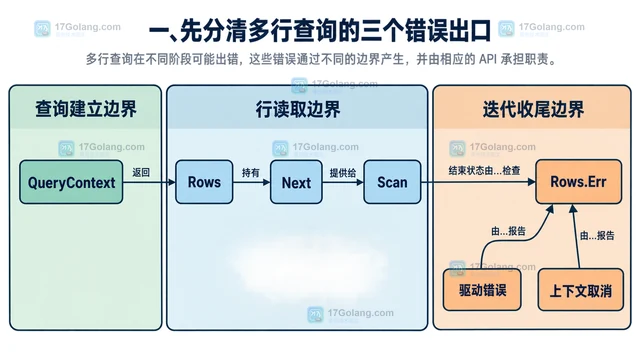
- Go Rows.Err 在迭代结束后的错误检查
- 266浏览 收藏
-
- Golang · Go问答 | 12小时前 |
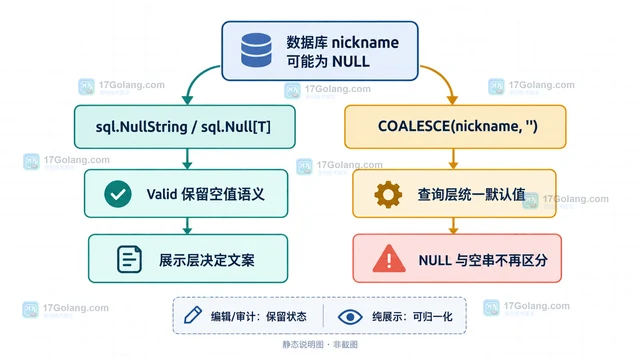
- Go sql.Scan NULL 到字符串失败的字段适配
- 388浏览 收藏
-
- Golang · Go问答 | 12小时前 |
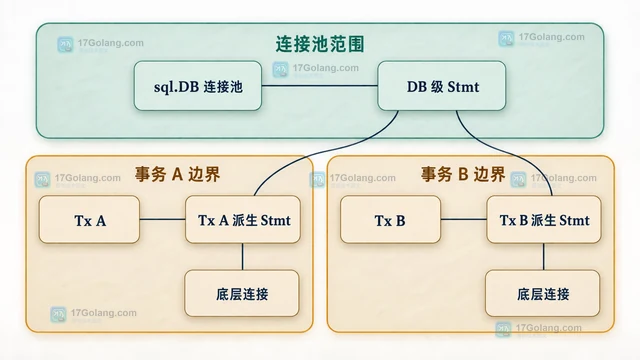
- Go Tx.Stmt 复用预处理语句的生命周期
- 154浏览 收藏
-
- Golang · Go问答 | 13小时前 |
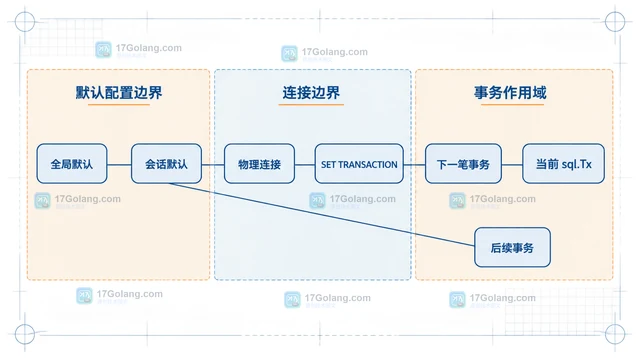
- Go 事务隔离级别设置未生效的驱动边界
- 165浏览 收藏
-
- Golang · Go问答 | 13小时前 |
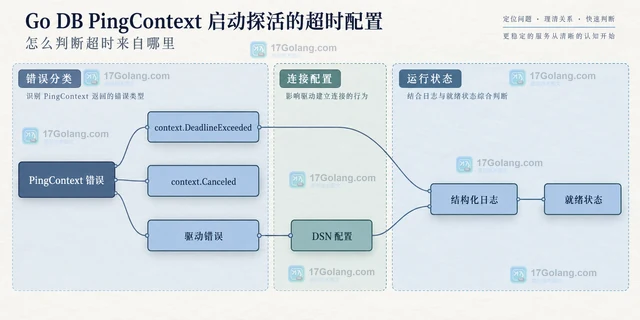
- Go DB PingContext 启动探活的超时配置
- 438浏览 收藏
-
- Golang · Go问答 | 14小时前 |
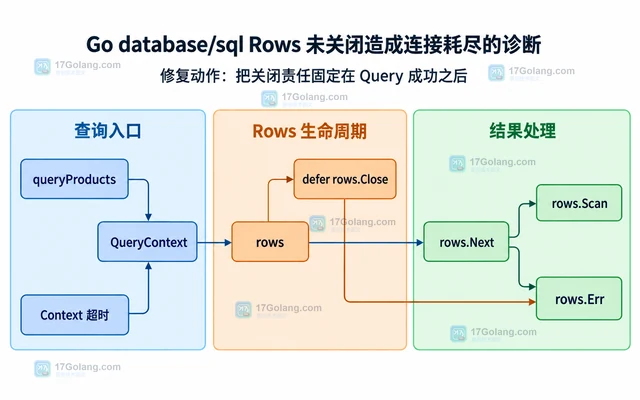
- Go database/sql Rows 未关闭造成连接耗尽的诊断
- 354浏览 收藏
-
- Golang · Go问答 | 14小时前 |
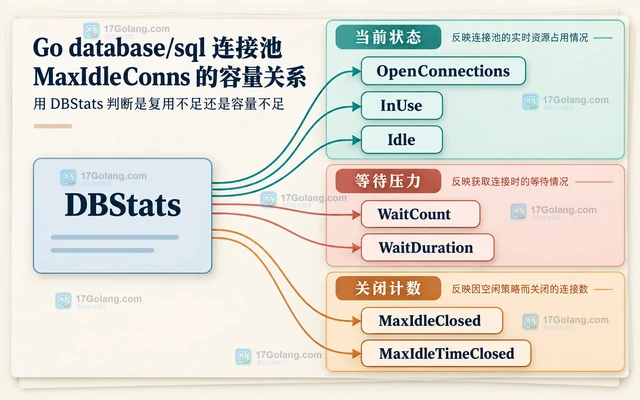
- Go database/sql 连接池 MaxIdleConns 的容量关系
- 478浏览 收藏
-
- Golang · Go问答 | 15小时前 |
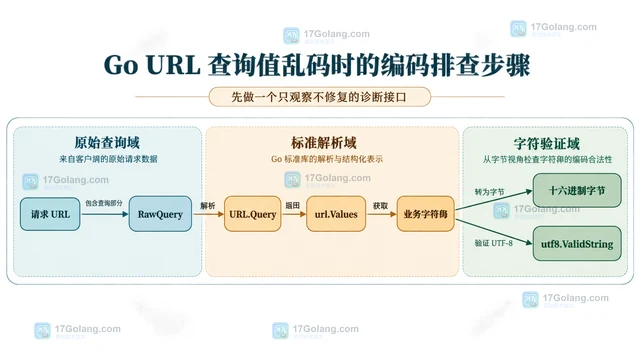
- Go URL 查询值乱码时的编码排查步骤
- 285浏览 收藏
-
- Golang · Go问答 | 15小时前 | Go问答 · Go URL路径 url.JoinPath PathEscape 双斜杠
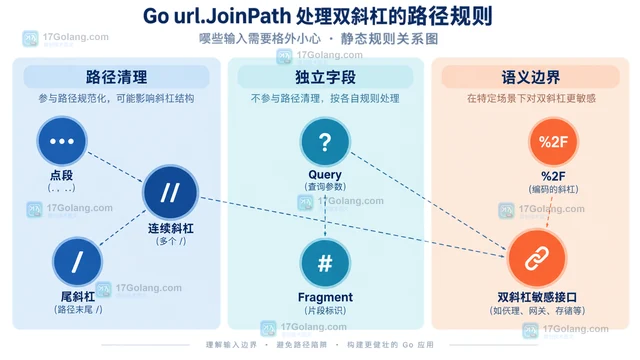
- Go url.JoinPath 处理双斜杠的路径规则
- 446浏览 收藏
查看更多
课程推荐
-
- 前端进阶之JavaScript设计模式
- 设计模式是开发人员在软件开发过程中面临一般问题时的解决方案,代表了最佳的实践。本课程的主打内容包括JS常见设计模式以及具体应用场景,打造一站式知识长龙服务,适合有JS基础的同学学习。
- 543次学习
-

- GO语言核心编程课程
- 本课程采用真实案例,全面具体可落地,从理论到实践,一步一步将GO核心编程技术、编程思想、底层实现融会贯通,使学习者贴近时代脉搏,做IT互联网时代的弄潮儿。
- 516次学习
-
- 简单聊聊mysql8与网络通信
- 如有问题加微信:Le-studyg;在课程中,我们将首先介绍MySQL8的新特性,包括性能优化、安全增强、新数据类型等,帮助学生快速熟悉MySQL8的最新功能。接着,我们将深入解析MySQL的网络通信机制,包括协议、连接管理、数据传输等,让
- 500次学习
-
- JavaScript正则表达式基础与实战
- 在任何一门编程语言中,正则表达式,都是一项重要的知识,它提供了高效的字符串匹配与捕获机制,可以极大的简化程序设计。
- 487次学习
-

- 从零制作响应式网站—Grid布局
- 本系列教程将展示从零制作一个假想的网络科技公司官网,分为导航,轮播,关于我们,成功案例,服务流程,团队介绍,数据部分,公司动态,底部信息等内容区块。网站整体采用CSSGrid布局,支持响应式,有流畅过渡和展现动画。
- 485次学习
查看更多
AI推荐
-
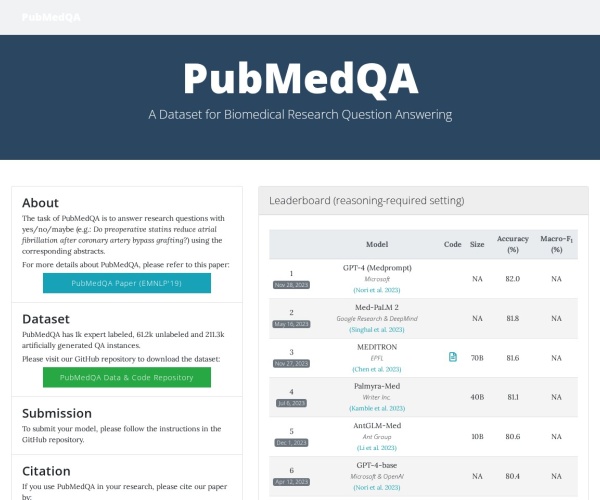
- PubMedQA
- 深入了解PubMedQA生物医学问答数据集,涵盖其核心功能、使用方法及在临床决策、药物研发等场景的应用,助力提升NLP模型性能。
- 263次使用
-
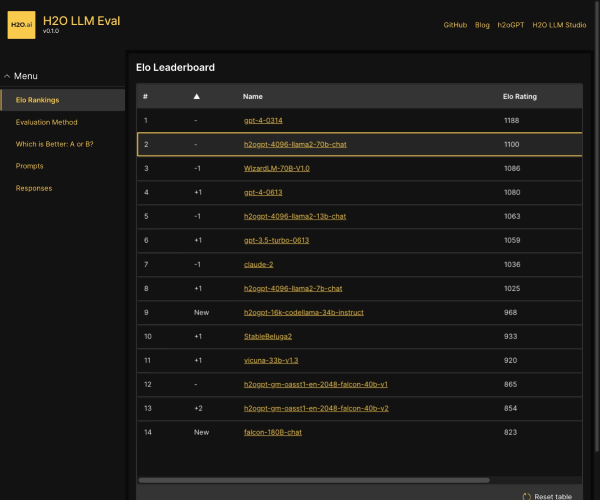
- H2O EvalGPT
- H2O EvalGPT是H2O.ai推出的开源LLM评估平台,提供详细的大模型性能排行榜、行业特定基准测试及A/B测试功能,助您快速选择最适合项目的高性能大语言模型。
- 312次使用
-

- LMArena
- LMArena是加州大学伯克利分校推出的AI模型匿名评测平台。通过盲测投票机制,用户可对比不同大模型回答并生成实时排行榜,助力开发者优化模型及用户选择最佳AI工具。
- 291次使用
-
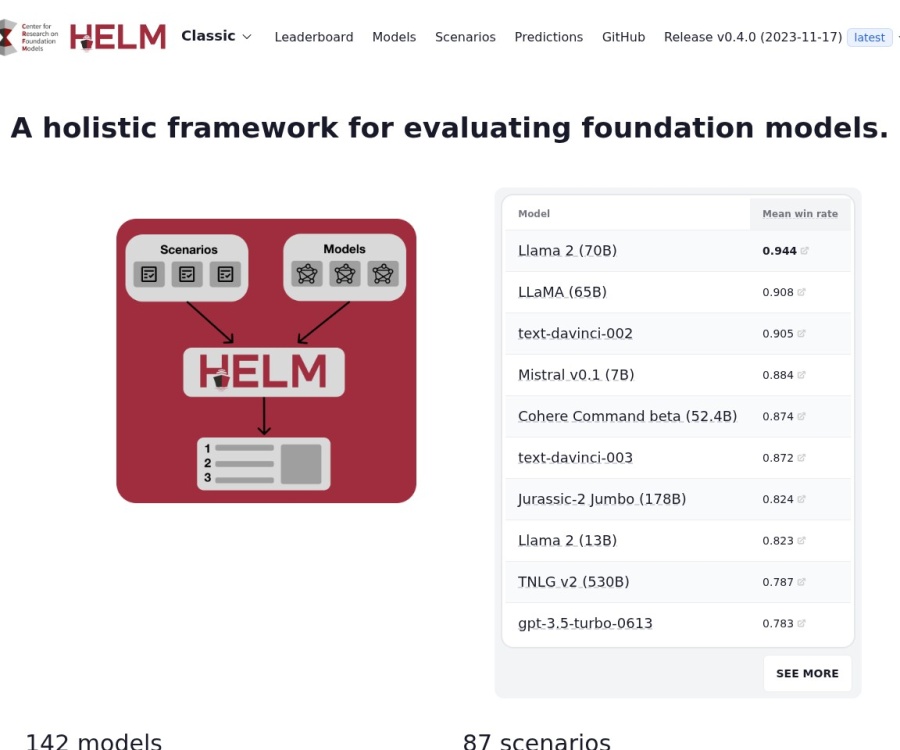
- HELM
- 深入了解斯坦福推出的HELM(Holistic Evaluation of Language Models)大模型评测体系。本文解析其核心功能、安装配置步骤及应用场景,涵盖准确性、公平性、鲁棒性等多维度指标,助力开发者全面优化语言模型性能。
- 269次使用
-

- MMBench
- MMBench是由上海人工智能实验室等机构联合推出的多模态基准测试平台,提供细粒度能力评估、大规模数据集及VLMEvalKit工具。本文详细介绍其核心功能、安装使用方法及应用场景,助力开发者全面评估多模态模型性能。
- 86次使用
查看更多
相关文章
-
- 用Nginx反向代理部署go写的网站。
- 2023-01-17 502浏览
-
- GoLand调式动态执行代码
- 2023-01-13 502浏览
-
- Go tls.GetCertificate 为什么收不到空 ServerName 请求
- 2026-09-27 501浏览
-
- Go sql.Tx提交成功前读取结果导致事务边界混乱的修复方法
- 2026-09-20 501浏览
-
- Go select 用 time.After 做超时有什么资源代价
- 2026-09-10 501浏览