
使用 Go 在形状边界上对像素进行排序
一分耕耘,一分收获!既然打开了这篇文章《使用 Go 在形状边界上对像素进行排序》,就坚持看下去吧!文中内容包含等等知识点...希望你能在阅读本文后,能真真实实学到知识或者帮你解决心中的疑惑,也欢迎大佬或者新人朋友们多留言评论,多给建议!谢谢!
我编写了这个小程序,它读取 png 文件,并查找图像中属于所描绘形状的边框一部分的任何像素的坐标(代码如下)。
我们在这里定义“边框的像素部分”为“每个在顶部、底部或一侧有一个白色像素的彩色像素”.
这个简单的算法找到形状的边界,并忽略构成形状填充的任何空(白色)像素和任何非空(彩色)像素。
我得到的是 point 的切片,其中包含所有这些像素的坐标,打印在屏幕上,但它们是根据找到它们的扫描过程自然排序的,从上到下,从左到右。
我想要实现的是对边界点进行排序,就像它们围绕形状绘制一条连续线一样,从遇到的第一个边界像素开始,并围绕形状按顺时针顺序前进。
对于像这样的正方形(抱歉,图像很小):
8x8 像素,在 10x10 像素的网格中,我得到这个坐标:
2,2
3,2
4,2
5,2
6,2
7,2
2,3
7,3
2,4
7,4
2,5
7,5
2,6
7,6
2,7
3,7
4,7
5,7
6,7
7,7
或者,以图形方式
但我真正想要的是这个(我已经手动排序了这些点):
2,2
3,2
4,2
5,2
6,2
7,2
7,3
7,4
7,5
7,6
7,7
6,7
5,7
4,7
3,7
2,7
2,6
2,5
2,4
2,3
或者,对于这个小 h 形状
我明白了:
2,2
3,2
6,2
7,2
2,3
3,3
6,3
7,3
2,4
4,4
5,4
7,4
2,5
4,5
5,5
7,5
2,6
3,6
6,6
7,6
2,7
3,7
6,7
7,7
但我想要这个(也是手动排序的):
2,2
3,2
3,3
4,4
5,4
6,3
6,2
7,2
7,3
7,4
7,5
7,6
7,7
6,7
6,6
5,5
4,5
3,6
3,7
2,7
2,6
2,5
2,4
2,3
我希望能够很好地说明我的情况。我试图自己思考解决方案,但我不知道如何解决这样的问题。如果您有直接的解决方案或想为我指出正确的方向,或者一些有关此类问题及其解决方案的阅读材料,我将非常感激。
抱歉我的英语不好。
这是我的代码:
package main

import (
    "fmt"
    "image"
    "image/png"
    "io"
    "os"
)

var (
    println = fmt.println
    printf  = fmt.printf
)

type pixel struct {
    r int
    g int
    b int
}

type point struct {
    x int
    y int
}

func main() {
    imagefilename := "square1.png"

    image.registerformat("png", "png", png.decode, png.decodeconfig)

    file, err := os.open(imagefilename)
    if err != nil {
        println("error: file could not be opened")
        os.exit(1)
    }
    defer file.close()

    pixels, err := getpixels(file)
    if err != nil {
        println("error: image could not be decoded")
        os.exit(1)
    }

    borders := findborders(pixels)

    // sorting the borders points in clockwise order starting from the first encountered point (but how?)
    // borders = sortborders(borders)

    // print borders points
    for _, point := range borders {
        printf("%d,%d\n", point.x, point.y)
    }
}

func findborders(pixels [][]pixel) []point {
    var borders []point
    for y := 0; y < len(pixels); y++ {
         for x := 0; x < len(pixels[y]); x++ {
              pixel := pixels[y][x]
              if !whitepixel(pixel) {
                  if whitepixel(pixels[y-1][x]) ||
                     whitepixel(pixels[y][x-1]) ||
                     whitepixel(pixels[y+1][x]) ||
                     whitepixel(pixels[y][x+1]) {
                         borders = append(borders, point{x, y})
                  }
              }
         }
    }
    return borders
}

// return true if a pixel is white
func whitepixel(pixel pixel) bool {
     return pixel.r == 255 && pixel.g == 255 && pixel.b == 255
}

// get the bi-dimensional pixel array
func getpixels(file io.reader) ([][]pixel, error) {
    img, _, err := image.decode(file)

    if err != nil {
        return nil, err
    }

    bounds := img.bounds()
    width, height := bounds.max.x, bounds.max.y

    var pixels [][]pixel
    for y := 0; y < height; y++ {
        var row []pixel
        for x := 0; x < width; x++ {
            row = append(row, rgbatopixel(img.at(x, y).rgba()))
        }
        pixels = append(pixels, row)
    }

    return pixels, nil
}

// img.at(x, y).rgba() returns four uint32 values, we need something a little more comfortable
func rgbatopixel(r uint32, g uint32, b uint32, a uint32) pixel {
    return pixel{int(r / 257), int(g / 257), int(b / 257)}
}
编辑
我几乎找到了解决方案。对于正方形示例,如果在角点 {7, 7} 和 {2, 7} 处失败,因为在我看来,当它在垂直或水平邻居之前找到对角邻居时,如果它在unsorted 切片此算法认为它足够好,并且跳过最接近的切片,而该切片仍然被忽略。请看一下:
func sortborders(unsorted []point) []point {
    original := make([]point, len(unsorted))
    copy(original, unsorted)
    expected := []point{{2, 2}, {3, 2}, {4, 2}, {5, 2}, {6, 2}, {7, 2}, {7, 3}, {7, 4}, {7, 5}, {7, 6}, {7, 7}, {6, 7}, {5, 7}, {4, 7}, {3, 7}, {2, 7}, {2, 6}, {2, 5}, {2, 4}, {2, 3}}

    // finding the first one is easy
    sorted := []point{unsorted[0]}
    unsorted = unsorted[1:]

    stillunsorted := func() bool {
        return len(unsorted) > 0
    }

    lastsorted := func() point {
        return sorted[len(sorted)-1]
    }

    neighbor := func(s, u point) bool {
        if (s.x == u.x || s.x == u.x+1 || s.x == u.x-1) && (s.y == u.y || s.y == u.y+1 || s.y == u.y-1) {
            return true
        }
        return false
    }

    removefromunsorted := func(index int) {
        fresh := unsorted[:index]
        unsorted = append(fresh, unsorted[index+1:]...)
    }

    addtosorted := func(point point) {
        sorted = append(sorted, point)
    }

    for stillunsorted() {
        for i, point := range unsorted {
            if neighbor(lastsorted(), point) {
                removefromunsorted(i)
                addtosorted(point)

                println("---------")
                println("original:", original)
                println("unsorted:", unsorted)
                println("sorted  :", sorted)
                println("expected:", expected)
                break
            }
        }
    }

    return sorted
}
对于上面的方形示例,会产生以下输出:
original: [{2 2} {3 2} {4 2} {5 2} {6 2} {7 2} {2 3} {7 3} {2 4} {7 4} {2 5} {7 5} {2 6} {7 6} {2 7} {3 7} {4 7} {5 7} {6 7} {7 7}]
unsorted: [{4 2} {5 2} {6 2} {7 2} {2 3} {7 3} {2 4} {7 4} {2 5} {7 5} {2 6} {7 6} {2 7} {3 7} {4 7} {5 7} {6 7} {7 7}]
sorted  : [{2 2} {3 2}]
expected: [{2 2} {3 2} {4 2} {5 2} {6 2} {7 2} {7 3} {7 4} {7 5} {7 6} {7 7} {6 7} {5 7} {4 7} {3 7} {2 7} {2 6} {2 5} {2 4} {2 3}]
---------
original: [{2 2} {3 2} {4 2} {5 2} {6 2} {7 2} {2 3} {7 3} {2 4} {7 4} {2 5} {7 5} {2 6} {7 6} {2 7} {3 7} {4 7} {5 7} {6 7} {7 7}]
unsorted: [{5 2} {6 2} {7 2} {2 3} {7 3} {2 4} {7 4} {2 5} {7 5} {2 6} {7 6} {2 7} {3 7} {4 7} {5 7} {6 7} {7 7}]
sorted  : [{2 2} {3 2} {4 2}]
expected: [{2 2} {3 2} {4 2} {5 2} {6 2} {7 2} {7 3} {7 4} {7 5} {7 6} {7 7} {6 7} {5 7} {4 7} {3 7} {2 7} {2 6} {2 5} {2 4} {2 3}]
---------
original: [{2 2} {3 2} {4 2} {5 2} {6 2} {7 2} {2 3} {7 3} {2 4} {7 4} {2 5} {7 5} {2 6} {7 6} {2 7} {3 7} {4 7} {5 7} {6 7} {7 7}]
unsorted: [{6 2} {7 2} {2 3} {7 3} {2 4} {7 4} {2 5} {7 5} {2 6} {7 6} {2 7} {3 7} {4 7} {5 7} {6 7} {7 7}]
sorted  : [{2 2} {3 2} {4 2} {5 2}]
expected: [{2 2} {3 2} {4 2} {5 2} {6 2} {7 2} {7 3} {7 4} {7 5} {7 6} {7 7} {6 7} {5 7} {4 7} {3 7} {2 7} {2 6} {2 5} {2 4} {2 3}]
---------
original: [{2 2} {3 2} {4 2} {5 2} {6 2} {7 2} {2 3} {7 3} {2 4} {7 4} {2 5} {7 5} {2 6} {7 6} {2 7} {3 7} {4 7} {5 7} {6 7} {7 7}]
unsorted: [{7 2} {2 3} {7 3} {2 4} {7 4} {2 5} {7 5} {2 6} {7 6} {2 7} {3 7} {4 7} {5 7} {6 7} {7 7}]
sorted  : [{2 2} {3 2} {4 2} {5 2} {6 2}]
expected: [{2 2} {3 2} {4 2} {5 2} {6 2} {7 2} {7 3} {7 4} {7 5} {7 6} {7 7} {6 7} {5 7} {4 7} {3 7} {2 7} {2 6} {2 5} {2 4} {2 3}]
---------
original: [{2 2} {3 2} {4 2} {5 2} {6 2} {7 2} {2 3} {7 3} {2 4} {7 4} {2 5} {7 5} {2 6} {7 6} {2 7} {3 7} {4 7} {5 7} {6 7} {7 7}]
unsorted: [{2 3} {7 3} {2 4} {7 4} {2 5} {7 5} {2 6} {7 6} {2 7} {3 7} {4 7} {5 7} {6 7} {7 7}]
sorted  : [{2 2} {3 2} {4 2} {5 2} {6 2} {7 2}]
expected: [{2 2} {3 2} {4 2} {5 2} {6 2} {7 2} {7 3} {7 4} {7 5} {7 6} {7 7} {6 7} {5 7} {4 7} {3 7} {2 7} {2 6} {2 5} {2 4} {2 3}]
---------
original: [{2 2} {3 2} {4 2} {5 2} {6 2} {7 2} {2 3} {7 3} {2 4} {7 4} {2 5} {7 5} {2 6} {7 6} {2 7} {3 7} {4 7} {5 7} {6 7} {7 7}]
unsorted: [{2 3} {2 4} {7 4} {2 5} {7 5} {2 6} {7 6} {2 7} {3 7} {4 7} {5 7} {6 7} {7 7}]
sorted  : [{2 2} {3 2} {4 2} {5 2} {6 2} {7 2} {7 3}]
expected: [{2 2} {3 2} {4 2} {5 2} {6 2} {7 2} {7 3} {7 4} {7 5} {7 6} {7 7} {6 7} {5 7} {4 7} {3 7} {2 7} {2 6} {2 5} {2 4} {2 3}]
---------
original: [{2 2} {3 2} {4 2} {5 2} {6 2} {7 2} {2 3} {7 3} {2 4} {7 4} {2 5} {7 5} {2 6} {7 6} {2 7} {3 7} {4 7} {5 7} {6 7} {7 7}]
unsorted: [{2 3} {2 4} {2 5} {7 5} {2 6} {7 6} {2 7} {3 7} {4 7} {5 7} {6 7} {7 7}]
sorted  : [{2 2} {3 2} {4 2} {5 2} {6 2} {7 2} {7 3} {7 4}]
expected: [{2 2} {3 2} {4 2} {5 2} {6 2} {7 2} {7 3} {7 4} {7 5} {7 6} {7 7} {6 7} {5 7} {4 7} {3 7} {2 7} {2 6} {2 5} {2 4} {2 3}]
---------
original: [{2 2} {3 2} {4 2} {5 2} {6 2} {7 2} {2 3} {7 3} {2 4} {7 4} {2 5} {7 5} {2 6} {7 6} {2 7} {3 7} {4 7} {5 7} {6 7} {7 7}]
unsorted: [{2 3} {2 4} {2 5} {2 6} {7 6} {2 7} {3 7} {4 7} {5 7} {6 7} {7 7}]
sorted  : [{2 2} {3 2} {4 2} {5 2} {6 2} {7 2} {7 3} {7 4} {7 5}]
expected: [{2 2} {3 2} {4 2} {5 2} {6 2} {7 2} {7 3} {7 4} {7 5} {7 6} {7 7} {6 7} {5 7} {4 7} {3 7} {2 7} {2 6} {2 5} {2 4} {2 3}]
---------
original: [{2 2} {3 2} {4 2} {5 2} {6 2} {7 2} {2 3} {7 3} {2 4} {7 4} {2 5} {7 5} {2 6} {7 6} {2 7} {3 7} {4 7} {5 7} {6 7} {7 7}]
unsorted: [{2 3} {2 4} {2 5} {2 6} {2 7} {3 7} {4 7} {5 7} {6 7} {7 7}]
sorted  : [{2 2} {3 2} {4 2} {5 2} {6 2} {7 2} {7 3} {7 4} {7 5} {7 6}]
expected: [{2 2} {3 2} {4 2} {5 2} {6 2} {7 2} {7 3} {7 4} {7 5} {7 6} {7 7} {6 7} {5 7} {4 7} {3 7} {2 7} {2 6} {2 5} {2 4} {2 3}]
---------
original: [{2 2} {3 2} {4 2} {5 2} {6 2} {7 2} {2 3} {7 3} {2 4} {7 4} {2 5} {7 5} {2 6} {7 6} {2 7} {3 7} {4 7} {5 7} {6 7} {7 7}]
unsorted: [{2 3} {2 4} {2 5} {2 6} {2 7} {3 7} {4 7} {5 7} {7 7}]
sorted  : [{2 2} {3 2} {4 2} {5 2} {6 2} {7 2} {7 3} {7 4} {7 5} {7 6} {6 7}]
expected: [{2 2} {3 2} {4 2} {5 2} {6 2} {7 2} {7 3} {7 4} {7 5} {7 6} {7 7} {6 7} {5 7} {4 7} {3 7} {2 7} {2 6} {2 5} {2 4} {2 3}]
---------
original: [{2 2} {3 2} {4 2} {5 2} {6 2} {7 2} {2 3} {7 3} {2 4} {7 4} {2 5} {7 5} {2 6} {7 6} {2 7} {3 7} {4 7} {5 7} {6 7} {7 7}]
unsorted: [{2 3} {2 4} {2 5} {2 6} {2 7} {3 7} {4 7} {7 7}]
sorted  : [{2 2} {3 2} {4 2} {5 2} {6 2} {7 2} {7 3} {7 4} {7 5} {7 6} {6 7} {5 7}]
expected: [{2 2} {3 2} {4 2} {5 2} {6 2} {7 2} {7 3} {7 4} {7 5} {7 6} {7 7} {6 7} {5 7} {4 7} {3 7} {2 7} {2 6} {2 5} {2 4} {2 3}]
---------
original: [{2 2} {3 2} {4 2} {5 2} {6 2} {7 2} {2 3} {7 3} {2 4} {7 4} {2 5} {7 5} {2 6} {7 6} {2 7} {3 7} {4 7} {5 7} {6 7} {7 7}]
unsorted: [{2 3} {2 4} {2 5} {2 6} {2 7} {3 7} {7 7}]
sorted  : [{2 2} {3 2} {4 2} {5 2} {6 2} {7 2} {7 3} {7 4} {7 5} {7 6} {6 7} {5 7} {4 7}]
expected: [{2 2} {3 2} {4 2} {5 2} {6 2} {7 2} {7 3} {7 4} {7 5} {7 6} {7 7} {6 7} {5 7} {4 7} {3 7} {2 7} {2 6} {2 5} {2 4} {2 3}]
---------
original: [{2 2} {3 2} {4 2} {5 2} {6 2} {7 2} {2 3} {7 3} {2 4} {7 4} {2 5} {7 5} {2 6} {7 6} {2 7} {3 7} {4 7} {5 7} {6 7} {7 7}]
unsorted: [{2 3} {2 4} {2 5} {2 6} {2 7} {7 7}]
sorted  : [{2 2} {3 2} {4 2} {5 2} {6 2} {7 2} {7 3} {7 4} {7 5} {7 6} {6 7} {5 7} {4 7} {3 7}]
expected: [{2 2} {3 2} {4 2} {5 2} {6 2} {7 2} {7 3} {7 4} {7 5} {7 6} {7 7} {6 7} {5 7} {4 7} {3 7} {2 7} {2 6} {2 5} {2 4} {2 3}]
---------
original: [{2 2} {3 2} {4 2} {5 2} {6 2} {7 2} {2 3} {7 3} {2 4} {7 4} {2 5} {7 5} {2 6} {7 6} {2 7} {3 7} {4 7} {5 7} {6 7} {7 7}]
unsorted: [{2 3} {2 4} {2 5} {2 7} {7 7}]
sorted  : [{2 2} {3 2} {4 2} {5 2} {6 2} {7 2} {7 3} {7 4} {7 5} {7 6} {6 7} {5 7} {4 7} {3 7} {2 6}]
expected: [{2 2} {3 2} {4 2} {5 2} {6 2} {7 2} {7 3} {7 4} {7 5} {7 6} {7 7} {6 7} {5 7} {4 7} {3 7} {2 7} {2 6} {2 5} {2 4} {2 3}]
---------
original: [{2 2} {3 2} {4 2} {5 2} {6 2} {7 2} {2 3} {7 3} {2 4} {7 4} {2 5} {7 5} {2 6} {7 6} {2 7} {3 7} {4 7} {5 7} {6 7} {7 7}]
unsorted: [{2 3} {2 4} {2 7} {7 7}]
sorted  : [{2 2} {3 2} {4 2} {5 2} {6 2} {7 2} {7 3} {7 4} {7 5} {7 6} {6 7} {5 7} {4 7} {3 7} {2 6} {2 5}]
expected: [{2 2} {3 2} {4 2} {5 2} {6 2} {7 2} {7 3} {7 4} {7 5} {7 6} {7 7} {6 7} {5 7} {4 7} {3 7} {2 7} {2 6} {2 5} {2 4} {2 3}]
---------
original: [{2 2} {3 2} {4 2} {5 2} {6 2} {7 2} {2 3} {7 3} {2 4} {7 4} {2 5} {7 5} {2 6} {7 6} {2 7} {3 7} {4 7} {5 7} {6 7} {7 7}]
unsorted: [{2 3} {2 7} {7 7}]
sorted  : [{2 2} {3 2} {4 2} {5 2} {6 2} {7 2} {7 3} {7 4} {7 5} {7 6} {6 7} {5 7} {4 7} {3 7} {2 6} {2 5} {2 4}]
expected: [{2 2} {3 2} {4 2} {5 2} {6 2} {7 2} {7 3} {7 4} {7 5} {7 6} {7 7} {6 7} {5 7} {4 7} {3 7} {2 7} {2 6} {2 5} {2 4} {2 3}]
---------
original: [{2 2} {3 2} {4 2} {5 2} {6 2} {7 2} {2 3} {7 3} {2 4} {7 4} {2 5} {7 5} {2 6} {7 6} {2 7} {3 7} {4 7} {5 7} {6 7} {7 7}]
unsorted: [{2 7} {7 7}]
sorted  : [{2 2} {3 2} {4 2} {5 2} {6 2} {7 2} {7 3} {7 4} {7 5} {7 6} {6 7} {5 7} {4 7} {3 7} {2 6} {2 5} {2 4} {2 3}]
expected: [{2 2} {3 2} {4 2} {5 2} {6 2} {7 2} {7 3} {7 4} {7 5} {7 6} {7 7} {6 7} {5 7} {4 7} {3 7} {2 7} {2 6} {2 5} {2 4} {2 3}]
^Csignal: interrupt
由于 unsorted 切片永远不会达到空状态,因此执行将永远继续...
我怎样才能做到这一点?另外,如何在代码中使其更清晰?
正确答案
我也有和你一样的问题。我在互联网上进行了一些搜索,发现没有足够合适的东西,所以我想解释一下我自己的解决方案,您想要的所有选项都包含在这里,但请注意,这样的起点不受我们控制。
首先开始使用开源计算机视觉库(称为 cv2),它有非常好的选项。它提供了一个名为“cv2.findcontours(1, 2, 3)”的python命令,它在我最近的作品中使用得很多,我将解释“cv2.findcontours”命令中的num个选项。第二件必须注意的事情是这个命令为您提供了对象边界上的像素点坐标,因此我们找到了它们。
选项 1 是您的图像,接下来是层次结构选项,当您处理沙子等多组件形状时使用,因此对于单个选项,我建议放置“cv2.retr_list”以消除额外的计算并避免复杂性。有关更多信息,我提到了下面的链接以了解我为什么使用它。
链接:https://docs.opencv.org/4.x/d9/d8b/tutorial_py_contours_hierarchy.html
第三个选项非常好,它大大减少了计算量,我喜欢它。你的问题的解释是你想要“所有”像素点坐标按顺时针顺序排列,而不是它们的“近似值”。因此,在第三位使用“cv2.chain_approx_none”选项。要知道为什么我在谈论“近似值”,请关注下面的链接。
链接:https://docs.opencv.org/3.4/d4/d73/tutorial_py_contours_begin.html
现在你肯定知道如何编写代码了。 python 代码类似于以下代码:
import cv2
contour, hierarchy = cv2.findcontours(input_image, cv2.retr_list, cv2.chain_approx_none)
鉴于我们仅处理一个对象,要顺时针排序或“排序”所有点,请使用以下命令:
contour[0][::-1]
轮廓[0]是第一个轮廓“逆时针”的所有边界点的列表。因为在这种情况下我们只有一个轮廓,只需使用“contour[0][::-1]”来反转它。现在所有像素点都按其坐标“顺时针”排序,但请记住,我们没有自己选择起点。要将它们视为列表,请使用命令:
for c in Contour[0]:
   print(c[0])
我们实现了边界点坐标的排序,就像它们围绕形状绘制一条连续的线一样,从遇到的第一个边界像素开始,并围绕形状按顺时针顺序前进。
以上就是本文的全部内容了,是否有顺利帮助你解决问题?若是能给你带来学习上的帮助,请大家多多支持golang学习网!更多关于Golang的相关知识,也可关注golang学习网公众号。
 如何在win7系统中删除隧道适配器
- 上一篇
- 如何在win7系统中删除隧道适配器

- 下一篇
- 如何避免“标签基数不一致”错误 - Prometheus的新标签管理方法
-
- Golang · Go问答 | 1天前 | go · Go问答 · 版本迁移 · X.509 · Go 1.27 crypto/x509/pkix pkix.Name RDNSequence OID
- Go 1.27 pkix.Name 输出变了怎么兼容:未知 OID 不再总是十六进制
- 466浏览 收藏
-
- Golang · Go问答 | 1天前 | go · 安全 · 运行时 · Goroutine Go 1.27 runtime/secret 机密内存
- Go 1.27 runtime/secret 会不会传给新 goroutine:机密内存与平台边界
- 180浏览 收藏
-
- Golang · Go问答 | 1天前 | go · 性能排查 · 运行时 · Go 1.27 · 内存分配 Go 1.27 size-specialized malloc GOEXPERIMENT
- Go 1.27 小对象分配变快要不要关:size-specialized malloc 的收益与回退开关
- 395浏览 收藏
-
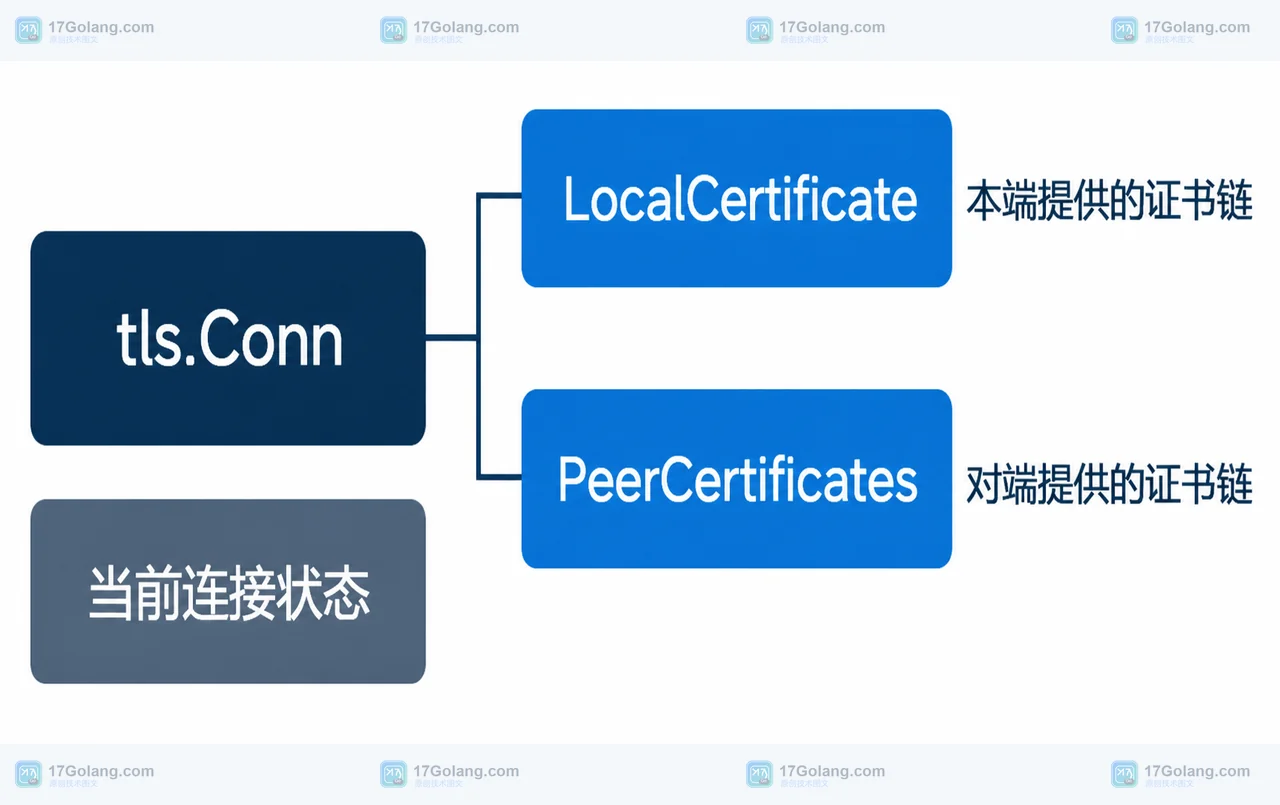
- Golang · Go问答 | 1天前 | go · TLS · 网络安全 · 版本迁移 · 证书链 · crypto/tls Go 1.27 TLS 1.3 ConnectionState.LocalCertificate PeerCertificates
- Go 1.27 的 TLS 连接证书怎么取:ConnectionState.LocalCertificate 不是对端证书
- 480浏览 收藏
-
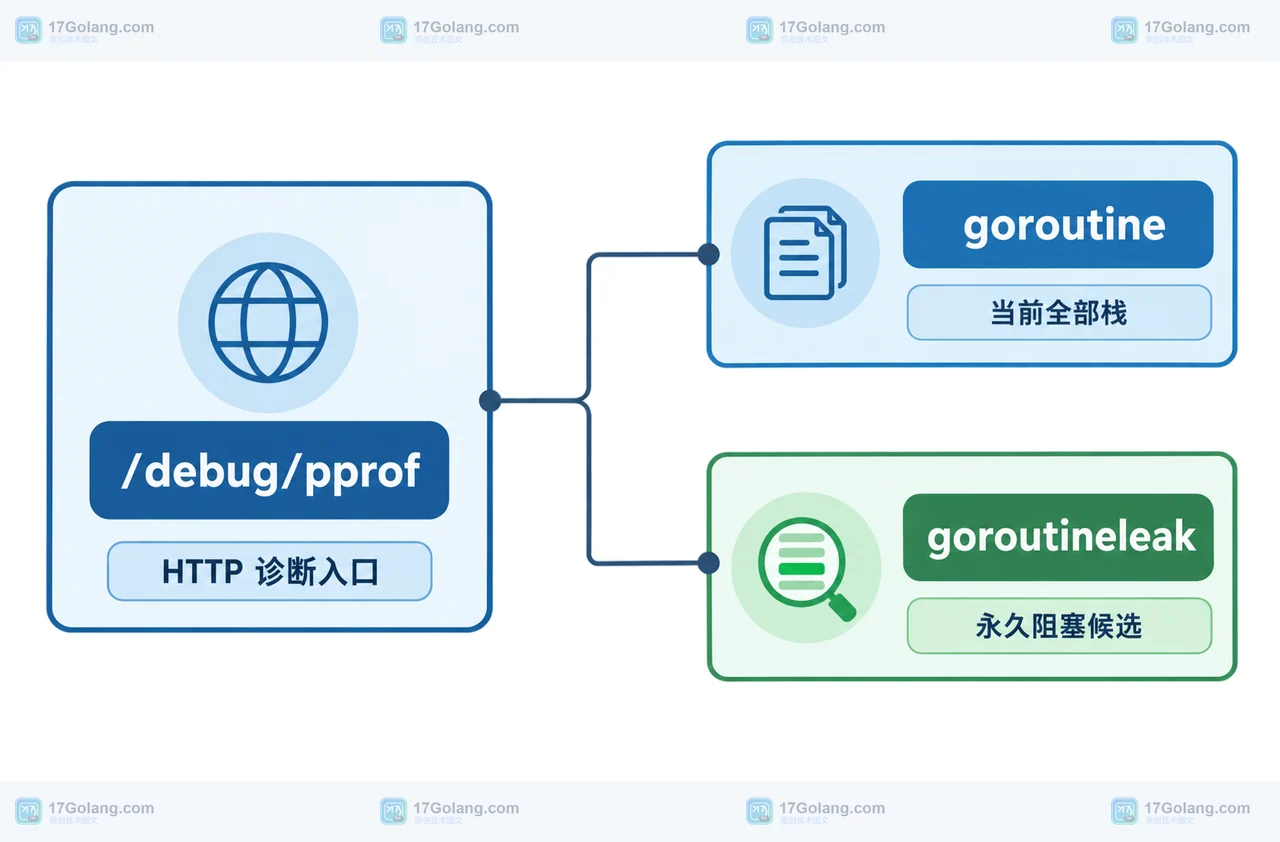
- Golang · Go问答 | 1天前 | go · pprof · 并发排查 · goroutineleak runtime/pprof Go 1.27 Go 协程泄漏
- Go 1.27 goroutineleak 怎么看:能发现什么,为什么全局可达对象仍可能漏检
- 465浏览 收藏
-
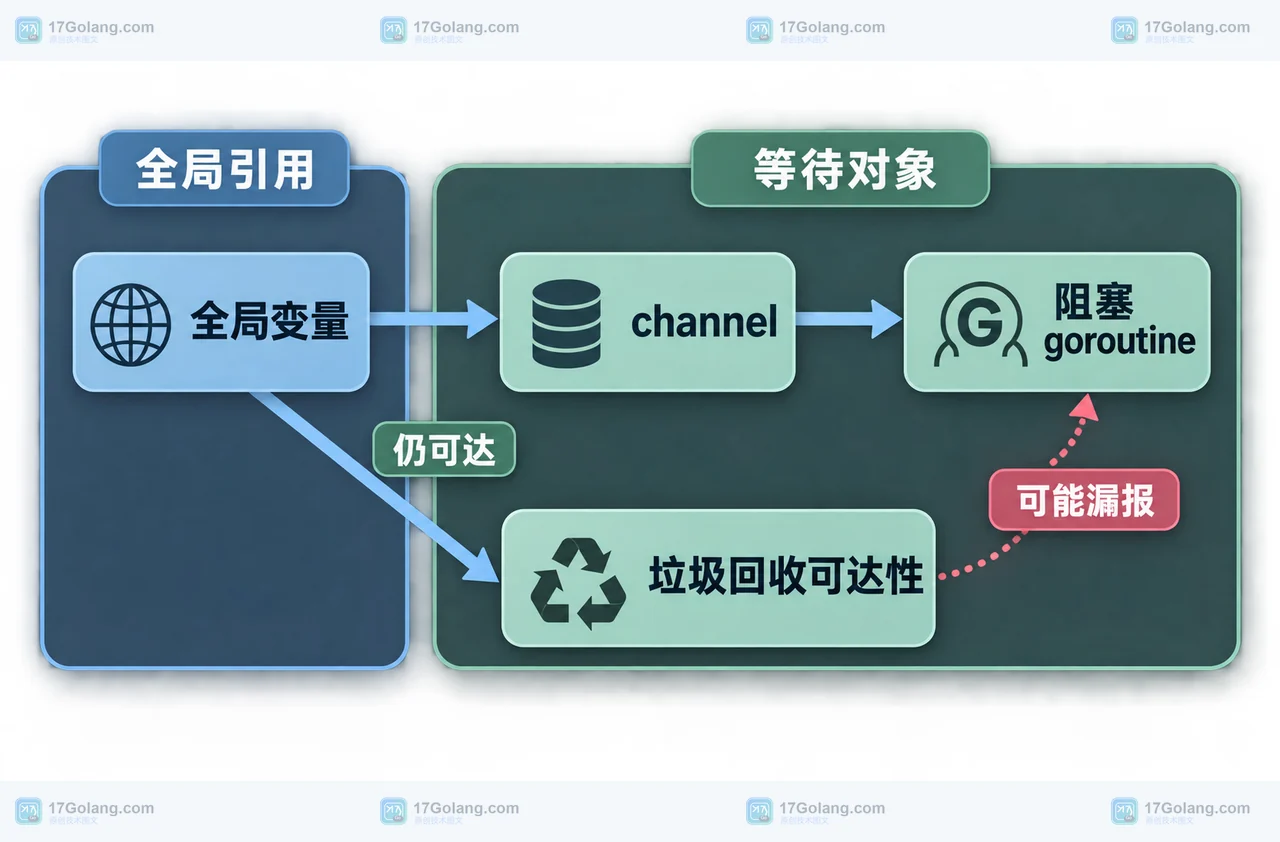
- Golang · Go问答 | 1天前 | 并发 · go · pprof · 性能排查 · 可达性 goroutineleak goroutine 泄漏 runtime/pprof Go 1.27
- Go 1.27 goroutineleak 能查出哪些泄漏:全局变量为何会让 profile 漏报
- 351浏览 收藏
-

- 前端进阶之JavaScript设计模式
- 设计模式是开发人员在软件开发过程中面临一般问题时的解决方案,代表了最佳的实践。本课程的主打内容包括JS常见设计模式以及具体应用场景,打造一站式知识长龙服务,适合有JS基础的同学学习。
- 543次学习
-

- GO语言核心编程课程
- 本课程采用真实案例,全面具体可落地,从理论到实践,一步一步将GO核心编程技术、编程思想、底层实现融会贯通,使学习者贴近时代脉搏,做IT互联网时代的弄潮儿。
- 516次学习
-

- 简单聊聊mysql8与网络通信
- 如有问题加微信:Le-studyg;在课程中,我们将首先介绍MySQL8的新特性,包括性能优化、安全增强、新数据类型等,帮助学生快速熟悉MySQL8的最新功能。接着,我们将深入解析MySQL的网络通信机制,包括协议、连接管理、数据传输等,让
- 500次学习
-

- JavaScript正则表达式基础与实战
- 在任何一门编程语言中,正则表达式,都是一项重要的知识,它提供了高效的字符串匹配与捕获机制,可以极大的简化程序设计。
- 487次学习
-

- 从零制作响应式网站—Grid布局
- 本系列教程将展示从零制作一个假想的网络科技公司官网,分为导航,轮播,关于我们,成功案例,服务流程,团队介绍,数据部分,公司动态,底部信息等内容区块。网站整体采用CSSGrid布局,支持响应式,有流畅过渡和展现动画。
- 485次学习
-
- SuperCLUE
- SuperCLUE是权威的中文大语言模型综合评测基准,涵盖语言理解、知识应用、AI Agent智能体及安全性等12项核心能力。通过多轮对话与客观测试,定期发布榜单与技术报告,为模型研发、优化及行业选型提供科学依据。
- 83次使用
-

- C-Eval
- 深入了解C-Eval中文评估套件,涵盖52个学科与4级难度。本文详解其功能特点、Zero-shot/Few-shot使用方法及代码示例,助您全面评测LLM中文理解与泛化能力。
- 13次使用
-

- Gradio
- Gradio是一个用于构建机器学习和数据科学Web应用的开源Python库。支持快速创建交互界面,获Google、Meta等大厂青睐,适合模型演示、部署反馈及调试。
- 85次使用
-

- AutoGPT
- AutoGPT是基于GPT-4的开源AI代理平台,拥有超10万GitHub星标。本文介绍其低代码界面、自动化工作流功能、系统配置要求及安装步骤,助您高效部署和管理AI Agent。
- 80次使用
-

- 腾讯扣叮
- 腾讯扣叮是腾讯推出的6-18岁青少年编程学习平台,依托游戏与AI技术,提供图形化编程、3D创作、虚拟实验室及丰富赛事课程,助力培养计算思维与创新能力。
- 88次使用
-
- 用Nginx反向代理部署go写的网站。
- 2023-01-17 502浏览
-
- GoLand调式动态执行代码
- 2023-01-13 502浏览
-
- Go net.Conn 写入超时为何仍会卡住:SetWriteDeadline、部分写入与连接复用检查
- 2026-08-30 501浏览
-
- Go 问答:httptrace.ClientTrace GotConnInfo 怎么判断连接是否复用:连接池与请求时序边界
- 2026-08-28 501浏览
-
- Go netip.Prefix.Contains 判断网段为什么出错:地址族、掩码长度与规范化
- 2026-08-27 501浏览


