
在Golang中解析XML却无法正确填充结构
学习Golang要努力,但是不要急!今天的这篇文章《在Golang中解析XML却无法正确填充结构》将会介绍到等等知识点,如果你想深入学习Golang,可以关注我!我会持续更新相关文章的,希望对大家都能有所帮助!
我正在尝试解析 xml:
附加 xml,因为它对于此处来说太长 https://drive.google.com/file/d/1cplec1gbar6n7lcyir_zvmejkowo3guu/view?usp=sharing
type l1cproduct struct {
    xmlname xml.name `xml:"n1:level-1c_user_product"`
    n1generalinfo n1generalinfo `xml:"n1:general_info"`
}

type n1generalinfo struct {
    xmlname xml.name `xml:"n1:general_info"`
    productinfo productinfo `xml:"product_info"`
    spectralinformationlist spectralinformationlist `xml:"product_image_characteristic>spectral_information_list"`
}

type spectralinformationlist struct {
    xmlname xml.name `xml:"spectral_information_list"`
    spectralinformation []spectralinformation `xml:"spectral_information"`
}

type spectralinformation struct {
    xmlname xml.name `xml:"spectral_information"`
    bandid string `xml:"bandid,attr"`
    physicalband string `xml:"physicalband,attr"`
}

type productinfo struct{
    xmlname xml.name `xml:"product_info"`
    productstarttime string `xml:"product_start_time"`
    generationtime string `xml:"generation_time"`
    producturi string `xml:"product_uri"`

}

func parsexml() {
    // open our xmlfile

    // xmlpath := inprocesspath + "/mtd_msil1c.xml"
    xmlpath := "/home/htc/lizer/backend/inprocessresults/mtd_msil1c.xml"
    xmlfile, err := os.open(xmlpath)
    // if we os.open returns an error then handle it
    if err != nil {
        fmt.println(err)
    }

    fmt.println("successfully opened " + xmlpath)
    // defer the closing of our xmlfile so that we can parse it later on
    defer xmlfile.close()

    // read our opened xmlfile as a byte array.
    bytevalue, _ := ioutil.readall(xmlfile)
    fmt.printf("\ndata: %s", bytevalue)
    // we initialize our users array
    var users l1cproduct
    // we unmarshal our bytearray which contains our
    // xmlfiles content into 'users' which we defined above
    xml.unmarshal(bytevalue, &users)
    fmt.println(users.n1generalinfo.productinfo.productstarttime + "º")
    println(users.n1generalinfo.spectralinformationlist.spectralinformation[1].bandid)
    // we iterate through every user within our users array and
    // print out the user type, their name, and their facebook url
    // as just an example
    // for i := 0; i < len(users.n1generalinfo.spectralinformationlist.spectralinformation); i++ {
    // for i := 0; i < 10; i++ {
    //     fmt.println("band id: " + users.n1generalinfo.spectralinformationlist.spectralinformation[i].bandid)
    //     fmt.println("physicalband: " + users.n1generalinfo.spectralinformationlist.spectralinformation[i].physicalband)
    // }

}
但是当文件被正确读取时,mi xml 结构是空的
fmt.Println(users.N1GeneralInfo.ProductInfo.ProductStartTime + "º")
    println(users.N1GeneralInfo.SpectralInformationList.SpectralInformation[1].BandId)

fmt.Println(users.N1GeneralInfo.ProductInfo.ProductStartTime + "º")
println(users.N1GeneralInfo.SpectralInformationList.SpectralInformation[1].BandId)
就像结构是空的: 输出:**
º 恐慌:运行时错误:索引超出范围 goroutine 1 [运行]: main.parsexml() /home/htc/lizer/backend/app/pkg/services/bandwith/service.go:164 +0x3fd main.main() /home/htc/lizer/backend/app/pkg/services/bandwith/service.go:53 +0x20**
退出状态2
正确答案
如果你想要 xml 中的解析器 :
喜欢
xml:"n1:level-1c_user_product"
应该是:
xml:“https://psd-14.sentinel2.eo.esa.int/psd/user_product_level-1c.xsd level-1c_user_product”
参见:Parse Xml in GO for atttribute with ":" in tag
以下是演示:
package main

import (
    "encoding/xml"
    "fmt"
    "os"
)

type L1CProduct struct {
    XMLName       xml.Name `xml:"https://psd-14.sentinel2.eo.esa.int/PSD/User_Product_Level-1C.xsd Level-1C_User_Product"`
    N1GeneralInfo N1GeneralInfo
}

type N1GeneralInfo struct {
    XMLName     xml.Name    `xml:"https://psd-14.sentinel2.eo.esa.int/PSD/User_Product_Level-1C.xsd General_Info"`
    ProductInfo ProductInfo `xml:"Product_Info"`
}
type ProductInfo struct {
    XMLName          xml.Name `xml:"Product_Info"`
    ProductStartTime string   `xml:"PRODUCT_START_TIME"`
    GenerationTime   string   `xml:"GENERATION_TIME"`
    ProductUri       string   `xml:"PRODUCT_URI"`
}

func parseXml() {
    // Open our xmlFile

    // xmlPath := inProcessPath + "/MTD_MSIL1C.xml"
    xmlPath := "./MTD_MSIL1C.xml"
    // read our opened xmlFile as a byte array.
    byteValue, _ := os.ReadFile(xmlPath)
    // we initialize our Users array
    var users L1CProduct

    err := xml.Unmarshal(byteValue, &users)
    if err != nil {
        fmt.Printf("%v\n", err)
    }
    fmt.Println(users.N1GeneralInfo.ProductInfo.ProductStartTime + "º")
}

func main() {
    parseXml()
}
以下是输出:
2022-11-09t16:55:19.024zº
以上就是本文的全部内容了,是否有顺利帮助你解决问题?若是能给你带来学习上的帮助,请大家多多支持golang学习网!更多关于Golang的相关知识,也可关注golang学习网公众号。
 用golang实现批量删除minio存储桶中的对象
- 上一篇
- 用golang实现批量删除minio存储桶中的对象

- 下一篇
- 解决Discuz后台登录问题的排查方法及解决方案
-
- Golang · Go问答 | 1天前 | 并发 · go · 初始化 · Go 初始化错误 sync.OnceValue 并发排障
- OnceValue 初始化错误缓存后的恢复策略
- 500浏览 收藏
-
- Golang · Go问答 | 1天前 | 并发 · go · Go sync.RWMutex 并发排障 读锁升级
- RWMutex 写锁升级导致阻塞时的改造方案
- 395浏览 收藏
-
- Golang · Go问答 | 1天前 | 并发 · go · Go sync.Mutex 指针接收者 copylocks 并发排障
- sync.Mutex 复制后出现异常解锁的结构体设计
- 448浏览 收藏
-
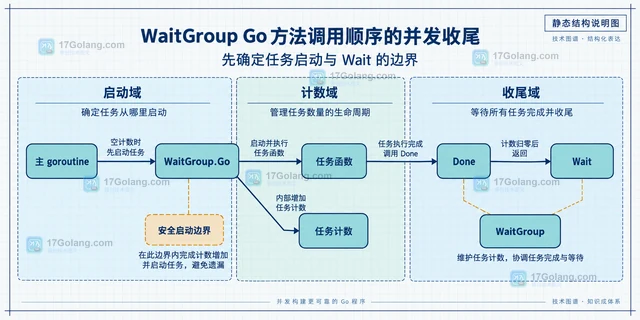
- Golang · Go问答 | 1天前 | 并发 · go · Go wait add sync.WaitGroup Done 并发收尾 WaitGroup.Go
- WaitGroup Go 方法调用顺序的并发收尾
- 455浏览 收藏
-
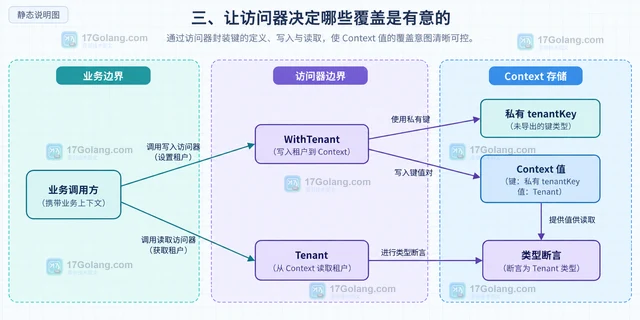
- Golang · Go问答 | 1天前 | 并发 · go · Context · Go context Context.Value WithValue
- context.WithValue 键类型冲突导致字段覆盖的规避
- 277浏览 收藏
-
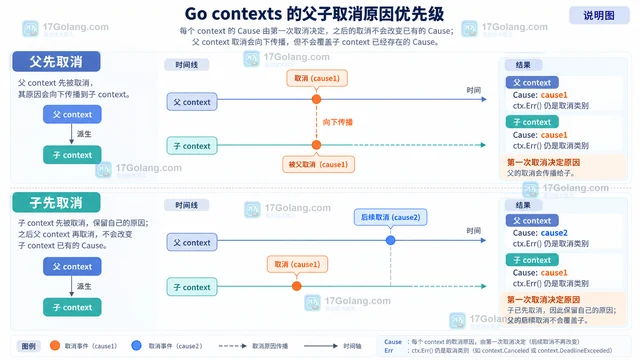
- Golang · Go问答 | 1天前 |
- context.Cause 区分主动取消与超时取消
- 485浏览 收藏
-
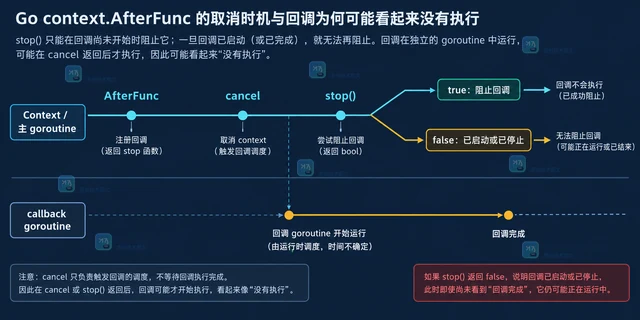
- Golang · Go问答 | 1天前 | go ·
- context.AfterFunc 回调未执行时的取消时序
- 342浏览 收藏
-
- Golang · Go问答 | 1天前 |
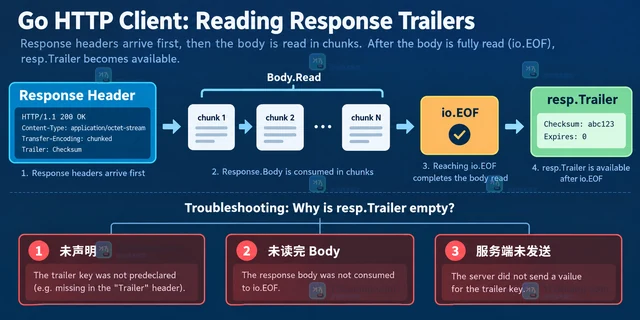
- HTTP Trailer 读取为空时的响应头声明顺序
- 448浏览 收藏
-
- Golang · Go问答 | 1天前 |
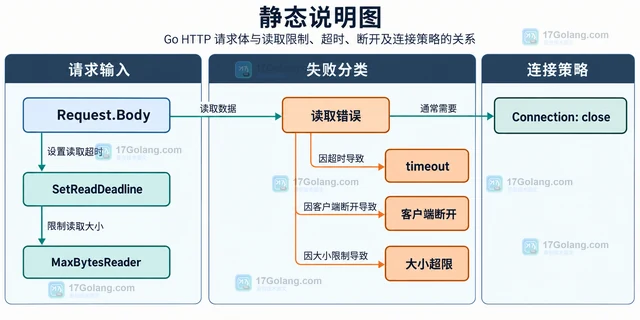
- HTTP 服务器读取请求体超时的连接处理
- 290浏览 收藏
-
- Golang · Go问答 | 1天前 |
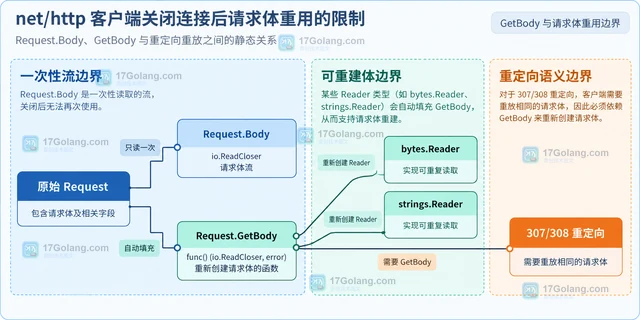
- net/http 客户端关闭连接后请求体重用的限制
- 497浏览 收藏
-

- 前端进阶之JavaScript设计模式
- 设计模式是开发人员在软件开发过程中面临一般问题时的解决方案,代表了最佳的实践。本课程的主打内容包括JS常见设计模式以及具体应用场景,打造一站式知识长龙服务,适合有JS基础的同学学习。
- 543次学习
-

- GO语言核心编程课程
- 本课程采用真实案例,全面具体可落地,从理论到实践,一步一步将GO核心编程技术、编程思想、底层实现融会贯通,使学习者贴近时代脉搏,做IT互联网时代的弄潮儿。
- 516次学习
-

- 简单聊聊mysql8与网络通信
- 如有问题加微信:Le-studyg;在课程中,我们将首先介绍MySQL8的新特性,包括性能优化、安全增强、新数据类型等,帮助学生快速熟悉MySQL8的最新功能。接着,我们将深入解析MySQL的网络通信机制,包括协议、连接管理、数据传输等,让
- 500次学习
-

- JavaScript正则表达式基础与实战
- 在任何一门编程语言中,正则表达式,都是一项重要的知识,它提供了高效的字符串匹配与捕获机制,可以极大的简化程序设计。
- 487次学习
-

- 从零制作响应式网站—Grid布局
- 本系列教程将展示从零制作一个假想的网络科技公司官网,分为导航,轮播,关于我们,成功案例,服务流程,团队介绍,数据部分,公司动态,底部信息等内容区块。网站整体采用CSSGrid布局,支持响应式,有流畅过渡和展现动画。
- 485次学习
-

- PubMedQA
- 深入了解PubMedQA生物医学问答数据集,涵盖其核心功能、使用方法及在临床决策、药物研发等场景的应用,助力提升NLP模型性能。
- 431次使用
-

- H2O EvalGPT
- H2O EvalGPT是H2O.ai推出的开源LLM评估平台,提供详细的大模型性能排行榜、行业特定基准测试及A/B测试功能,助您快速选择最适合项目的高性能大语言模型。
- 508次使用
-

- LMArena
- LMArena是加州大学伯克利分校推出的AI模型匿名评测平台。通过盲测投票机制,用户可对比不同大模型回答并生成实时排行榜,助力开发者优化模型及用户选择最佳AI工具。
- 522次使用
-

- HELM
- 深入了解斯坦福推出的HELM(Holistic Evaluation of Language Models)大模型评测体系。本文解析其核心功能、安装配置步骤及应用场景,涵盖准确性、公平性、鲁棒性等多维度指标,助力开发者全面优化语言模型性能。
- 464次使用
-

- MMBench
- MMBench是由上海人工智能实验室等机构联合推出的多模态基准测试平台,提供细粒度能力评估、大规模数据集及VLMEvalKit工具。本文详细介绍其核心功能、安装使用方法及应用场景,助力开发者全面评估多模态模型性能。
- 292次使用
-
- 用Nginx反向代理部署go写的网站。
- 2023-01-17 502浏览
-
- GoLand调式动态执行代码
- 2023-01-13 502浏览
-
- Go crypto/rand.Text 的长度为什么不是固定字符数
- 2026-10-04 501浏览
-
- Go strings.ToValidUTF8 清洗日志内容的边界
- 2026-10-03 501浏览
-
- Go tls.GetCertificate 为什么收不到空 ServerName 请求
- 2026-09-27 501浏览


