
PHP基础入门教程详解指南
在IT行业这个发展更新速度很快的行业,只有不停止的学习,才不会被行业所淘汰。如果你是文章学习者,那么本文《PHP语言基础入门教程详解》就很适合你!本篇内容主要包括##content_title##,希望对大家的知识积累有所帮助,助力实战开发!
安装XAMPP并启动Apache服务器,在htdocs目录创建index.php文件,输入,浏览器访问localhost显示结果;2. 使用$定义变量如$name="Alice",通过echo输出;3. 用if-else进行条件判断,如if($age>=18)echo"Adult";4. for循环for($i=0;$i<5;$i++)和while循环while($x<3)实现重复执行;5. 自定义函数function greet($name){return"Hello,$name!";}并调用;6. 用$_POST获取表单数据,如$username=$_POST['username'];7. 创建数组$colors=array("red","green"),用foreach遍历输出。
If you are learning PHP for web development, understanding the basic syntax and usage is essential. Here are practical methods to get started with PHP language fundamentals:
The operating environment of this tutorial: MacBook Pro, macOS Sonoma
1. Set Up a Local Development Environment
Before writing PHP code, ensure you have a server environment that supports PHP. This allows you to run and test scripts locally.
- Download and install XAMPP, which includes Apache, MySQL, and PHP.
- Start the Apache server from the XAMPP control panel.
- Place your PHP files in the htdocs folder inside the XAMPP directory.
- Access your files via http://localhost/your-file.php in a browser.
2. Write Your First PHP Script
PHP scripts start with and end with ?>. This tells the server to interpret the enclosed code as PHP.
- Create a file named index.php in your htdocs folder.
- Add the following code:
- Open it in your browser to see the output.
3. Use Variables and Data Types
PHP supports various data types like strings, integers, booleans, and arrays. Variables begin with a dollar sign ($).
- Declare a variable:
$name = "Alice"; - Display it using:
- PHP automatically determines the data type based on the assigned value.
4. Control Structures: Conditional Statements
Control structures help manage program flow. The most common is the if-else statement.
- Use
if ($age >= 18) { echo "Adult"; }to check conditions. - Add an else block:
else { echo "Minor"; }for alternative outcomes. - You can also use elseif for multiple conditions.
5. Looping with for and while
Loops execute repetitive tasks efficiently. The for and while loops are commonly used.
- A for loop example:
for ($i = 0; $i < 5; $i++) { echo "Number: $i
"; } - A while loop:
while ($x < 3) { echo "Loop $x
"; $x++; } - Ensure the loop condition eventually becomes false to avoid infinite loops.
6. Define and Call Functions
Functions group reusable code. You can create custom functions or use built-in ones.
- Define a function:
function greet($name) { return "Hello, $name!"; } - Call it:
echo greet("Bob"); - Functions improve code organization and reduce redundancy.
7. Handle Form Data with $_POST and $_GET
PHP can process user input from HTML forms using superglobal arrays like $_POST and $_GET.
- Create an HTML form with method="post" and input fields.
- In the PHP script, retrieve values:
$username = $_POST['username']; - Always validate and sanitize input to prevent security issues.
8. Work with Arrays
Arrays store multiple values in a single variable. PHP supports indexed, associative, and multidimensional arrays.
- Indexed array:
$colors = array("red", "green", "blue"); - Associative array:
$ages = array("John" => 25, "Jane" => 30); - Loop through arrays using foreach:
foreach ($colors as $color) { echo $color; }
以上就是本文的全部内容了,是否有顺利帮助你解决问题?若是能给你带来学习上的帮助,请大家多多支持golang学习网!更多关于文章的相关知识,也可关注golang学习网公众号。
 1688修改地址教程及转运仓填写指南
- 上一篇
- 1688修改地址教程及转运仓填写指南
- 下一篇
- 关闭待办事项提示音设置教程
-
- 文章 · php教程 | 5天前 |
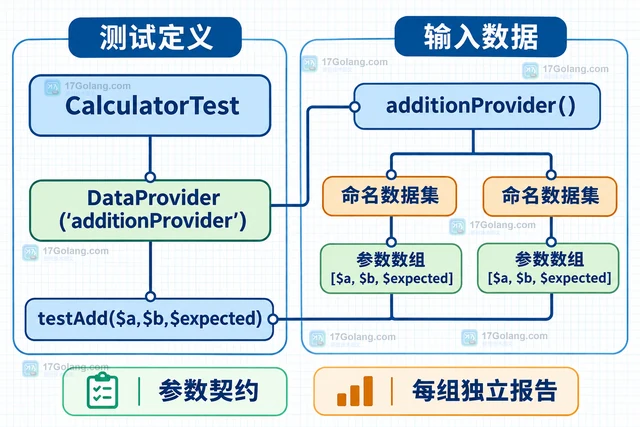
- PHPUnit DataProvider 怎样为同一测试准备多组输入
- 365浏览 收藏
-
- 文章 · php教程 | 5天前 |
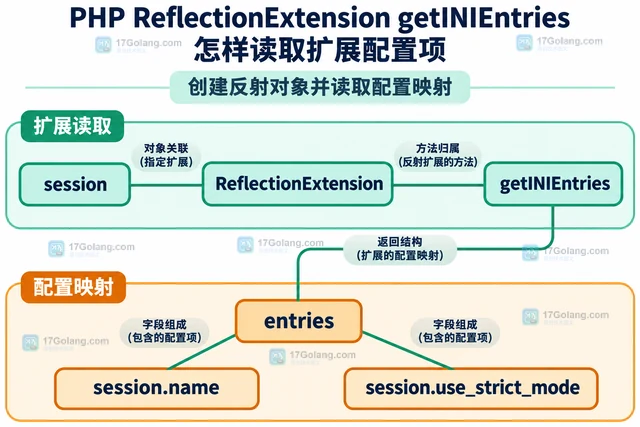
- PHP ReflectionExtension getINIEntries 怎样读取扩展配置项
- 242浏览 收藏
-
- 文章 · php教程 | 5天前 |
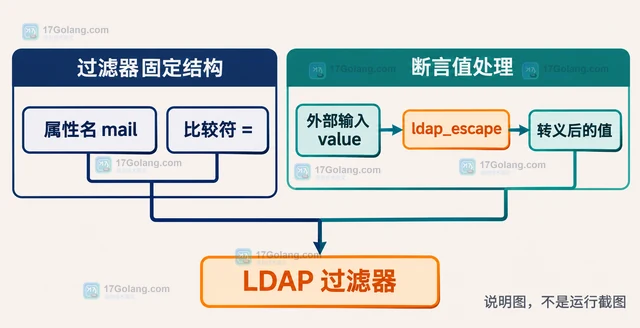
- PHP ldap_escape 怎样正确转义 LDAP 过滤器条件
- 147浏览 收藏
-
- 文章 · php教程 | 5天前 | 测试 · 随机数 · PHP · php 随机数 可测试性 依赖注入 Randomizer Random Engine
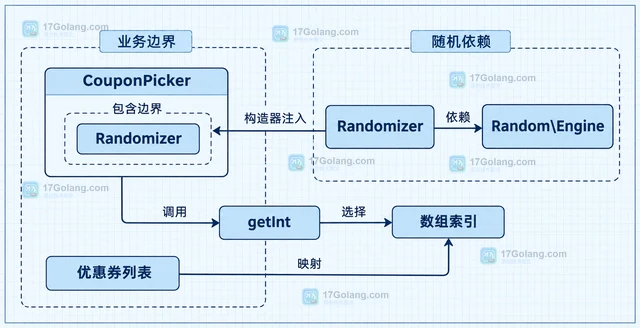
- PHP Random\Randomizer 怎样注入可测试的随机源
- 153浏览 收藏
-
- 文章 · php教程 | 5天前 | 错误处理 · php教程 · php 并发请求 curl_multi_exec curl_multi_info_read CURLMSG_DONE CURLE_OK CurlHandle
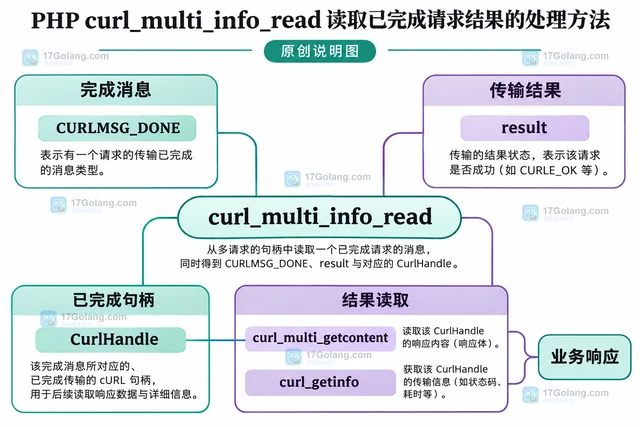
- PHP curl_multi_info_read 读取已完成请求结果的处理方法
- 156浏览 收藏
-
- 文章 · php教程 | 5天前 | PHP · 时间处理 · php DateTime 时区 修改时间 DateTimeZone 创建时间 DateTimeImmutable
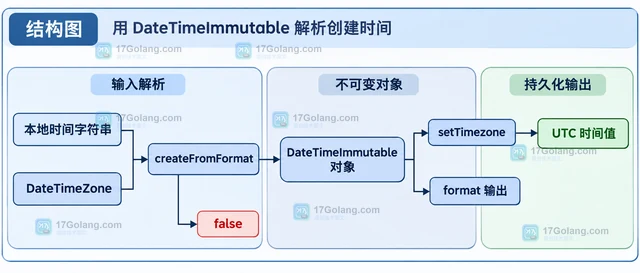
- PHP DateTime 怎样处理创建时间和修改时间的时区
- 458浏览 收藏
-
- 文章 · php教程 | 5天前 |
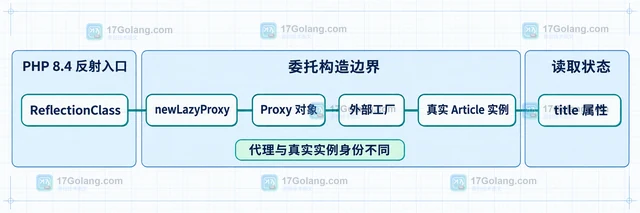
- PHP 8.4 Lazy Objects 怎样延迟初始化对象属性
- 189浏览 收藏
-
- 文章 · php教程 | 5天前 |
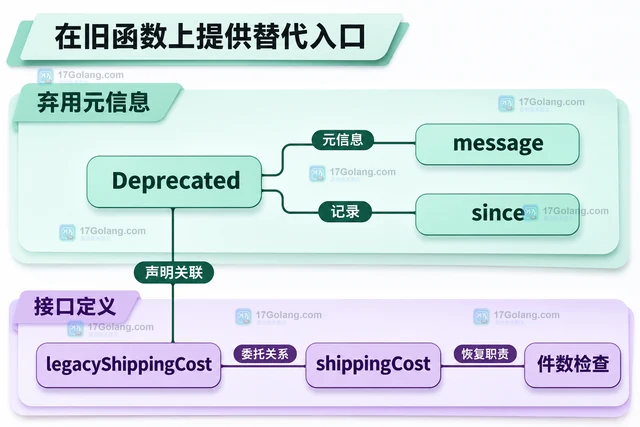
- PHP 8.4 #[Deprecated] 怎样标记待移除 API
- 221浏览 收藏
-
- 文章 · php教程 | 6天前 | 文件读取 · PHP · php SplFileObject fgets setMaxLineLen
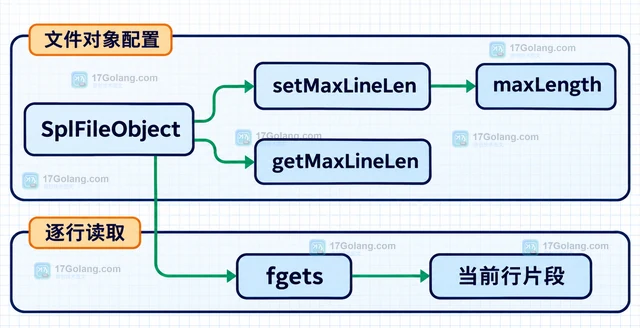
- PHP SplFileObject.setMaxLineLen 怎样限制单行读取长度
- 489浏览 收藏
-
- 文章 · php教程 | 6天前 | 缓存 · 性能 · php教程 · php 缓存更新 OpCache PHP部署 opcache.validate_timestamps opcache.revalidate_freq
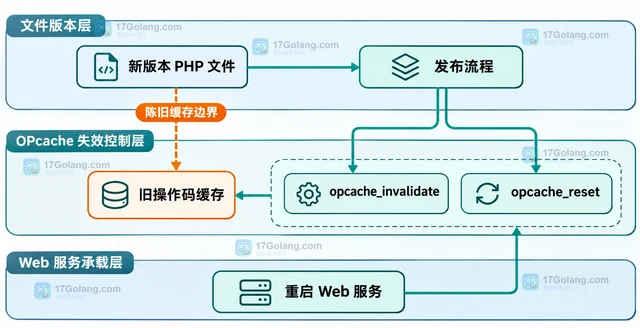
- PHP OPcache.validate_timestamps 怎样理解部署后的缓存更新
- 190浏览 收藏
-
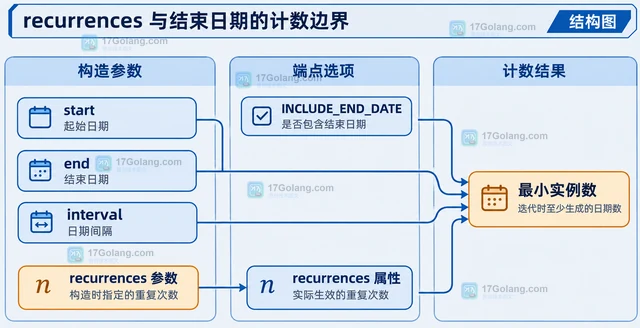
- 文章 · php教程 | 6天前 | PHP · php DatePeriod include_start_date 日期迭代
- PHP DatePeriod::include_start_date 怎样决定首个日期是否参与迭代
- 419浏览 收藏
-

- 前端进阶之JavaScript设计模式
- 设计模式是开发人员在软件开发过程中面临一般问题时的解决方案,代表了最佳的实践。本课程的主打内容包括JS常见设计模式以及具体应用场景,打造一站式知识长龙服务,适合有JS基础的同学学习。
- 543次学习
-

- GO语言核心编程课程
- 本课程采用真实案例,全面具体可落地,从理论到实践,一步一步将GO核心编程技术、编程思想、底层实现融会贯通,使学习者贴近时代脉搏,做IT互联网时代的弄潮儿。
- 516次学习
-

- 简单聊聊mysql8与网络通信
- 如有问题加微信:Le-studyg;在课程中,我们将首先介绍MySQL8的新特性,包括性能优化、安全增强、新数据类型等,帮助学生快速熟悉MySQL8的最新功能。接着,我们将深入解析MySQL的网络通信机制,包括协议、连接管理、数据传输等,让
- 500次学习
-
- JavaScript正则表达式基础与实战
- 在任何一门编程语言中,正则表达式,都是一项重要的知识,它提供了高效的字符串匹配与捕获机制,可以极大的简化程序设计。
- 487次学习
-

- 从零制作响应式网站—Grid布局
- 本系列教程将展示从零制作一个假想的网络科技公司官网,分为导航,轮播,关于我们,成功案例,服务流程,团队介绍,数据部分,公司动态,底部信息等内容区块。网站整体采用CSSGrid布局,支持响应式,有流畅过渡和展现动画。
- 485次学习
-
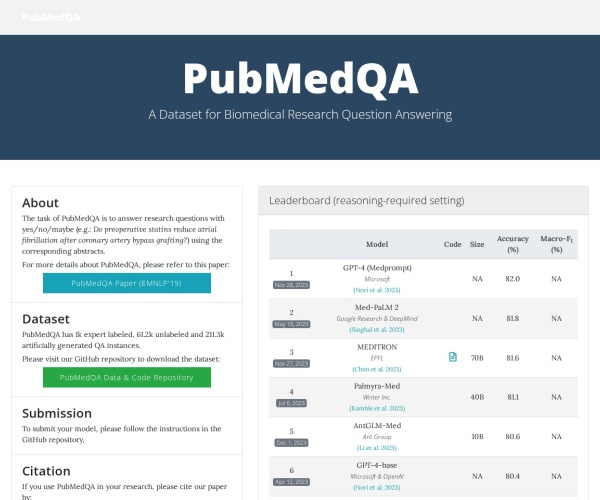
- PubMedQA
- 深入了解PubMedQA生物医学问答数据集,涵盖其核心功能、使用方法及在临床决策、药物研发等场景的应用,助力提升NLP模型性能。
- 1274次使用
-
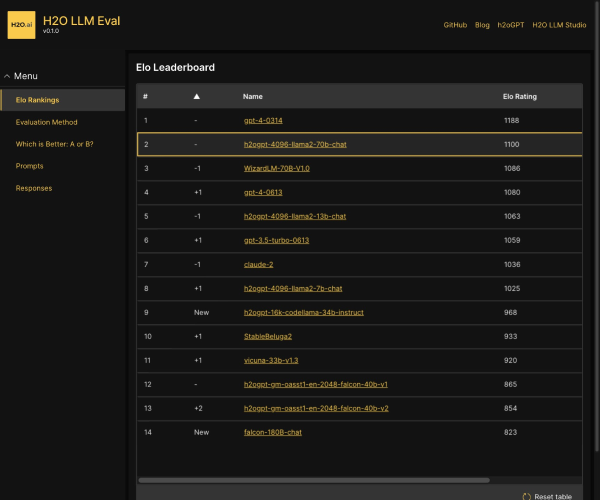
- H2O EvalGPT
- H2O EvalGPT是H2O.ai推出的开源LLM评估平台,提供详细的大模型性能排行榜、行业特定基准测试及A/B测试功能,助您快速选择最适合项目的高性能大语言模型。
- 1252次使用
-

- LMArena
- LMArena是加州大学伯克利分校推出的AI模型匿名评测平台。通过盲测投票机制,用户可对比不同大模型回答并生成实时排行榜,助力开发者优化模型及用户选择最佳AI工具。
- 1440次使用
-
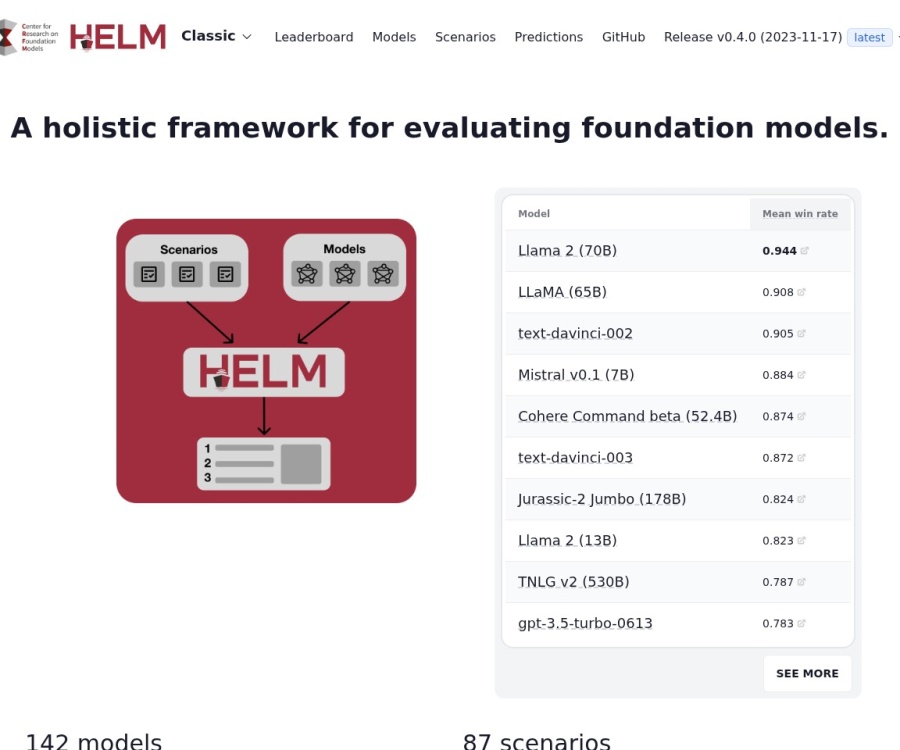
- HELM
- 深入了解斯坦福推出的HELM(Holistic Evaluation of Language Models)大模型评测体系。本文解析其核心功能、安装配置步骤及应用场景,涵盖准确性、公平性、鲁棒性等多维度指标,助力开发者全面优化语言模型性能。
- 1375次使用
-

- MMBench
- MMBench是由上海人工智能实验室等机构联合推出的多模态基准测试平台,提供细粒度能力评估、大规模数据集及VLMEvalKit工具。本文详细介绍其核心功能、安装使用方法及应用场景,助力开发者全面评估多模态模型性能。
- 1227次使用
-
- PHP fgetcsv escape 参数显式设置与 RFC 4180 兼容处理
- 2026-10-26 501浏览
-
- PHP JSON_THROW_ON_ERROR 抛错后怎么保留原始字段位置
- 2026-09-09 501浏览
-
- PHP 8.5 array_last() 怎么处理空数组:从 null 结果到兼容旧版本的 Polyfill
- 2026-08-16 501浏览
-
- 宝塔配置Ruby环境:RVM+Nginx反代教程
- 2026-05-29 501浏览
-
- unset函数作用范围详解
- 2026-05-29 501浏览