
WebComponents自定义元素入门教程
积累知识,胜过积蓄金银!毕竟在文章开发的过程中,会遇到各种各样的问题,往往都是一些细节知识点还没有掌握好而导致的,因此基础知识点的积累是很重要的。下面本文《Web Components实现自定义元素教程》,就带大家讲解一下知识点,若是你对本文感兴趣,或者是想搞懂其中某个知识点,就请你继续往下看吧~
使用Web Components可创建独立可复用的自定义元素,1. 通过继承HTMLElement并用customElements.define()注册组件;2. 利用影子DOM实现样式和结构隔离;3. 结合template标签提升代码组织性与性能;4. 使用slot插入外部内容以增强灵活性;5. 通过observedAttributes和attributeChangedCallback响应属性变化。该技术不依赖框架,适合构建跨项目UI库,需注意浏览器兼容性。

使用 Web Components 构建可复用的自定义 HTML 元素,核心在于利用浏览器原生支持的几项技术:自定义元素(Custom Elements)、影子 DOM(Shadow DOM)和 HTML 模板(template)。通过它们可以封装样式、结构和行为,实现真正独立、可复用的组件。
定义自定义元素
要创建一个可复用的自定义元素,首先需要继承 HTMLElement 并通过 customElements.define() 注册。元素名称必须包含连字符(-),以避免与原生 HTML 标签冲突。
例如:class MyButton extends HTMLElement {
constructor() {
super();
this.textContent = this.getAttribute('label') || '点击我';
this.style.padding = '10px 20px';
this.style.backgroundColor = '#007bff';
this.style.color = 'white';
this.style.borderRadius = '4px';
this.style.display = 'inline-block';
this.style.cursor = 'pointer';
}
connectedCallback() {
this.addEventListener('click', () => {
alert('按钮被点击!');
});
}
}
customElements.define('my-button', MyButton);
之后就可以在 HTML 中使用:
使用影子 DOM 封装样式和结构
为了让组件样式不被外部影响,也防止组件内部样式泄漏到全局,应使用影子 DOM。在构造函数中调用 this.attachShadow({ mode: 'open' }) 创建影子根。
改进后的例子:class MyCard extends HTMLElement {
constructor() {
super();
const shadow = this.attachShadow({ mode: 'open' });
const wrapper = document.createElement('div');
const title = document.createElement('h3');
const content = document.createElement('p');
title.textContent = this.getAttribute('title') || '默认标题';
content.textContent = this.getAttribute('content') || '这是内容';
const style = document.createElement('style');
style.textContent = `
div {
border: 1px solid #ddd;
border-radius: 8px;
padding: 16px;
background: #f9f9f9;
font-family: sans-serif;
}
h3 { color: #333; margin-top: 0; }
p { color: #555; }
`;
wrapper.appendChild(title);
wrapper.appendChild(content);
shadow.appendChild(style);
shadow.appendChild(wrapper);
}
}
customElements.define('my-card', MyCard);
现在这个卡片组件的样式完全隔离,不会受页面其他 CSS 影响。
结合 template 提高可维护性
对于结构较复杂的组件,推荐使用 标签预定义 DOM 结构,提升代码组织性和性能。
HTML 中定义模板:JS 中使用模板:
class MyModal extends HTMLElement {
  constructor() {
    super();
    const template = document.getElementById('my-modal-template');
    const content = template.content.cloneNode(true);
    this.shadowRoot = this.attachShadow({ mode: 'open' });
    this.shadowRoot.appendChild(content);

    this.modal = this.shadowRoot.querySelector('.modal');
  }

  show() {
    this.modal.classList.add('active');
  }

  hide() {
    this.modal.classList.remove('active');
  }
}

customElements.define('my-modal', MyModal);
通过 slot 可以让使用者传入自定义内容,增强灵活性。
监听属性变化响应更新
如果希望组件对属性变化做出反应,可以使用 static get observedAttributes() 定义需监听的属性,并实现 attributeChangedCallback 方法。
示例:class MyInput extends HTMLElement {
static get observedAttributes() {
return ['value', 'disabled'];
}
attributeChangedCallback(name, oldValue, newValue) {
if (name === 'value') {
this.input.value = newValue;
}
if (name === 'disabled') {
this.input.disabled = newValue !== null;
}
}
constructor() {
super();
this.attachShadow({ mode: 'open' });
this.input = document.createElement('input');
this.shadowRoot.appendChild(this.input);
}
}
customElements.define('my-input', MyInput);
这样当设置
基本上就这些。Web Components 不依赖任何框架,适合构建跨项目、跨团队使用的 UI 组件库。虽然功能强大,但要注意浏览器兼容性,必要时引入 polyfill。关键是合理封装、暴露清晰 API,才能真正实现“一次编写,到处复用”。
好了,本文到此结束,带大家了解了《WebComponents自定义元素入门教程》,希望本文对你有所帮助!关注golang学习网公众号,给大家分享更多文章知识!
 天眼查查经营范围方法及企业查询技巧
- 上一篇
- 天眼查查经营范围方法及企业查询技巧

- 下一篇
- 高德地图组队出行教程:位置共享与对讲方法
-
- 文章 · 前端 | 1小时前 | vite 前端缓存 Vite依赖预构建 optimizeDeps node_modules/.vite
- Vite 依赖预构建缓存失效时的排查步骤
- 451浏览 收藏
-
- 文章 · 前端 | 1天前 |
- 表单 aria-describedby 关联错误提示的可访问设计
- 349浏览 收藏
-
- 文章 · 前端 | 1天前 | 前端 · css · 组合选择器 CSS :is specificity :where 级联层
- CSS :is 组合选择器时的 specificity 控制
- 327浏览 收藏
-
- 文章 · 前端 | 2天前 | javascript · DNS耗时 PerformanceResourceTiming TLS耗时
- PerformanceResourceTiming 拆分 DNS 与 TLS 耗时
- 108浏览 收藏
-
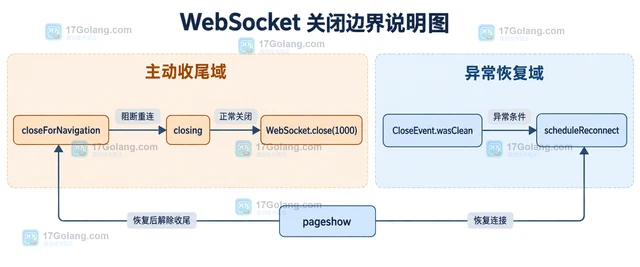
- 文章 · 前端 | 4天前 | 前端 · websocket ·
- WebSocket 重连退避与页面卸载的收尾
- 381浏览 收藏
-
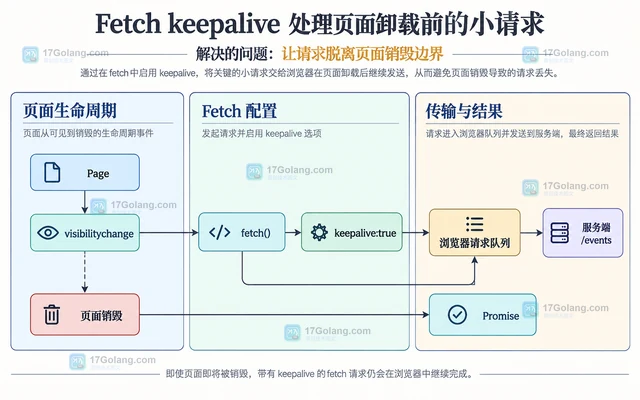
- 文章 · 前端 | 4天前 |
- Fetch keepalive 处理页面卸载前的小请求
- 291浏览 收藏
-
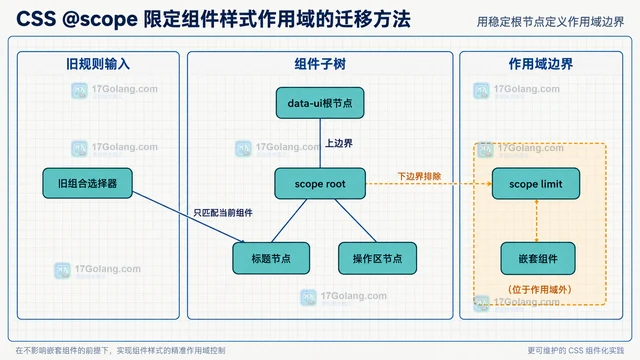
- 文章 · 前端 | 4天前 |
- CSS @scope 限定组件样式作用域的迁移方法
- 294浏览 收藏
-
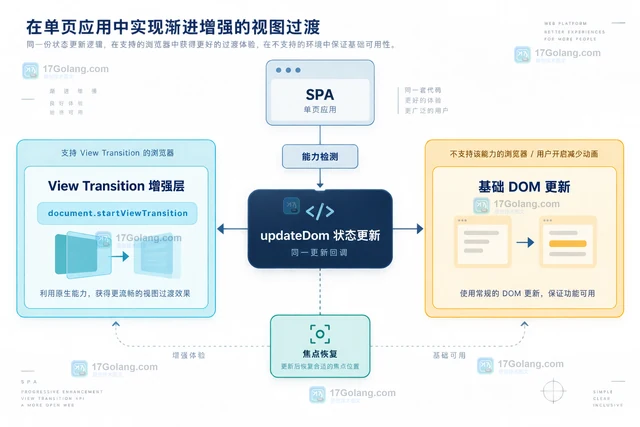
- 文章 · 前端 | 5天前 |
- View Transition API 在 SPA 状态切换中的降级方案
- 142浏览 收藏
-
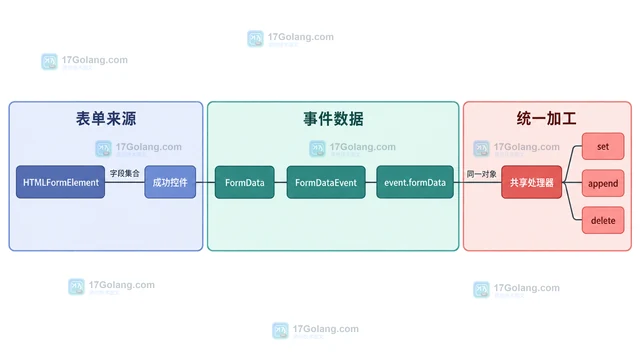
- 文章 · 前端 | 5天前 | javascript · 表单 · FormData FormDataEvent formdata事件 原生表单
- FormDataEvent 统一拦截原生表单数据的实现
- 288浏览 收藏
-
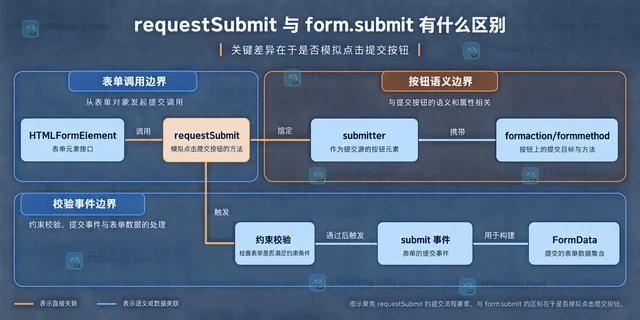
- 文章 · 前端 | 5天前 | html · javascript · 表单 · requestSubmit form.submit HTML表单校验
- requestSubmit 与 form.submit 有什么区别
- 392浏览 收藏
-
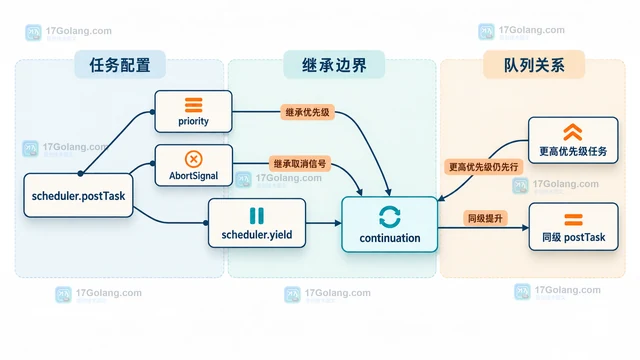
- 文章 · 前端 | 5天前 |
- scheduler.yield 怎么把长任务拆开又保持优先级
- 110浏览 收藏
-
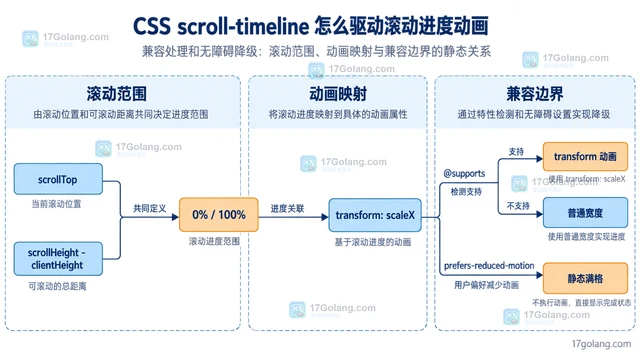
- 文章 · 前端 | 5天前 | CSS 滚动动画 animation-timeline scroll-timeline
- CSS scroll-timeline 怎么驱动滚动进度动画
- 251浏览 收藏
-

- 前端进阶之JavaScript设计模式
- 设计模式是开发人员在软件开发过程中面临一般问题时的解决方案,代表了最佳的实践。本课程的主打内容包括JS常见设计模式以及具体应用场景,打造一站式知识长龙服务,适合有JS基础的同学学习。
- 543次学习
-

- GO语言核心编程课程
- 本课程采用真实案例,全面具体可落地,从理论到实践,一步一步将GO核心编程技术、编程思想、底层实现融会贯通,使学习者贴近时代脉搏,做IT互联网时代的弄潮儿。
- 516次学习
-

- 简单聊聊mysql8与网络通信
- 如有问题加微信:Le-studyg;在课程中,我们将首先介绍MySQL8的新特性,包括性能优化、安全增强、新数据类型等,帮助学生快速熟悉MySQL8的最新功能。接着,我们将深入解析MySQL的网络通信机制,包括协议、连接管理、数据传输等,让
- 500次学习
-

- JavaScript正则表达式基础与实战
- 在任何一门编程语言中,正则表达式,都是一项重要的知识,它提供了高效的字符串匹配与捕获机制,可以极大的简化程序设计。
- 487次学习
-

- 从零制作响应式网站—Grid布局
- 本系列教程将展示从零制作一个假想的网络科技公司官网,分为导航,轮播,关于我们,成功案例,服务流程,团队介绍,数据部分,公司动态,底部信息等内容区块。网站整体采用CSSGrid布局,支持响应式,有流畅过渡和展现动画。
- 485次学习
-

- PubMedQA
- 深入了解PubMedQA生物医学问答数据集,涵盖其核心功能、使用方法及在临床决策、药物研发等场景的应用,助力提升NLP模型性能。
- 317次使用
-

- H2O EvalGPT
- H2O EvalGPT是H2O.ai推出的开源LLM评估平台,提供详细的大模型性能排行榜、行业特定基准测试及A/B测试功能,助您快速选择最适合项目的高性能大语言模型。
- 374次使用
-

- LMArena
- LMArena是加州大学伯克利分校推出的AI模型匿名评测平台。通过盲测投票机制,用户可对比不同大模型回答并生成实时排行榜,助力开发者优化模型及用户选择最佳AI工具。
- 370次使用
-

- HELM
- 深入了解斯坦福推出的HELM(Holistic Evaluation of Language Models)大模型评测体系。本文解析其核心功能、安装配置步骤及应用场景,涵盖准确性、公平性、鲁棒性等多维度指标,助力开发者全面优化语言模型性能。
- 337次使用
-

- MMBench
- MMBench是由上海人工智能实验室等机构联合推出的多模态基准测试平台,提供细粒度能力评估、大规模数据集及VLMEvalKit工具。本文详细介绍其核心功能、安装使用方法及应用场景,助力开发者全面评估多模态模型性能。
- 162次使用
-
- JavaScript函数定义及示例详解
- 2025-05-11 502浏览
-
- 智能体安全引领产业升级——国内AI安全产品市场深度分析
- 2026-08-21 501浏览
-
- CSS变量简化按钮悬停效果技巧
- 2026-05-31 501浏览
-
- JavaScript符号类型详解与应用
- 2026-05-31 501浏览
-
- HTML剪贴板复制粘贴怎么用
- 2026-05-26 501浏览


