JAR文件Manifest读取失败原因与解决方法
在使用Java开发中,有时会遇到无法从JAR文件中读取自定义Manifest属性的问题,导致`Attributes.getValue(String)`方法返回null。本文针对这一常见问题,深入分析了其根本原因:**Manifest文件格式不规范,缺少必要的换行符**。通过详细的代码示例,展示了如何使用FileSystem API修改JAR包的MANIFEST.MF文件,并着重强调了在添加自定义属性以及文件末尾添加换行符的重要性。本文提供了经过验证的解决方案,帮助开发者轻松解决JAR包Manifest属性读取失败的问题,确保程序能够正确获取所需的配置信息。

无法从JAR文件中读取自定义Manifest属性?原因及解决方案
修改JAR包的Manifest文件并读取自定义属性,看似简单的操作,却可能遇到意想不到的问题。本文将深入探讨这一问题,并提供切实可行的解决方案。
你可能遇到这样的情况:你使用FileSystem API成功地将自定义属性添加到JAR包的MANIFEST.MF文件中,通过解压JAR包检查,确认属性已经存在。然而,当你使用JarFile API尝试读取这些属性时,却发现它们不见了,Attributes.getValue(String)方法返回null。
以下是一个示例代码,用于修改JAR包的Manifest文件并尝试读取自定义属性:
import java.io.*;
import java.net.URI;
import java.net.URISyntaxException;
import java.nio.file.*;
import java.nio.file.attribute.BasicFileAttributes;
import java.util.HashMap;
import java.util.Map;
import java.util.jar.Attributes;
import java.util.jar.JarFile;
import java.util.jar.Manifest;

public class ManifestModifier {

    public static void main(String[] args) throws IOException, URISyntaxException {
        File jar = new File("C:\\Users\\employee1234\\Desktop\\auth-0.1.3.jar"); // 替换为你的JAR文件路径
        String testVersion = "1.2.3";

        Map env = new HashMap<>();
        env.put("create", "true");

        // Mount the jar
        try (FileSystem fileSystem = FileSystems.newFileSystem(jarFileToURI(jar), env)) {
            // Read the manifest
            ByteArrayOutputStream byteArrayOutputStream = new ByteArrayOutputStream();
            Path manifestPath = fileSystem.getPath("/META-INF/MANIFEST.MF");
            Files.copy(manifestPath, byteArrayOutputStream);

            // Convert the manifest bytes to a string and construct a string builder
            StringBuilder manifestData = new StringBuilder(byteArrayOutputStream.toString().trim());
            // Add the custom manifest attribute
            manifestData.append("\n");
            manifestData.append("Deployments-Version: ");
            manifestData.append(testVersion);

            // Write the manifest back to the jar
            Files.copy(new ByteArrayInputStream(manifestData.toString().getBytes()), manifestPath,
                    StandardCopyOption.REPLACE_EXISTING);

            // Try-with-resources closes the mounted jar
        }

        // This part doesn't work
        try (JarFile jarFile = new JarFile(jar)) {
            Manifest manifest = jarFile.getManifest();
            System.out.println(manifest.getMainAttributes().getValue("Deployments-Version"));
        }
    }

    // Stolen from java.io.File with some modifications
    private static URI jarFileToURI(File jarFile) throws URISyntaxException {
        String sp = slashify(jarFile.getAbsoluteFile().getPath(), false);
        if (sp.startsWith("//"))
            sp = "//" + sp;
        return new URI("jar:file", null, sp, null);
    }

    // Stolen from java.io.File;
    private static String slashify(String path, boolean isDirectory) {
        String p = path;
        if (File.separatorChar != '/')
            p = p.replace(File.separatorChar, '/');
        if (!p.startsWith("/"))
            p = "/" + p;
        if (!p.endsWith("/") && isDirectory)
            p = p + "/";
        return p;
    }
}
问题原因分析:
问题的根源在于Manifest文件的格式要求。每个属性条目必须以换行符分隔,并且整个Manifest文件也必须以换行符结尾。在上面的代码中,虽然添加了属性,但缺少了结尾的换行符,导致JarFile API无法正确解析Manifest文件。
解决方案:
确保在添加自定义属性后,以及整个Manifest文件的末尾,都添加换行符。修改代码如下:
manifestData.append("\n").append("Deployments-Version: ").append(testVersion).append("\n");通过在属性值后添加额外的换行符,确保Manifest文件的格式正确,JarFile API就能正确读取自定义属性。
完整代码示例:
import java.io.*;
import java.net.URI;
import java.net.URISyntaxException;
import java.nio.file.*;
import java.nio.file.attribute.BasicFileAttributes;
import java.util.HashMap;
import java.util.Map;
import java.util.jar.Attributes;
import java.util.jar.JarFile;
import java.util.jar.Manifest;

public class ManifestModifier {

    public static void main(String[] args) throws IOException, URISyntaxException {
        File jar = new File("C:\\Users\\employee1234\\Desktop\\auth-0.1.3.jar"); // 替换为你的JAR文件路径
        String testVersion = "1.2.3";

        Map env = new HashMap<>();
        env.put("create", "true");

        // Mount the jar
        try (FileSystem fileSystem = FileSystems.newFileSystem(jarFileToURI(jar), env)) {
            // Read the manifest
            ByteArrayOutputStream byteArrayOutputStream = new ByteArrayOutputStream();
            Path manifestPath = fileSystem.getPath("/META-INF/MANIFEST.MF");
            Files.copy(manifestPath, byteArrayOutputStream);

            // Convert the manifest bytes to a string and construct a string builder
            StringBuilder manifestData = new StringBuilder(byteArrayOutputStream.toString().trim());
            // Add the custom manifest attribute
            manifestData.append("\n").append("Deployments-Version: ").append(testVersion).append("\n");

            // Write the manifest back to the jar
            Files.copy(new ByteArrayInputStream(manifestData.toString().getBytes()), manifestPath,
                    StandardCopyOption.REPLACE_EXISTING);

            // Try-with-resources closes the mounted jar
        }

        // This part now works
        try (JarFile jarFile = new JarFile(jar)) {
            Manifest manifest = jarFile.getManifest();
            System.out.println(manifest.getMainAttributes().getValue("Deployments-Version"));
        }
    }

    // Stolen from java.io.File with some modifications
    private static URI jarFileToURI(File jarFile) throws URISyntaxException {
        String sp = slashify(jarFile.getAbsoluteFile().getPath(), false);
        if (sp.startsWith("//"))
            sp = "//" + sp;
        return new URI("jar:file", null, sp, null);
    }

    // Stolen from java.io.File;
    private static String slashify(String path, boolean isDirectory) {
        String p = path;
        if (File.separatorChar != '/')
            p = p.replace(File.separatorChar, '/');
        if (!p.startsWith("/"))
            p = "/" + p;
        if (!p.endsWith("/") && isDirectory)
            p = p + "/";
        return p;
    }
}
总结与注意事项:
- 修改JAR包的Manifest文件时,务必注意Manifest文件的格式要求。
- 确保每个属性条目以及整个Manifest文件都以换行符结尾。
- 使用FileSystem API修改JAR包内容时,需要正确处理文件流的打开和关闭,避免资源泄露。
- 在实际应用中,应根据具体需求选择合适的API来操作JAR包,例如,如果只是读取Manifest文件,使用JarFile API即可。如果需要修改JAR包内容,则需要使用FileSystem API。
通过理解Manifest文件的格式要求,并正确地添加换行符,你就可以成功地从JAR文件中读取自定义Manifest属性了。希望本文能够帮助你解决类似问题。
理论要掌握,实操不能落!以上关于《JAR文件Manifest读取失败原因与解决方法》的详细介绍,大家都掌握了吧!如果想要继续提升自己的能力,那么就来关注golang学习网公众号吧!
 Golang调用外部命令教程详解
- 上一篇
- Golang调用外部命令教程详解

- 下一篇
- Linux自动更新设置:yum和apt配置方法
-

- 文章 · java教程 | 12小时前 | Java · JVM · JVM Native Memory Tracking NMT jcmd 原生内存 JVM内存排查
- JVM 原生内存上涨但堆稳定,怎样用 NMT 分类定位
- 414浏览 收藏
-
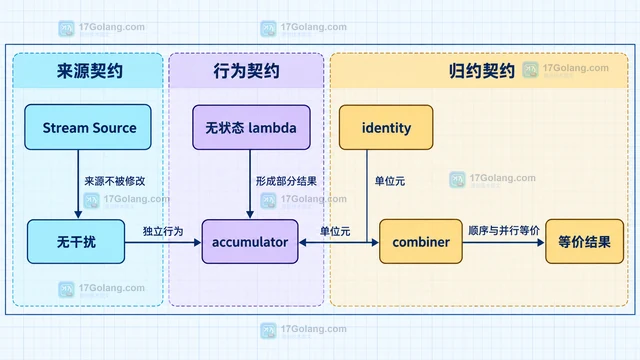
- 文章 · java教程 | 14小时前 | Java · 性能优化 · Stream · Java教程 · Java Stream Spliterator 并行流 parallelStream Stream副作用
- Stream 并行化前先判断什么:数据规模、拆分与副作用
- 405浏览 收藏
-
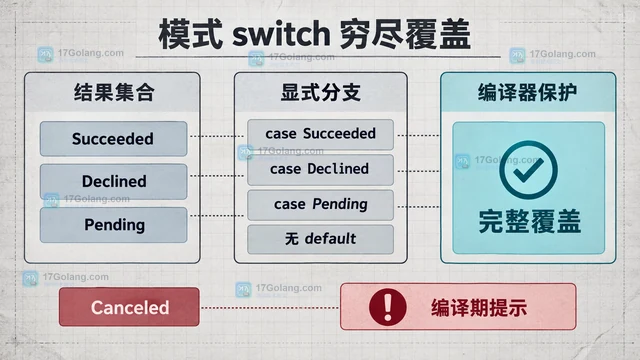
- 文章 · java教程 | 16小时前 | Java教程 · sealed interface Java密封类 模式匹配switch 支付结果 穷尽检查
- 密封类建模支付结果:穷尽分支与扩展边界
- 270浏览 收藏
-
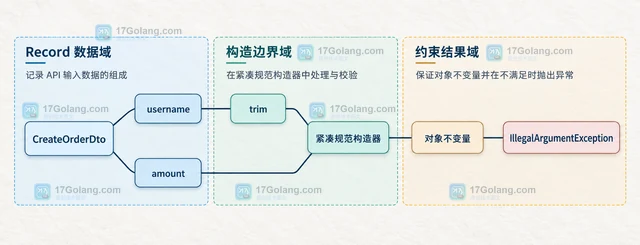
- 文章 · java教程 | 18小时前 | 数据校验 · api设计 · Java教程 · 参数校验 Java record API DTO Jakarta Validation 紧凑规范构造器 跨字段校验
- Java Record 作为 API DTO 时,校验逻辑放在哪里
- 370浏览 收藏
-

- 文章 · java教程 | 20小时前 | 线程池 · 异常处理 · 并发编程 · Java教程 · CompletableFuture · 异步任务 completablefuture allOf Handle 结果汇总 CompletionException
- CompletableFuture 组合独立任务:allOf 结果汇总与失败归属
- 482浏览 收藏
-
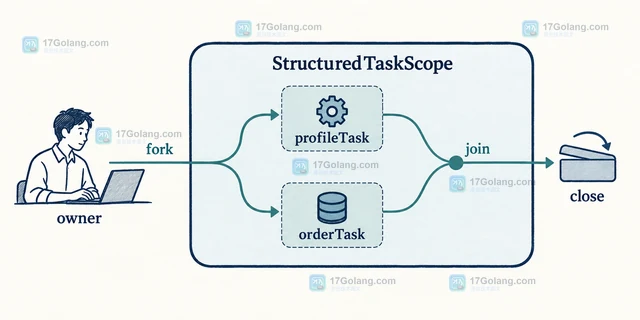
- 文章 · java教程 | 22小时前 |
- StructuredTaskScope 如何表达并发任务的共同生命周期
- 425浏览 收藏
-

- 文章 · java教程 | 1天前 | 并发编程 · Java教程 · java arena MemorySegment WrongThreadException FFM API
- Java MemorySegment 怎么限制跨线程访问范围
- 132浏览 收藏
-
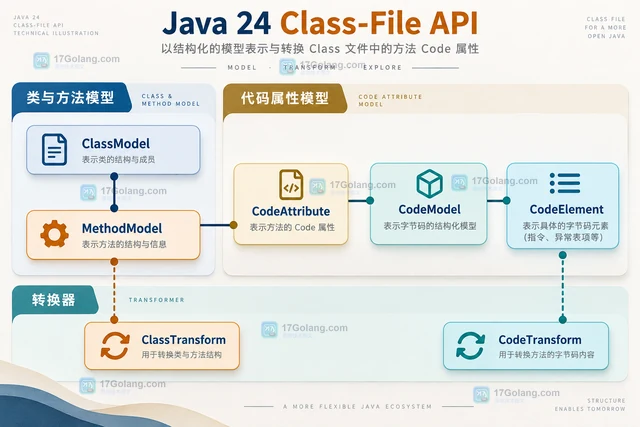
- 文章 · java教程 | 1天前 | Java · Java 24 Java Class-File API CodeTransform ClassTransform CodeAttribute
- Java Class-File API 怎么转换方法代码属性
- 199浏览 收藏
-

- 文章 · java教程 | 1天前 | Java · Stream · java Stream Gatherer Integrator.Greedy
- Java Gatherer Integrator.Greedy 什么时候可以声明贪婪处理
- 112浏览 收藏
-
- 文章 · java教程 | 1天前 |
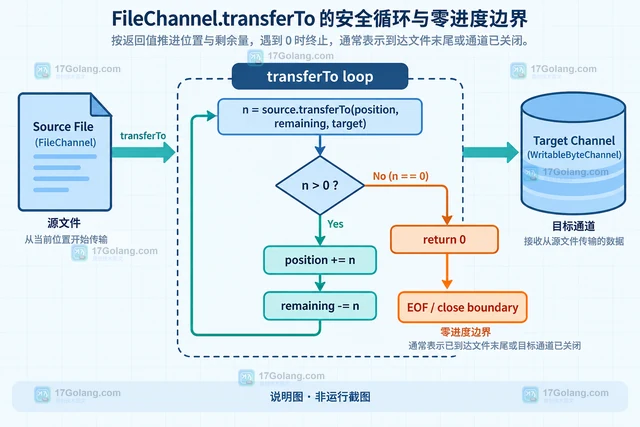
- Java FileChannel transferTo 为什么可能只传输部分字节
- 229浏览 收藏


-

- 前端进阶之JavaScript设计模式
- 设计模式是开发人员在软件开发过程中面临一般问题时的解决方案,代表了最佳的实践。本课程的主打内容包括JS常见设计模式以及具体应用场景,打造一站式知识长龙服务,适合有JS基础的同学学习。
- 543次学习
-

- GO语言核心编程课程
- 本课程采用真实案例,全面具体可落地,从理论到实践,一步一步将GO核心编程技术、编程思想、底层实现融会贯通,使学习者贴近时代脉搏,做IT互联网时代的弄潮儿。
- 516次学习
-

- 简单聊聊mysql8与网络通信
- 如有问题加微信:Le-studyg;在课程中,我们将首先介绍MySQL8的新特性,包括性能优化、安全增强、新数据类型等,帮助学生快速熟悉MySQL8的最新功能。接着,我们将深入解析MySQL的网络通信机制,包括协议、连接管理、数据传输等,让
- 500次学习
-

- JavaScript正则表达式基础与实战
- 在任何一门编程语言中,正则表达式,都是一项重要的知识,它提供了高效的字符串匹配与捕获机制,可以极大的简化程序设计。
- 487次学习
-

- 从零制作响应式网站—Grid布局
- 本系列教程将展示从零制作一个假想的网络科技公司官网,分为导航,轮播,关于我们,成功案例,服务流程,团队介绍,数据部分,公司动态,底部信息等内容区块。网站整体采用CSSGrid布局,支持响应式,有流畅过渡和展现动画。
- 485次学习
-
- PubMedQA
- 深入了解PubMedQA生物医学问答数据集,涵盖其核心功能、使用方法及在临床决策、药物研发等场景的应用,助力提升NLP模型性能。
- 372次使用
-
- H2O EvalGPT
- H2O EvalGPT是H2O.ai推出的开源LLM评估平台,提供详细的大模型性能排行榜、行业特定基准测试及A/B测试功能,助您快速选择最适合项目的高性能大语言模型。
- 443次使用
-

- LMArena
- LMArena是加州大学伯克利分校推出的AI模型匿名评测平台。通过盲测投票机制,用户可对比不同大模型回答并生成实时排行榜,助力开发者优化模型及用户选择最佳AI工具。
- 449次使用
-
- HELM
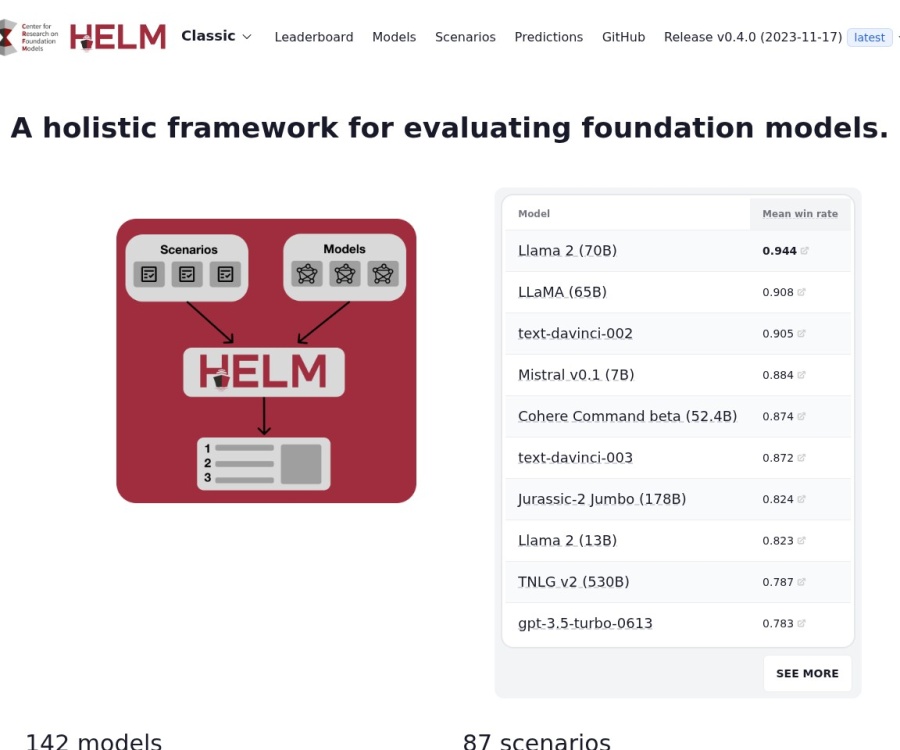
- 深入了解斯坦福推出的HELM(Holistic Evaluation of Language Models)大模型评测体系。本文解析其核心功能、安装配置步骤及应用场景,涵盖准确性、公平性、鲁棒性等多维度指标,助力开发者全面优化语言模型性能。
- 395次使用
-

- MMBench
- MMBench是由上海人工智能实验室等机构联合推出的多模态基准测试平台,提供细粒度能力评估、大规模数据集及VLMEvalKit工具。本文详细介绍其核心功能、安装使用方法及应用场景,助力开发者全面评估多模态模型性能。
- 220次使用
-
- Java try-with-resources 多个资源关闭顺序是什么
- 2026-09-10 501浏览
-
- 矩阵主副对角线快速定位技巧
- 2026-05-31 501浏览
-
- Java多态优化流程代码与行为分发改进
- 2026-05-26 501浏览
-
- JVM 类元数据双亲委派链表深度解析
- 2026-05-21 501浏览
-
- 反射异常处理:InvocationTargetException解析与应用
- 2026-05-16 501浏览