
PyTorch 中的 CocoCaptions (2)
来源:dev.to
2025-01-11 15:48:24
0浏览
收藏
怎么入门文章编程?需要学习哪些知识点?这是新手们刚接触编程时常见的问题;下面golang学习网就来给大家整理分享一些知识点,希望能够给初学者一些帮助。本篇文章就来介绍《PyTorch 中的 CocoCaptions (2)》,涉及到,有需要的可以收藏一下
请我喝杯咖啡☕
*备忘录:
- 我的帖子解释了cococaptions()使用带有captions_train2014.json、instances_train2014.json和person_keypoints_train2014.json的train2014、带有captions_val2014.json、instances_val2014.json和person_keypoints_val2014.json的val2014以及带有image_info_test2014.json的test2017, image_info_test2015.json 和 image_info_test-dev2015.json。
- 我的帖子解释了cocodetection()使用带有captions_train2014.json、instances_train2014.json和person_keypoints_train2014.json的train2014、带有captions_val2014.json、instances_val2014.json和person_keypoints_val2014.json的val2014以及带有image_info_test2014.json的test2017, image_info_test2015.json 和 image_info_test-dev2015.json。
- 我的帖子解释了cocodetection()使用train2017与captions_train2017.json,instances_train2017.json和person_keypoints_train2017.json,val2017与captions_val2017.json,instances_val2017.json和person_keypoints_val2017.json和test2017与image_info_test2017.json和image_info_test-dev2017.json.
- 我的帖子解释了cocodetection()使用train2017与stuff_train2017.json,val2017与stuff_val2017.json,stuff_train2017_pixelmaps与stuff_train2017.json,stuff_val2017_pixelmaps与stuff_val2017.json,panoptic_train2017与panoptic_train2017.json,panoptic_val2017与panoptic_val2017.json 和 unlabeled2017 以及 image_info_unlabeled2017.json。
- 我的帖子解释了 ms coco。
cococaptions() 可以使用 ms coco 数据集,如下所示。 *这适用于带有captions_train2017.json、instances_train2017.json和person_keypoints_train2017.json的train2017,带有captions_val2017.json、instances_val2017.json和person_keypoints_val2017.json的val2017以及带有image_info_test2017.json和的test2017 image_info_test-dev2017.json:
from torchvision.datasets import CocoCaptions

cap_train2017_data = CocoCaptions(
    root="data/coco/imgs/train2017",
    annFile="data/coco/anns/trainval2017/captions_train2017.json"
)

ins_train2017_data = CocoCaptions(
    root="data/coco/imgs/train2017",
    annFile="data/coco/anns/trainval2017/instances_train2017.json"
)

pk_train2017_data = CocoCaptions(
    root="data/coco/imgs/train2017",
    annFile="data/coco/anns/trainval2017/person_keypoints_train2017.json"
)

len(cap_train2017_data), len(ins_train2017_data), len(pk_train2017_data)
# (118287, 118287, 118287)

cap_val2017_data = CocoCaptions(
    root="data/coco/imgs/val2017",
    annFile="data/coco/anns/trainval2017/captions_val2017.json"
)

ins_val2017_data = CocoCaptions(
    root="data/coco/imgs/val2017",
    annFile="data/coco/anns/trainval2017/instances_val2017.json"
)

pk_val2017_data = CocoCaptions(
    root="data/coco/imgs/val2017",
    annFile="data/coco/anns/trainval2017/person_keypoints_val2017.json"
)

len(cap_val2017_data), len(ins_val2017_data), len(pk_val2017_data)
# (5000, 5000, 5000)

test2017_data = CocoCaptions(
    root="data/coco/imgs/test2017",
    annFile="data/coco/anns/test2017/image_info_test2017.json"
)

testdev2017_data = CocoCaptions(
    root="data/coco/imgs/test2017",
    annFile="data/coco/anns/test2017/image_info_test-dev2017.json"
)

len(test2017_data), len(testdev2017_data)
# (40670, 20288)

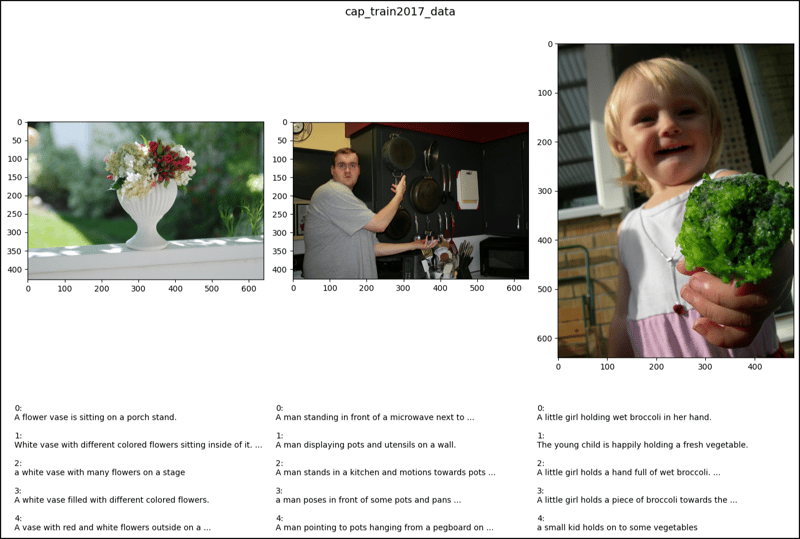
cap_train2017_data[2]
# (,
#  ['A flower vase is sitting on a porch stand.',
#   'White vase with different colored flowers sitting inside of it. ',
#   'a white vase with many flowers on a stage',
#   'A white vase filled with different colored flowers.',
#   'A vase with red and white flowers outside on a sunny day.'])

cap_train2017_data[47]
# (,
#  ['A man standing in front of a microwave next to pots and pans.',
#   'A man displaying pots and utensils on a wall.',
#   'A man stands in a kitchen and motions towards pots and pans. ',
#   'a man poses in front of some pots and pans ',
#   'A man pointing to pots hanging from a pegboard on a gray wall.'])

cap_train2017_data[64]
# (,
#  ['A little girl holding wet broccoli in her hand. ',
#   'The young child is happily holding a fresh vegetable. ',
#   'A little girl holds a hand full of wet broccoli. ',
#   'A little girl holds a piece of broccoli towards the camera.',
#   'a small kid holds on to some vegetables '])

ins_train2017_data[2] # Error

ins_train2017_data[47] # Error

ins_train2017_data[67] # Error

pk_train2017_data[2]
# (, [])

pk_train2017_data[47] # Error

pk_train2017_data[64] # Error

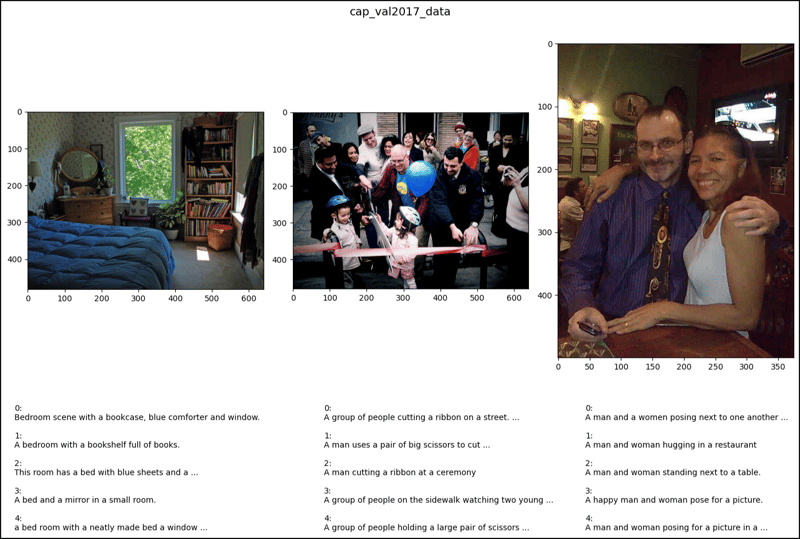
cap_val2017_data[2]
# (,
#  ['Bedroom scene with a bookcase, blue comforter and window.',
#   'A bedroom with a bookshelf full of books.',
#   'This room has a bed with blue sheets and a large bookcase',
#   'A bed and a mirror in a small room.',
#   'a bed room with a neatly made bed a window and a book shelf'])

cap_val2017_data[47]
# (,
#  ['A group of people cutting a ribbon on a street.',
#   'A man uses a pair of big scissors to cut a pink ribbon.',
#   'A man cutting a ribbon at a ceremony ',
#   'A group of people on the sidewalk watching two young children.',
#   'A group of people holding a large pair of scissors to a ribbon.'])

cap_val2017_data[64]
# (,
#  ['A man and a women posing next to one another in front of a table.',
#   'A man and woman hugging in a restaurant',
#   'A man and woman standing next to a table.',
#   'A happy man and woman pose for a picture.',
#   'A man and woman posing for a picture in a sports bar.'])

ins_val2017_data[2] # Error

ins_val2017_data[47] # Error

ins_val2017_data[64] # Error

pk_val2017_data[2]
# (, [])

pk_val2017_data[47] # Error

pk_val2017_data[64] # Error

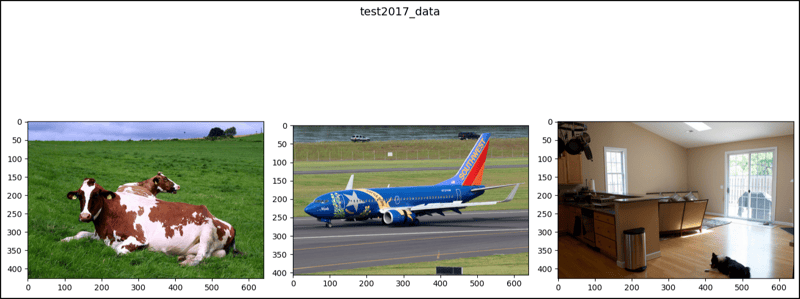
test2017_data[2]
# (, [])

test2017_data[47]
# (, [])

test2017_data[64]
# (, [])

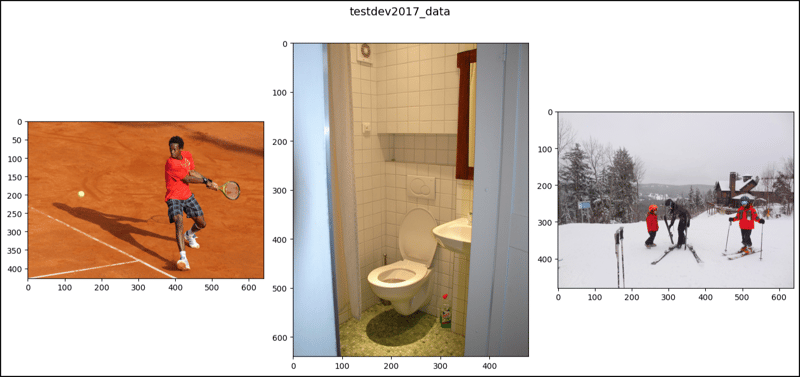
testdev2017_data[2]
# (, [])

testdev2017_data[47]
# (, [])

testdev2017_data[64]
# (, [])

import matplotlib.pyplot as plt

def show_images(data, ims, main_title=None):
    file = data.root.split('/')[-1]
    fig, axes = plt.subplots(nrows=1, ncols=3, figsize=(14, 8))
    fig.suptitle(t=main_title, y=0.9, fontsize=14)
    x_crd = 0.02
    for i, axis in zip(ims, axes.ravel()):
        if data[i][1]:
            im, anns = data[i]
            axis.imshow(X=im)
            y_crd = 0.0
            for j, ann in enumerate(iterable=anns):
                text_list = ann.split()
                if len(text_list) > 9:
                    text = " ".join(text_list[0:10]) + " ..."
                else:
                    text = " ".join(text_list)
                plt.figtext(x=x_crd, y=y_crd, fontsize=10,
                            s=f'{j}:\n{text}')
                y_crd -= 0.06
            x_crd += 0.325
            if i == 2 and file == "val2017":
                x_crd += 0.06
        elif not data[i][1]:
            im, _ = data[i]
            axis.imshow(X=im)
    fig.tight_layout()
    plt.show()

ims = (2, 47, 64)

show_images(data=cap_train2017_data, ims=ims,
             main_title="cap_train2017_data")
show_images(data=cap_val2017_data, ims=ims,
             main_title="cap_val2017_data")
show_images(data=test2017_data, ims=ims,
            main_title="test2017_data")
show_images(data=testdev2017_data, ims=ims,
            main_title="testdev2017_data")
今天关于《PyTorch 中的 CocoCaptions (2)》的内容介绍就到此结束,如果有什么疑问或者建议,可以在golang学习网公众号下多多回复交流;文中若有不正之处,也希望回复留言以告知!
版本声明
本文转载于:dev.to 如有侵犯,请联系study_golang@163.com删除
 Win11如何加密文件夹-Win11加密文件夹的方法
- 上一篇
- Win11如何加密文件夹-Win11加密文件夹的方法

- 下一篇
- 通过技术 SEO 最佳实践增强 SaaS 产品开发
查看更多
最新文章
-
- 文章 · python教程 | 30分钟前 | 异常处理 · 并发编程 · Python教程 · asyncio · asyncio 结构化并发 ExceptionGroup except* Python TaskGroup
- Python TaskGroup 如何汇总多个子任务异常
- 208浏览 收藏
-
- 文章 · python教程 | 4小时前 | 并发编程 · 工程实践 · Python教程 · 多进程日志 QueueListener multiprocessing.Queue RotatingFileHandler Python QueueHandler
- Python 日志 QueueHandler 解决多进程写入争用
- 186浏览 收藏
-
- 文章 · python教程 | 6小时前 | 数据校验 · python · Pydantic 部分更新 exclude_unset model_fields_set 显式空值 model_dump
- Pydantic 模型更新时区分未提供字段与显式空值
- 399浏览 收藏
-
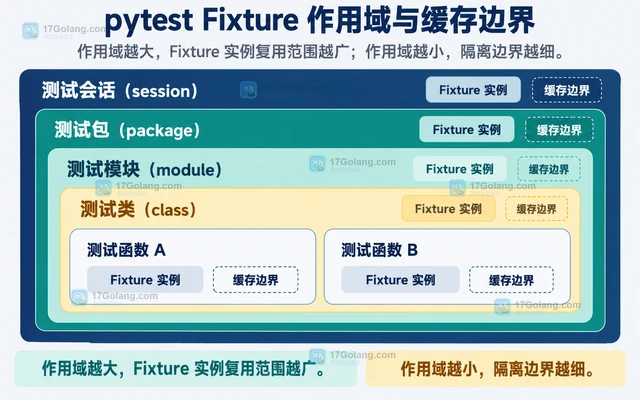
- 文章 · python教程 | 8小时前 |
- pytest Fixture 作用域如何影响测试隔离与速度
- 341浏览 收藏
-
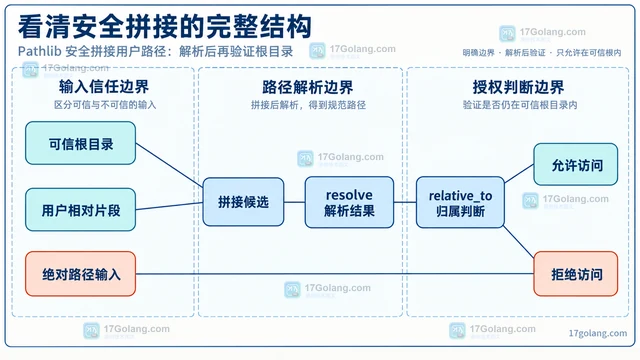
- 文章 · python教程 | 11小时前 | Python教程 · pathlib · 路径安全 Python pathlib Path.resolve 目录穿越 relative_to
- Pathlib 安全拼接用户路径:解析后再验证根目录
- 463浏览 收藏
-
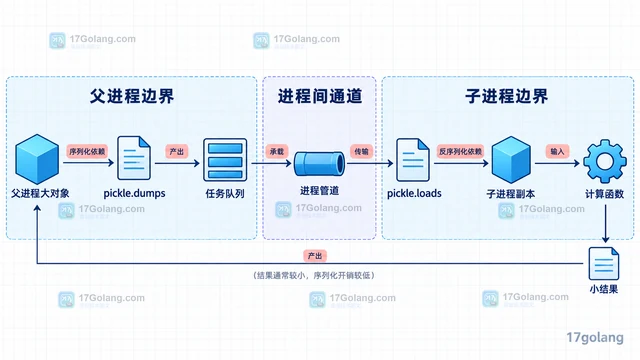
- 文章 · python教程 | 13小时前 | 性能优化 · Python教程 · Python 进程间通信 pickle multiprocessing SharedMemory
- multiprocessing 传输大对象为何变慢,如何减少序列化
- 478浏览 收藏
-
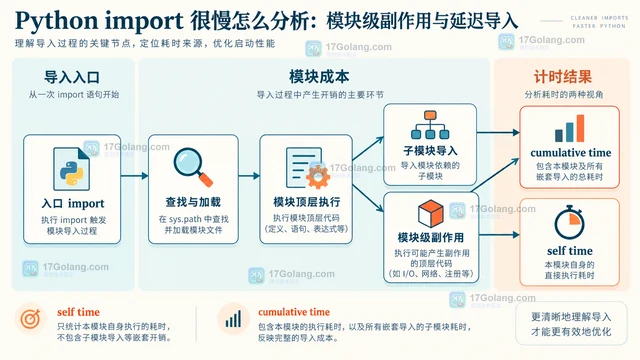
- 文章 · python教程 | 1天前 | python · Python import很慢 -X importtime 模块级副作用 延迟导入 Python启动优化
- Python import 很慢怎么分析:模块级副作用与延迟导入
- 292浏览 收藏
-
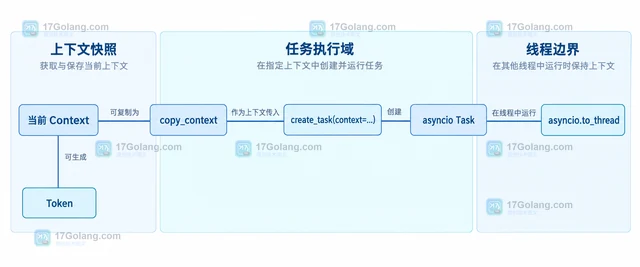
- 文章 · python教程 | 1天前 | python · 异步编程 · Python asyncio contextvars request_id
- contextvars 在异步请求链中传递追踪信息
- 393浏览 收藏
-
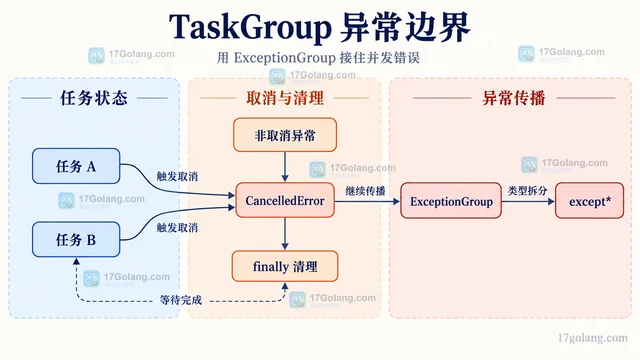
- 文章 · python教程 | 1天前 | 并发 · 异常处理 · python · asyncio · CancelledError 结构化并发 ExceptionGroup Python asyncio TaskGroup asyncio gather
- asyncio TaskGroup 让并发任务在首错时一起收敛
- 246浏览 收藏
查看更多
课程推荐
-

- 前端进阶之JavaScript设计模式
- 设计模式是开发人员在软件开发过程中面临一般问题时的解决方案,代表了最佳的实践。本课程的主打内容包括JS常见设计模式以及具体应用场景,打造一站式知识长龙服务,适合有JS基础的同学学习。
- 543次学习
-

- GO语言核心编程课程
- 本课程采用真实案例,全面具体可落地,从理论到实践,一步一步将GO核心编程技术、编程思想、底层实现融会贯通,使学习者贴近时代脉搏,做IT互联网时代的弄潮儿。
- 516次学习
-

- 简单聊聊mysql8与网络通信
- 如有问题加微信:Le-studyg;在课程中,我们将首先介绍MySQL8的新特性,包括性能优化、安全增强、新数据类型等,帮助学生快速熟悉MySQL8的最新功能。接着,我们将深入解析MySQL的网络通信机制,包括协议、连接管理、数据传输等,让
- 500次学习
-

- JavaScript正则表达式基础与实战
- 在任何一门编程语言中,正则表达式,都是一项重要的知识,它提供了高效的字符串匹配与捕获机制,可以极大的简化程序设计。
- 487次学习
-

- 从零制作响应式网站—Grid布局
- 本系列教程将展示从零制作一个假想的网络科技公司官网,分为导航,轮播,关于我们,成功案例,服务流程,团队介绍,数据部分,公司动态,底部信息等内容区块。网站整体采用CSSGrid布局,支持响应式,有流畅过渡和展现动画。
- 485次学习
查看更多
AI推荐
-

- PubMedQA
- 深入了解PubMedQA生物医学问答数据集,涵盖其核心功能、使用方法及在临床决策、药物研发等场景的应用,助力提升NLP模型性能。
- 382次使用
-

- H2O EvalGPT
- H2O EvalGPT是H2O.ai推出的开源LLM评估平台,提供详细的大模型性能排行榜、行业特定基准测试及A/B测试功能,助您快速选择最适合项目的高性能大语言模型。
- 453次使用
-

- LMArena
- LMArena是加州大学伯克利分校推出的AI模型匿名评测平台。通过盲测投票机制,用户可对比不同大模型回答并生成实时排行榜,助力开发者优化模型及用户选择最佳AI工具。
- 466次使用
-

- HELM
- 深入了解斯坦福推出的HELM(Holistic Evaluation of Language Models)大模型评测体系。本文解析其核心功能、安装配置步骤及应用场景,涵盖准确性、公平性、鲁棒性等多维度指标,助力开发者全面优化语言模型性能。
- 405次使用
-

- MMBench
- MMBench是由上海人工智能实验室等机构联合推出的多模态基准测试平台,提供细粒度能力评估、大规模数据集及VLMEvalKit工具。本文详细介绍其核心功能、安装使用方法及应用场景,助力开发者全面评估多模态模型性能。
- 235次使用
查看更多
相关文章
-
- Python sqlite3 Connection serialize 怎么导出数据库快照:备份窗口、内存占用与恢复校验
- 2026-08-26 501浏览
-
- Python监控网页状态:requests异常处理实战
- 2026-05-29 501浏览
-
- TensorFlow模型部署为API的TF Serving方法
- 2026-05-26 501浏览
-
- Python字符串编码转换:encode与decode详解
- 2026-05-16 501浏览
-
- TensorFlow裁剪无用算子方法详解
- 2026-05-15 501浏览


