
Python的RegEx正则表达式怎么使用
来到golang学习网的大家,相信都是编程学习爱好者,希望在这里学习文章相关编程知识。下面本篇文章就来带大家聊聊《Python的RegEx正则表达式怎么使用》,介绍一下,希望对大家的知识积累有所帮助,助力实战开发!
RegEx 或正则表达式是形成搜索模式的字符序列。
RegEx 可用于检查字符串是否包含指定的搜索模式。
RegEx 模块
Python 提供名为 re 的内置包,可用于处理正则表达式。
导入 re 模块:
import re
Python 中的 RegEx
导入 re 模块后,就可以开始使用正则表达式了:
实例
检索字符串以查看它是否以 “China” 开头并以 “country” 结尾:
import re

txt = "China is a great country"
x = re.search("^China.*country$", txt)
运行实例
import re

txt = "China is a great country"
x = re.search("^China.*country$", txt)

if (x):
  print("YES! We have a match!")
else:
  print("No match")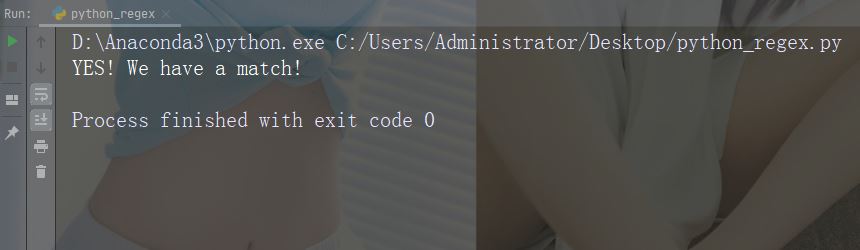
RegEx 函数
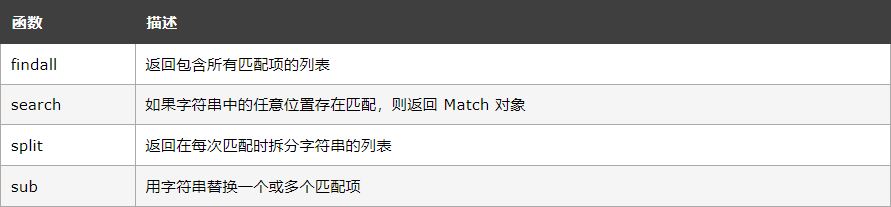
re 模块提供了一组函数,允许我们检索字符串以进行匹配:
元字符
元字符是具有特殊含义的字符
字符:[] 描述:一组字符 示例:“[a-m]”
import re

str = "The rain in Spain"

#Find all lower case characters alphabetically between "a" and "m":

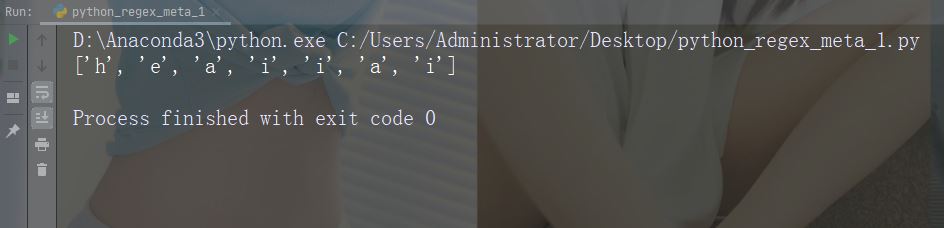
x = re.findall("[a-m]", str)
print(x)
运行示例
字符: 描述:示意特殊序列(也可用于转义特殊字符) 示例:“\d”
import re

str = "That will be 59 dollars"

#Find all digit characters:

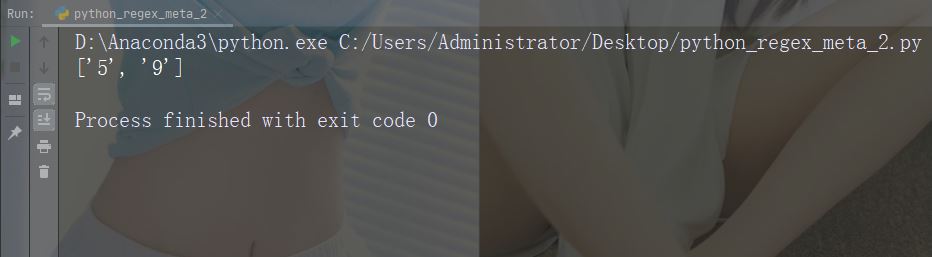
x = re.findall("\d", str)
print(x)
运行示例
字符:. 描述:任何字符(换行符除外) 示例: “he…o”
import re

str = "hello world"

#Search for a sequence that starts with "he", followed by two (any) characters, and an "o":

x = re.findall("he..o", str)
print(x)
运行示例
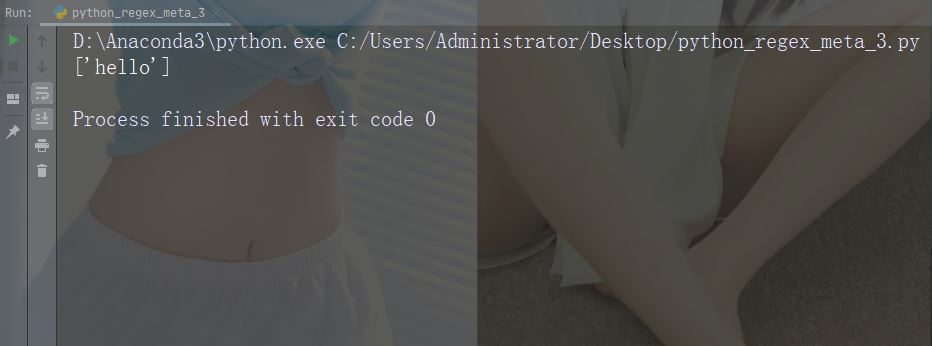
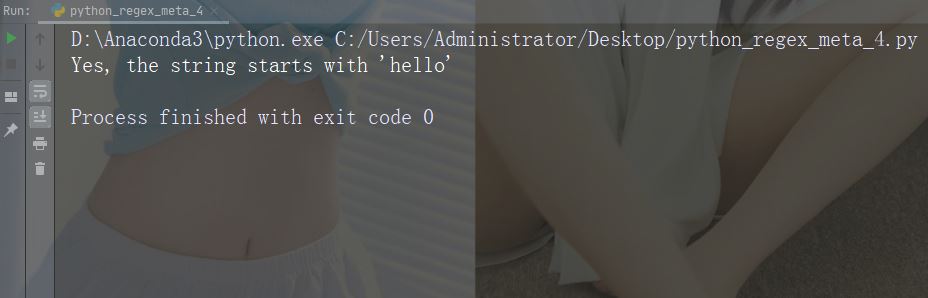
字符:^ 描述:起始于 示例: “^hello”
import re

str = "hello world"

#Check if the string starts with 'hello':

x = re.findall("^hello", str)
if (x):
  print("Yes, the string starts with 'hello'")
else:
  print("No match")
运行示例
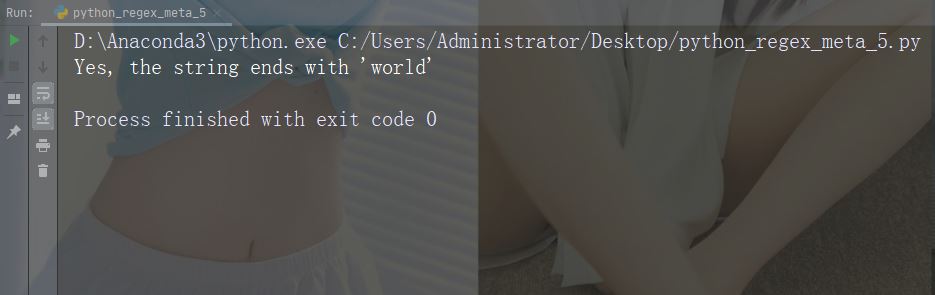
字符:$ 描述:结束于 示例:“world$”
import re

str = "hello world"

#Check if the string ends with 'world':

x = re.findall("world$", str)
if (x):
  print("Yes, the string ends with 'world'")
else:
  print("No match")
运行示例
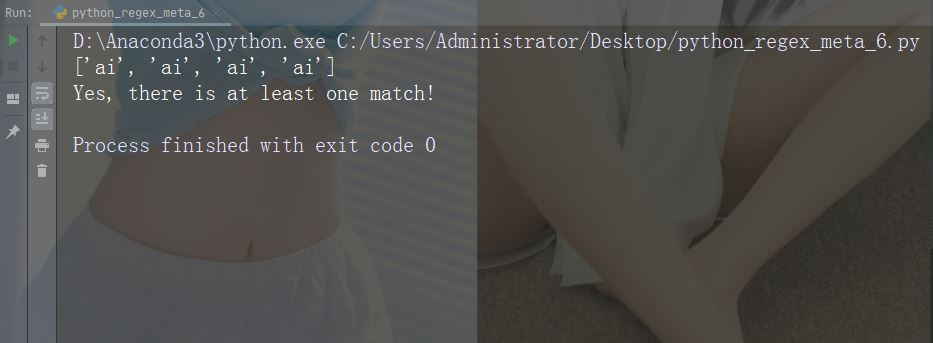
字符:* 描述:零次或多次出现 示例:“aix*”
import re

str = "The rain in Spain falls mainly in the plain!"

#Check if the string contains "ai" followed by 0 or more "x" characters:

x = re.findall("aix*", str)

print(x)

if (x):
  print("Yes, there is at least one match!")
else:
  print("No match")
运行示例
字符:+ 描述:一次或多次出现 示例: “aix+”
import re

str = "The rain in Spain falls mainly in the plain!"

#Check if the string contains "ai" followed by 1 or more "x" characters:

x = re.findall("aix+", str)

print(x)

if (x):
  print("Yes, there is at least one match!")
else:
  print("No match")
运行示例
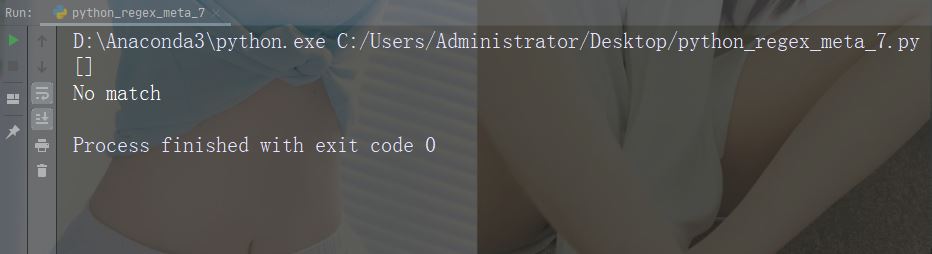
字符:{} 描述: 确切地指定的出现次数 示例:“al{2}”
import re

str = "The rain in Spain falls mainly in the plain!"

#Check if the string contains "a" followed by exactly two "l" characters:

x = re.findall("al{2}", str)

print(x)

if (x):
  print("Yes, there is at least one match!")
else:
  print("No match")
运行示例
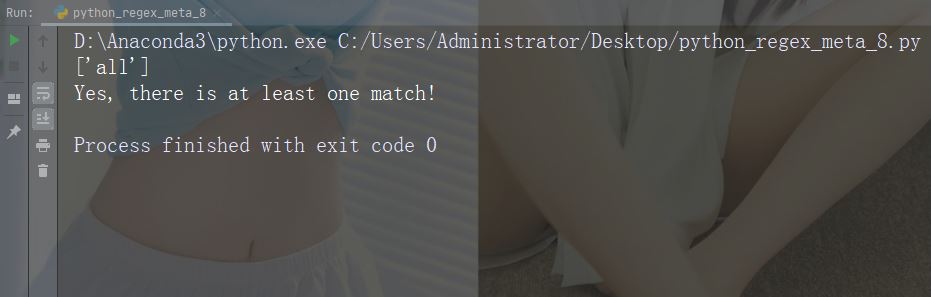
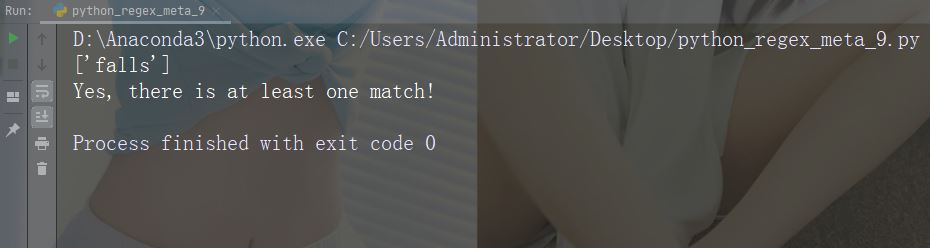
字符:| 描述:两者任一 示例:“falls|stays”
import re

str = "The rain in Spain falls mainly in the plain!"

#Check if the string contains either "falls" or "stays":

x = re.findall("falls|stays", str)

print(x)

if (x):
  print("Yes, there is at least one match!")
else:
  print("No match")
运行示例
字符:() 描述:捕获和分组
特殊序列
特殊序列指的是 \ 后跟下表中的某个字符,拥有特殊含义。
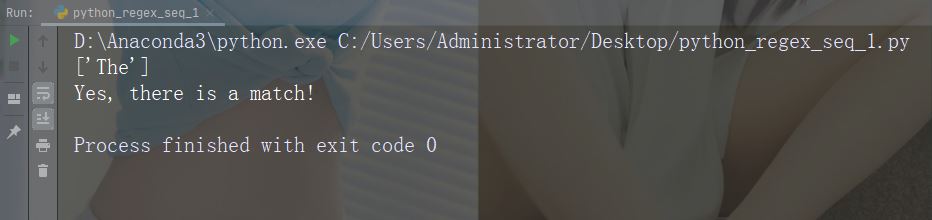
字符:\A 描述:如果指定的字符位于字符串的开头,则返回匹配项 示例:“\AThe”
import re

str = "The rain in Spain"

#Check if the string starts with "The":

x = re.findall("\AThe", str)

print(x)

if (x):
  print("Yes, there is a match!")
else:
  print("No match")
运行示例
字符:\b
描述:返回指定字符位于单词的开头或末尾的匹配项
示例:r"\bain"
import re

str = "The rain in Spain"

#Check if "ain" is present at the beginning of a WORD:

x = re.findall(r"\bain", str)

print(x)

if (x):
  print("Yes, there is at least one match!")
else:
  print("No match")
运行示例
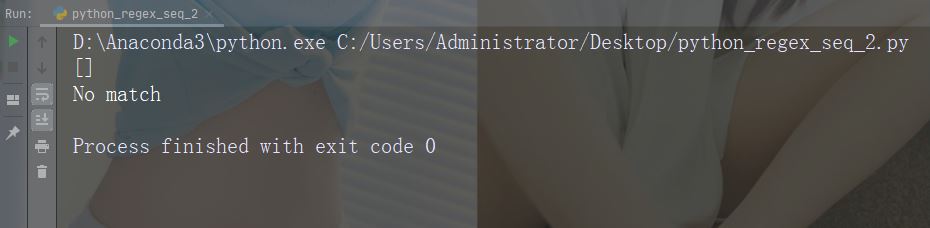
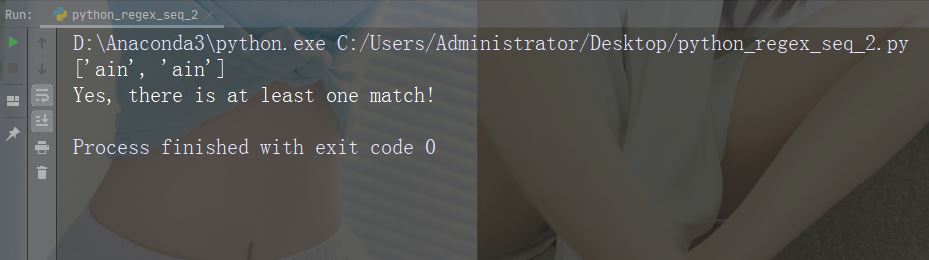
示例:r"ain\b"
import re

str = "The rain in Spain"

#Check if "ain" is present at the end of a WORD:

x = re.findall(r"ain\b", str)

print(x)

if (x):
  print("Yes, there is at least one match!")
else:
  print("No match")
运行示例
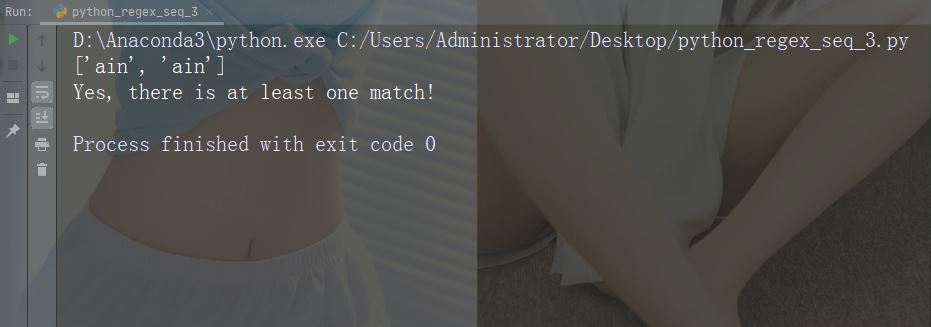
字符:\B
描述:返回指定字符存在的匹配项,但不在单词的开头(或结尾处)
示例:r"\Bain"
import re

str = "The rain in Spain"

#Check if "ain" is present, but NOT at the beginning of a word:

x = re.findall(r"\Bain", str)

print(x)

if (x):
  print("Yes, there is at least one match!")
else:
  print("No match")
运行示例
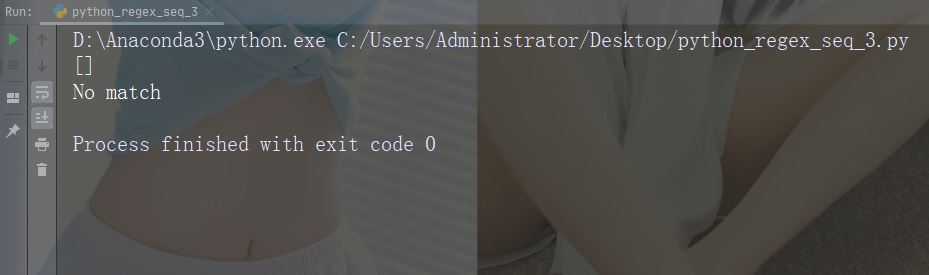
示例:r"ain\B"
import re

str = "The rain in Spain"

#Check if "ain" is present, but NOT at the end of a word:

x = re.findall(r"ain\B", str)

print(x)

if (x):
  print("Yes, there is at least one match!")
else:
  print("No match")
运行示例
字符:\d
描述:返回字符串包含数字的匹配项(数字 0-9)
示例:“\d”
import re

str = "The rain in Spain"

#Check if the string contains any digits (numbers from 0-9):

x = re.findall("\d", str)

print(x)

if (x):
  print("Yes, there is at least one match!")
else:
  print("No match")
运行示例
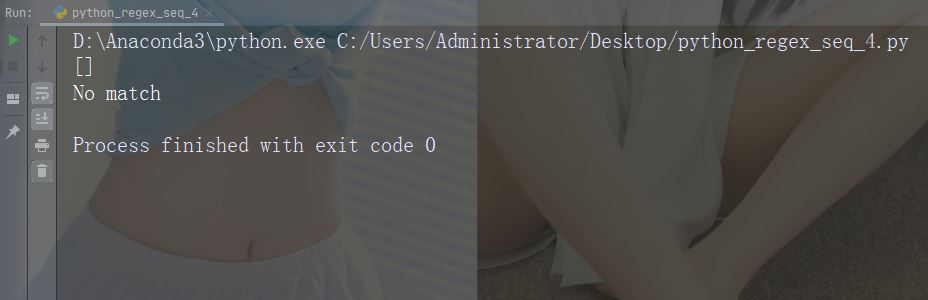
字符:\D
描述:返回字符串不包含数字的匹配项
示例:“\D”
import re

str = "The rain in Spain"

#Return a match at every no-digit character:

x = re.findall("\D", str)

print(x)

if (x):
  print("Yes, there is at least one match!")
else:
  print("No match")
运行示例
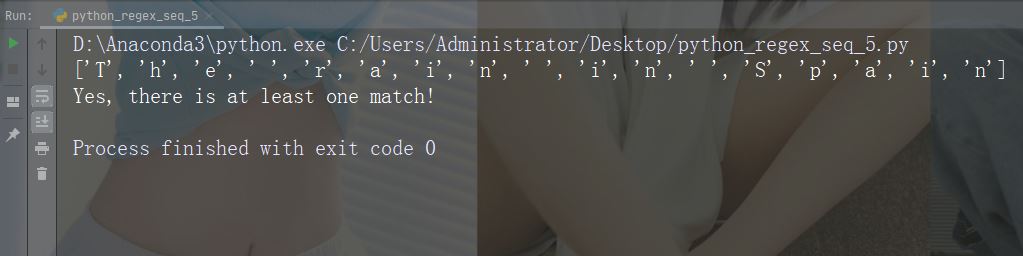
字符:\s
描述:返回字符串包含空白字符的匹配项
示例:“\s”
import re

str = "The rain in Spain"

#Return a match at every white-space character:

x = re.findall("\s", str)

print(x)

if (x):
  print("Yes, there is at least one match!")
else:
  print("No match")
运行示例
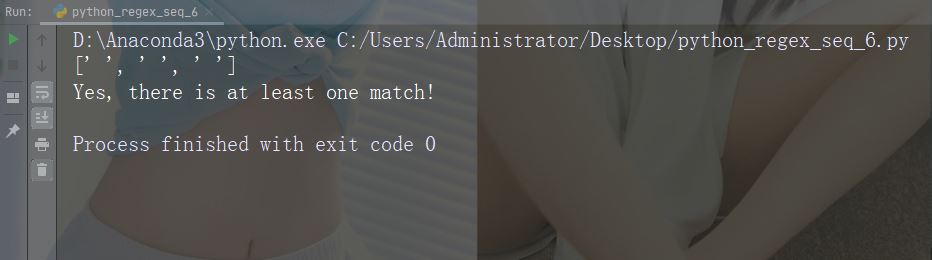
字符:\S
描述:返回字符串不包含空白字符的匹配项
示例:“\S”
import re

str = "The rain in Spain"

#Return a match at every NON white-space character:

x = re.findall("\S", str)

print(x)

if (x):
  print("Yes, there is at least one match!")
else:
  print("No match")
运行示例
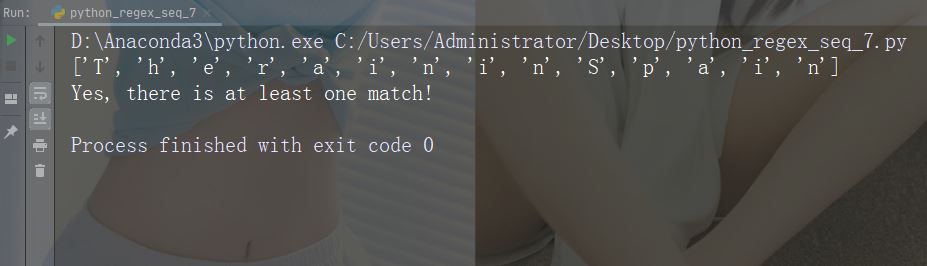
字符:\w
描述: 返回一个匹配项,其中字符串包含任何单词字符 (从 a 到 Z 的字符,从 0 到 9 的数字和下划线 _ 字符)
示例:“\w”
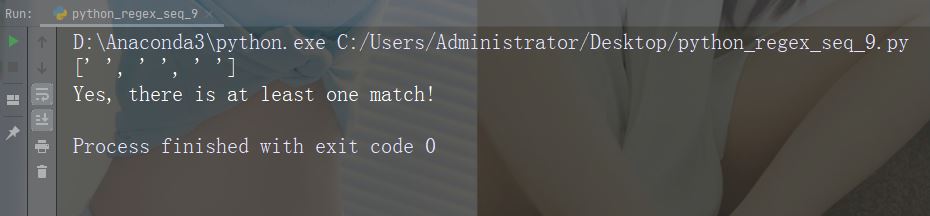
import re

str = "The rain in Spain"

#Return a match at every word character (characters from a to Z, digits from 0-9, and the underscore _ character):

x = re.findall("\w", str)

print(x)

if (x):
  print("Yes, there is at least one match!")
else:
  print("No match")
运行示例
字符:\W
描述:返回一个匹配项,其中字符串不包含任何单词字符
示例:“\W”
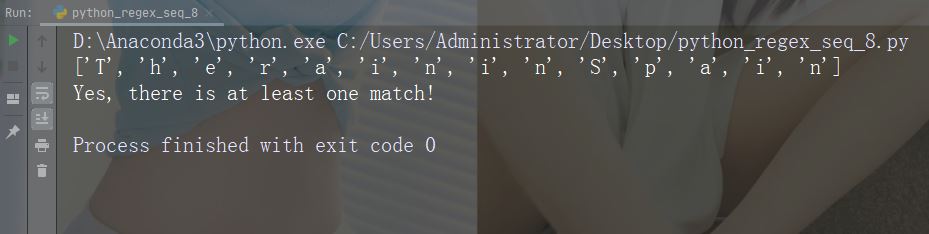
import re

str = "The rain in Spain"

#Return a match at every NON word character (characters NOT between a and Z. Like "!", "?" white-space etc.):

x = re.findall("\W", str)

print(x)

if (x):
  print("Yes, there is at least one match!")
else:
  print("No match")
运行示例
字符:\Z
描述:如果指定的字符位于字符串的末尾,则返回匹配项 。
示例:“Spain\Z”
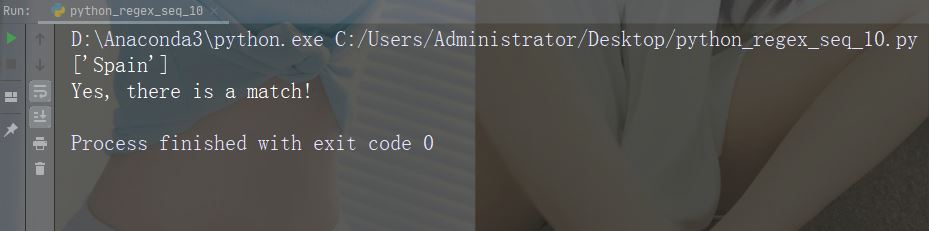
import re

str = "The rain in Spain"

#Check if the string ends with "Spain":

x = re.findall("Spain\Z", str)

print(x)

if (x):
  print("Yes, there is a match!")
else:
  print("No match")
运行示例
集合(Set)
集合(Set)是一对方括号 [] 内的一组字符,具有特殊含义。
字符:[arn]
描述:返回一个匹配项,其中存在指定字符(a,r 或 n)之一
示例
import re

str = "The rain in Spain"

#Check if the string has any a, r, or n characters:

x = re.findall("[arn]", str)

print(x)

if (x):
  print("Yes, there is at least one match!")
else:
  print("No match")
运行示例
字符:[a-n]
描述:返回字母顺序 a 和 n 之间的任意小写字符匹配项
示例
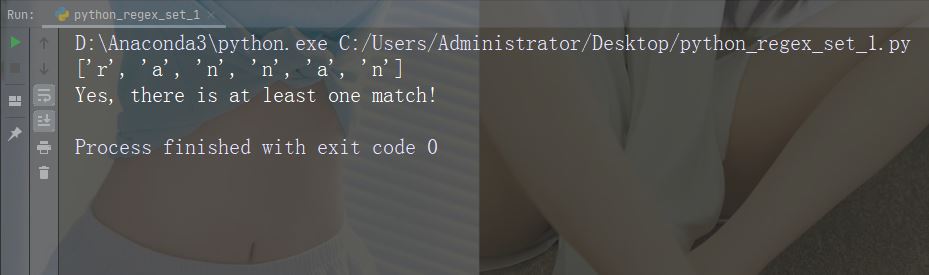
import re

str = "The rain in Spain"

#Check if the string has any characters between a and n:

x = re.findall("[a-n]", str)

print(x)

if (x):
  print("Yes, there is at least one match!")
else:
  print("No match")
运行示例
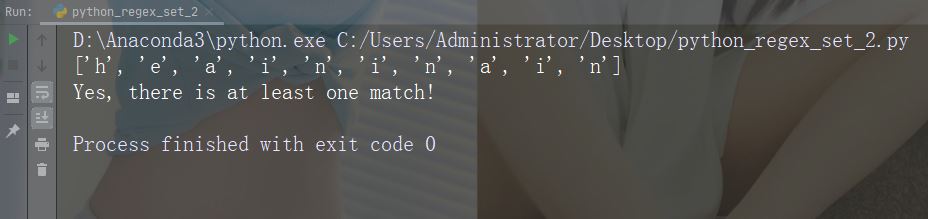
字符:[^arn]
描述:返回除 a、r 和 n 之外的任意字符的匹配项
示例
import re

str = "The rain in Spain"

#Check if the string has other characters than a, r, or n:

x = re.findall("[^arn]", str)

print(x)

if (x):
  print("Yes, there is at least one match!")
else:
  print("No match")
运行示例
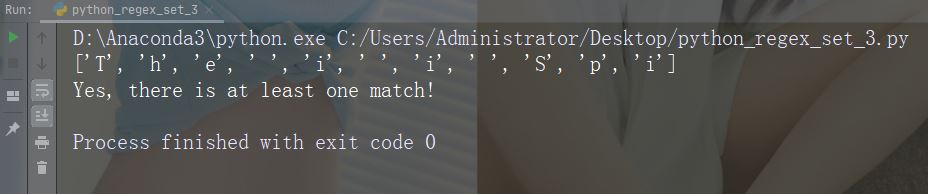
字符:[0123]
描述:返回存在任何指定数字(0、1、2 或 3)的匹配项
示例
import re

str = "The rain in Spain"

#Check if the string has any 0, 1, 2, or 3 digits:

x = re.findall("[0123]", str)

print(x)

if (x):
  print("Yes, there is at least one match!")
else:
  print("No match")
运行示例
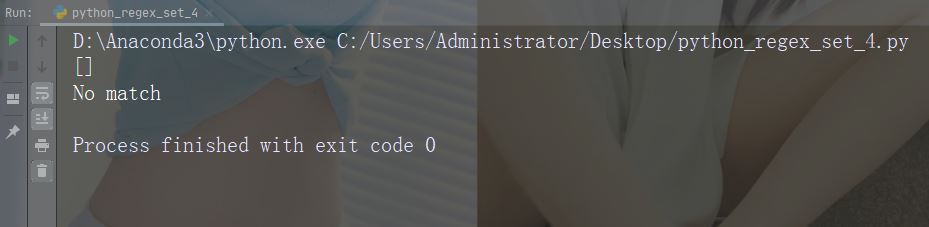
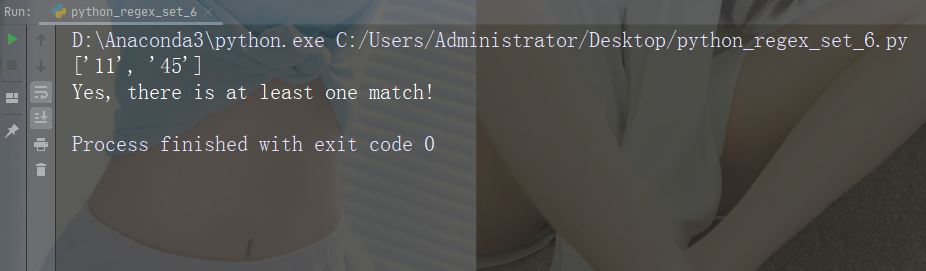
字符:[0-9]
描述:返回 0 与 9 之间任意数字的匹配
示例
import re

str = "8 times before 11:45 AM"

#Check if the string has any digits:

x = re.findall("[0-9]", str)

print(x)

if (x):
  print("Yes, there is at least one match!")
else:
  print("No match")
运行示例
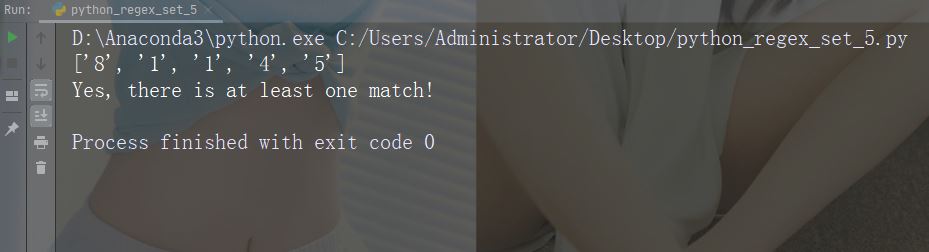
字符:[0-5][0-9]
描述:返回介于 0 到 9 之间的任何数字的匹配项
示例
import re

str = "8 times before 11:45 AM"

#Check if the string has any two-digit numbers, from 00 to 59:

x = re.findall("[0-5][0-9]", str)

print(x)

if (x):
  print("Yes, there is at least one match!")
else:
  print("No match")
运行示例
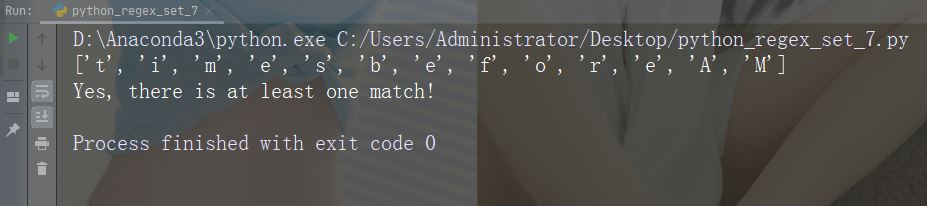
字符:[a-zA-Z]
描述:返回字母顺序 a 和 z 之间的任何字符的匹配,小写或大写
示例
import re

str = "8 times before 11:45 AM"

#Check if the string has any characters from a to z lower case, and A to Z upper case:

x = re.findall("[a-zA-Z]", str)

print(x)

if (x):
  print("Yes, there is at least one match!")
else:
  print("No match")
运行示例
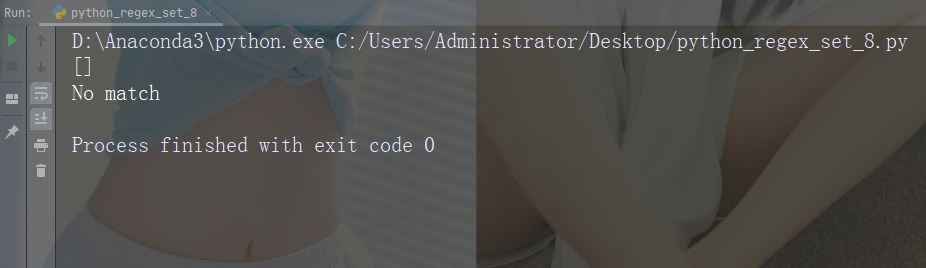
字符:[+]
描述:在集合中,+、*、.、|、()、$、{} 没有特殊含义,因此 [+] 表示:返回字符串中任何 + 字符的匹配项。
示例
import re

str = "8 times before 11:45 AM"

#Check if the string has any + characters:

x = re.findall("[+]", str)

print(x)

if (x):
  print("Yes, there is at least one match!")
else:
  print("No match")
运行示例
findall() 函数
findall() 函数返回包含所有匹配项的列表。
实例
打印所有匹配的列表
import re

str = "China is a great country"
x = re.findall("a", str)
print(x)
运行实例
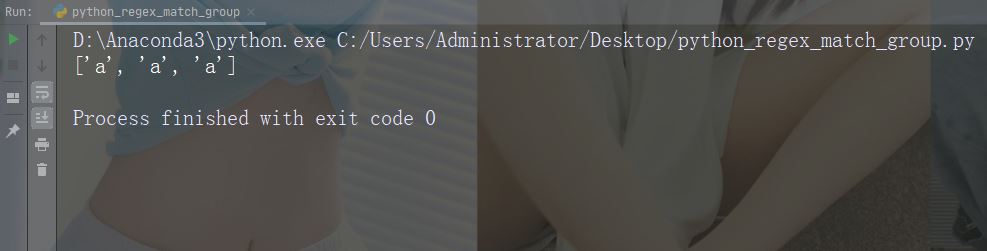
这个列表以被找到的顺序包含匹配项。
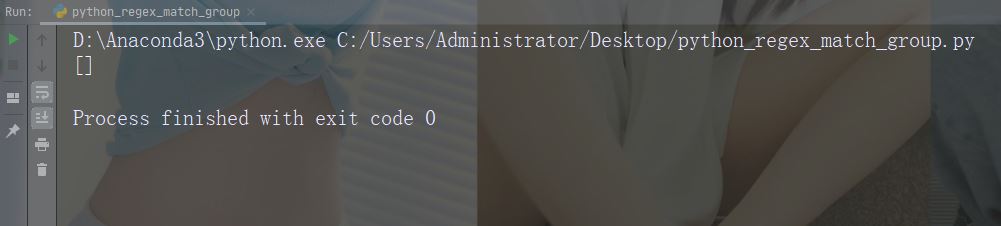
如果未找到匹配项,则返回空列表。
实例
如果未找到匹配,则返回空列表:
import re

str = "China is a great country"
x = re.findall("USA", str)
print(x)
运行实例
search() 函数
search() 函数搜索字符串中的匹配项,如果存在匹配则返回 Match 对象。
如果有多个匹配,则仅返回首个匹配项。
实例
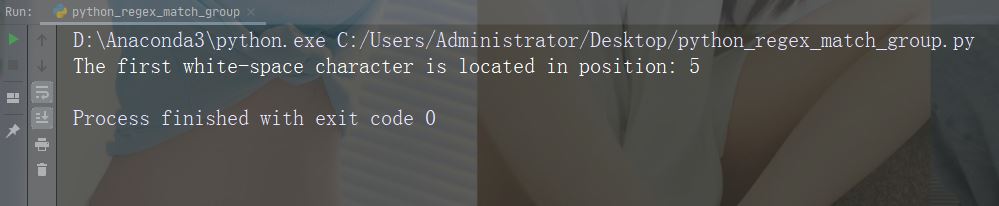
在字符串中搜索第一个空白字符
import re

str = "China is a great country"
x = re.search("\s", str)

print("The first white-space character is located in position:", x.start())
运行实例
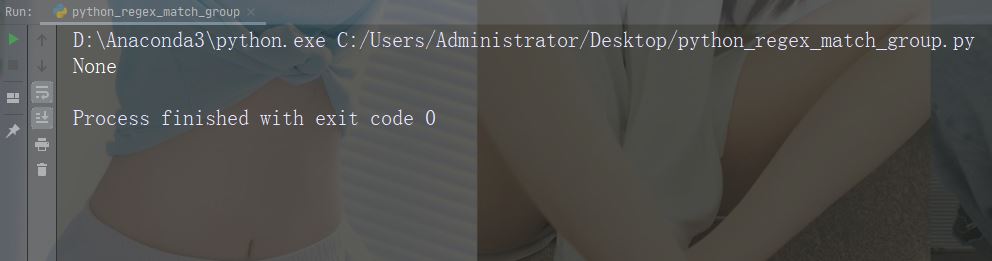
如果未找到匹配,则返回值 None:
实例
进行不返回匹配的检索
import re

str = "China is a great country"
x = re.search("USA", str)
print(x)
运行实例
split() 函数
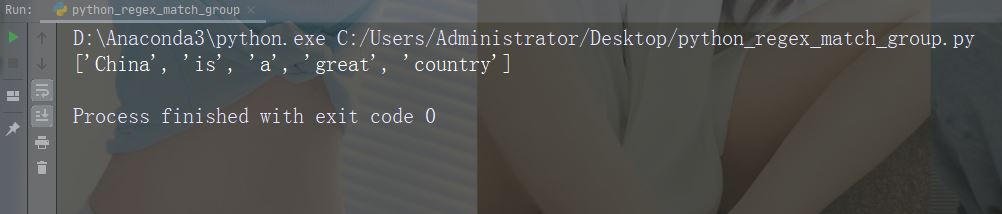
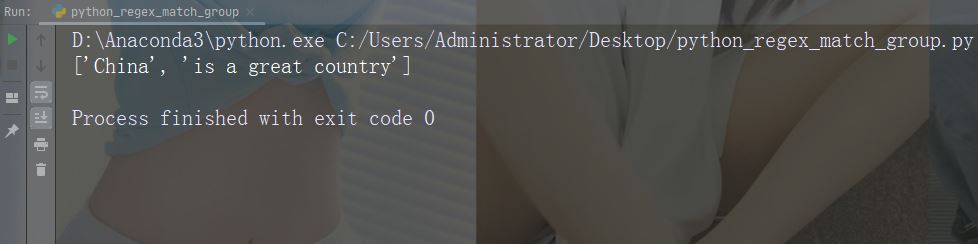
split() 函数返回一个列表,其中字符串在每次匹配时被拆分。
实例
在每个空白字符处进行拆分
import re

str = "China is a great country"
x = re.split("\s", str)
print(x)
运行实例
可以通过指定 maxsplit 参数来控制出现次数:
实例
仅在首次出现时拆分字符串:
import re

str = "China is a great country"
x = re.split("\s", str, 1)
print(x)
运行实例
sub() 函数
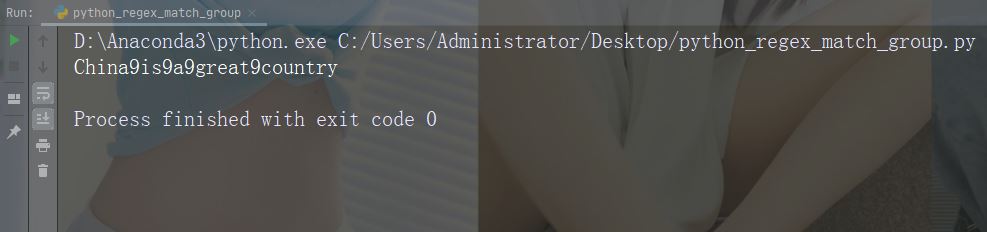
sub() 函数把匹配替换为您选择的文本
实例
用数字 9 替换每个空白字符
import re

str = "China is a great country"
x = re.sub("\s", "9", str)
print(x)
运行实例
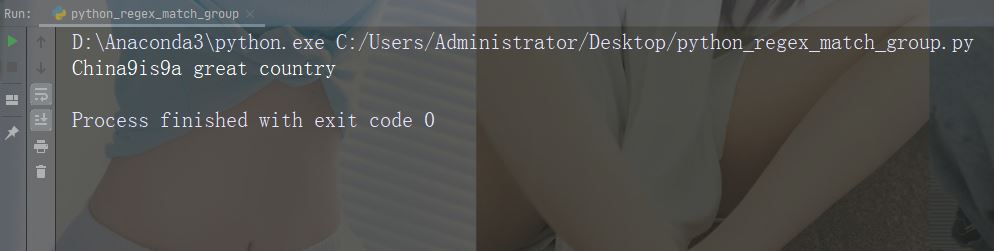
可以通过指定 count 参数来控制替换次数:
实例
替换前两次出现
import re

str = "China is a great country"
x = re.sub("\s", "9", str, 2)
print(x)
运行实例
Match 对象
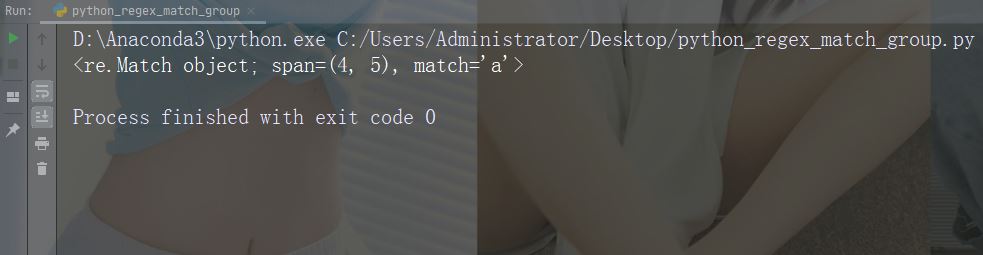
Match 对象是包含有关搜索和结果信息的对象。
注释:如果没有匹配,则返回值 None,而不是 Match 对象。
实例
执行会返回 Match 对象的搜索:
import re

str = "China is a great country"
x = re.search("a", str)
print(x) # 将打印一个对象
运行实例
Match 对象提供了用于取回有关搜索及结果信息的属性和方法:
span()返回的元组包含了匹配的开始和结束位置.string返回传入函数的字符串group()返回匹配的字符串部分
实例
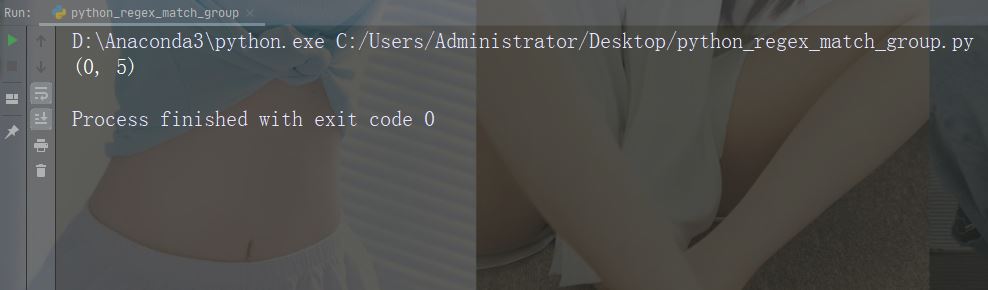
打印首个匹配出现的位置(开始和结束位置)。
正则表达式查找以大写 “C” 开头的任何单词:
import re

str = "China is a great country"
x = re.search(r"\bC\w+", str)
print(x.span())
运行实例
实例
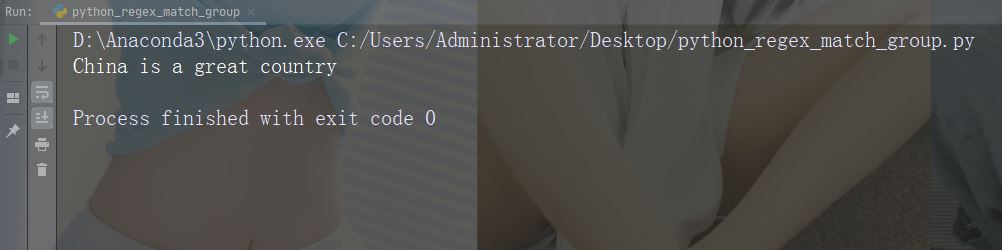
打印传入函数的字符串
import re

str = "China is a great country"
x = re.search(r"\bC\w+", str)
print(x.string)
运行实例
实例
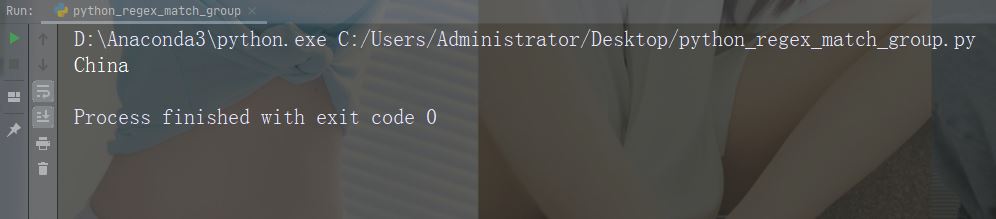
打印匹配的字符串部分
正则表达式查找以大写 “C” 开头的任何单词:
import re

str = "China is a great country"
x = re.search(r"\bC\w+", str)
print(x.group())
运行实例
注释:如果没有匹配项,则返回值 None,而不是 Match 对象。
以上就是本文的全部内容了,是否有顺利帮助你解决问题?若是能给你带来学习上的帮助,请大家多多支持golang学习网!更多关于文章的相关知识,也可关注golang学习网公众号。
 深入探讨:Go语言中复数类型的优势和应用场景
- 上一篇
- 深入探讨:Go语言中复数类型的优势和应用场景

- 下一篇
- 广汽埃安AION V Plus全系降价,顶配车型直降2.3万元
-

- 文章 · python教程 | 3小时前 | 并发编程 · 工程实践 · Python教程 · 多进程日志 QueueListener multiprocessing.Queue RotatingFileHandler Python QueueHandler
- Python 日志 QueueHandler 解决多进程写入争用
- 186浏览 收藏
-
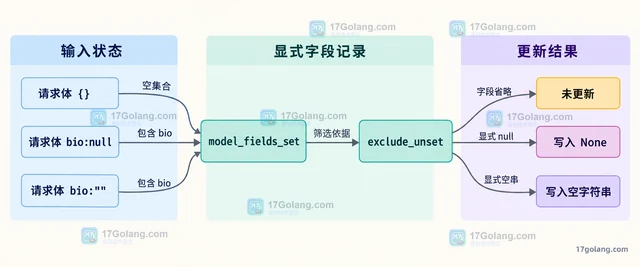
- 文章 · python教程 | 5小时前 | 数据校验 · python · Pydantic 部分更新 exclude_unset model_fields_set 显式空值 model_dump
- Pydantic 模型更新时区分未提供字段与显式空值
- 399浏览 收藏
-
- 文章 · python教程 | 8小时前 |
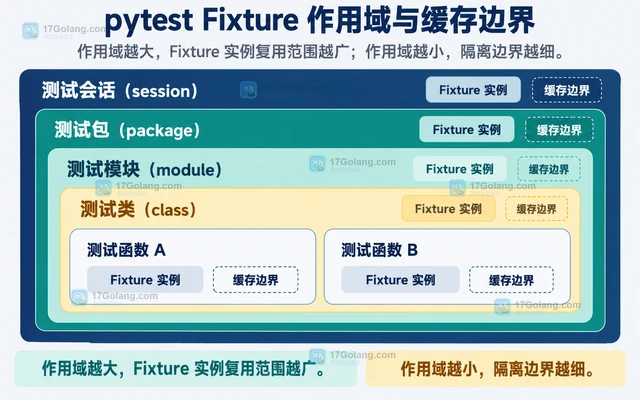
- pytest Fixture 作用域如何影响测试隔离与速度
- 341浏览 收藏
-
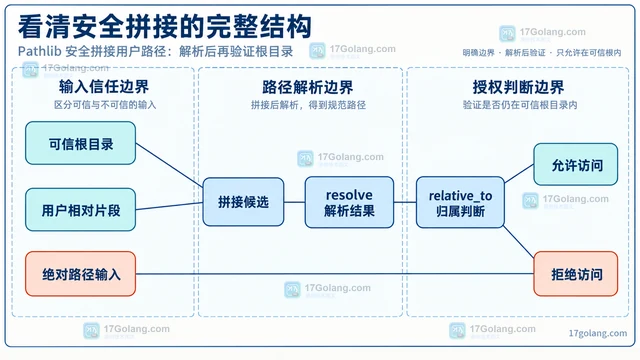
- 文章 · python教程 | 10小时前 | Python教程 · pathlib · 路径安全 Python pathlib Path.resolve 目录穿越 relative_to
- Pathlib 安全拼接用户路径:解析后再验证根目录
- 463浏览 收藏
-
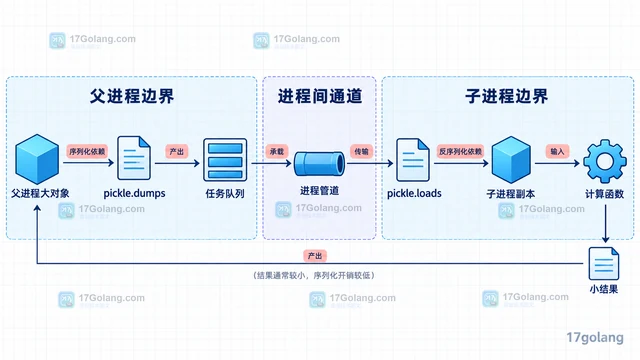
- 文章 · python教程 | 12小时前 | 性能优化 · Python教程 · Python 进程间通信 pickle multiprocessing SharedMemory
- multiprocessing 传输大对象为何变慢,如何减少序列化
- 478浏览 收藏
-

- 文章 · python教程 | 1天前 | python · Python import很慢 -X importtime 模块级副作用 延迟导入 Python启动优化
- Python import 很慢怎么分析:模块级副作用与延迟导入
- 292浏览 收藏
-
- 文章 · python教程 | 1天前 | python · 异步编程 · Python asyncio contextvars request_id
- contextvars 在异步请求链中传递追踪信息
- 393浏览 收藏
-
- 文章 · python教程 | 1天前 | 并发 · 异常处理 · python · asyncio · CancelledError 结构化并发 ExceptionGroup Python asyncio TaskGroup asyncio gather
- asyncio TaskGroup 让并发任务在首错时一起收敛
- 246浏览 收藏
-
- 文章 · python教程 | 1天前 |
- Python 3.14 自由线程程序怎样显式保护共享状态
- 337浏览 收藏

-

- 前端进阶之JavaScript设计模式
- 设计模式是开发人员在软件开发过程中面临一般问题时的解决方案,代表了最佳的实践。本课程的主打内容包括JS常见设计模式以及具体应用场景,打造一站式知识长龙服务,适合有JS基础的同学学习。
- 543次学习
-

- GO语言核心编程课程
- 本课程采用真实案例,全面具体可落地,从理论到实践,一步一步将GO核心编程技术、编程思想、底层实现融会贯通,使学习者贴近时代脉搏,做IT互联网时代的弄潮儿。
- 516次学习
-

- 简单聊聊mysql8与网络通信
- 如有问题加微信:Le-studyg;在课程中,我们将首先介绍MySQL8的新特性,包括性能优化、安全增强、新数据类型等,帮助学生快速熟悉MySQL8的最新功能。接着,我们将深入解析MySQL的网络通信机制,包括协议、连接管理、数据传输等,让
- 500次学习
-

- JavaScript正则表达式基础与实战
- 在任何一门编程语言中,正则表达式,都是一项重要的知识,它提供了高效的字符串匹配与捕获机制,可以极大的简化程序设计。
- 487次学习
-

- 从零制作响应式网站—Grid布局
- 本系列教程将展示从零制作一个假想的网络科技公司官网,分为导航,轮播,关于我们,成功案例,服务流程,团队介绍,数据部分,公司动态,底部信息等内容区块。网站整体采用CSSGrid布局,支持响应式,有流畅过渡和展现动画。
- 485次学习
-

- PubMedQA
- 深入了解PubMedQA生物医学问答数据集,涵盖其核心功能、使用方法及在临床决策、药物研发等场景的应用,助力提升NLP模型性能。
- 381次使用
-

- H2O EvalGPT
- H2O EvalGPT是H2O.ai推出的开源LLM评估平台,提供详细的大模型性能排行榜、行业特定基准测试及A/B测试功能,助您快速选择最适合项目的高性能大语言模型。
- 453次使用
-

- LMArena
- LMArena是加州大学伯克利分校推出的AI模型匿名评测平台。通过盲测投票机制,用户可对比不同大模型回答并生成实时排行榜,助力开发者优化模型及用户选择最佳AI工具。
- 464次使用
-

- HELM
- 深入了解斯坦福推出的HELM(Holistic Evaluation of Language Models)大模型评测体系。本文解析其核心功能、安装配置步骤及应用场景,涵盖准确性、公平性、鲁棒性等多维度指标,助力开发者全面优化语言模型性能。
- 405次使用
-

- MMBench
- MMBench是由上海人工智能实验室等机构联合推出的多模态基准测试平台,提供细粒度能力评估、大规模数据集及VLMEvalKit工具。本文详细介绍其核心功能、安装使用方法及应用场景,助力开发者全面评估多模态模型性能。
- 233次使用
-
- Python sqlite3 Connection serialize 怎么导出数据库快照:备份窗口、内存占用与恢复校验
- 2026-08-26 501浏览
-
- Python监控网页状态:requests异常处理实战
- 2026-05-29 501浏览
-
- TensorFlow模型部署为API的TF Serving方法
- 2026-05-26 501浏览
-
- Python字符串编码转换:encode与decode详解
- 2026-05-16 501浏览
-
- TensorFlow裁剪无用算子方法详解
- 2026-05-15 501浏览


