
为什么我的代码需要这么长时间才能返回结果?
来源:stackoverflow
2024-04-02 20:45:36
0浏览
收藏
哈喽!大家好,很高兴又见面了,我是golang学习网的一名作者,今天由我给大家带来一篇《为什么我的代码需要这么长时间才能返回结果?》,本文主要会讲到等等知识点,希望大家一起学习进步,也欢迎大家关注、点赞、收藏、转发! 下面就一起来看看吧!
问题内容
运行此代码时,我必须等待 10 秒才能打印 s.locations,并等待 60 秒以上才能打印 n.titles。这是什么原因造成的?
有关如何解决此问题的提示会很有帮助,即查看完成某些代码行需要多长时间。 go 新手,所以不确定如何具体执行此操作。
我已确保关闭我的连接。由于我计算机上的其他所有内容加载速度都非常快,因此我认为通过 http.get 访问互联网不会很慢。
package main

import (
    "encoding/xml"
    "fmt"
    "io/ioutil"
    "net/http"
    "strings"
)

// SitemapIndex is the root xml
type SitemapIndex struct {
    Locations []string `xml:"sitemap>loc"`
}

// News is the individual categories
type News struct {
    Titles    []string `xml:"url>news>title"`
    Keywords  []string `xml:"url>news>keywords"`
    Locations []string `xml:"url>loc"`
}

// NewsMap is the
type NewsMap struct {
    Keywords string
    Location string
}

func main() {
    var s SitemapIndex
    var n News
    // np := make(map[string]NewsMap)
    resp, _ := http.Get("https://www.washingtonpost.com/news-sitemaps/index.xml")
    bytes, _ := ioutil.ReadAll(resp.Body)
    xml.Unmarshal(bytes, &s)
    resp.Body.Close()

    for i := range s.Locations {
        s.Locations[i] = strings.TrimSpace(s.Locations[i])
    }

    fmt.Println(s.Locations) // slice of data

    for _, Location := range s.Locations {
        resp, _ := http.Get(Location)
        bytes, _ := ioutil.ReadAll(resp.Body)
        xml.Unmarshal(bytes, &n)
        resp.Body.Close()
    }

    fmt.Println(n.Titles)
}
我得到了输出,但 s.locations 需要等待 10 秒,n.titles 需要等待 60 秒以上
解决方案
有关如何解决此问题的提示会很有帮助。
从简单的事情开始,一次测量一件事,进行科学实验。
使用 curl 测量基本响应时间。
$ curl https://www.google.com/robots.txt -o /dev/null
  % total    % received % xferd  average speed   time    time     time  current
                                 dload  upload   total   spent    left  speed
100  7246    0  7246    0     0  94103      0 --:--:-- --:--:-- --:--:-- 94103
$ curl https://www.nytimes.com/robots.txt -o /dev/null
  % total    % received % xferd  average speed   time    time     time  current
                                 dload  upload   total   spent    left  speed
100   934  100   934    0     0     61      0  0:00:15  0:00:15 --:--:--   230
$ curl https://www.washingtonpost.com/robots.txt -o /dev/null
  % total    % received % xferd  average speed   time    time     time  current
                                 dload  upload   total   spent    left  speed
100  3360  100  3360    0     0    133      0  0:00:25  0:00:25 --:--:--   869
$
google 没有任何延迟。 《纽约时报》延迟了 15 秒。 《华盛顿邮报》延迟了 25 秒。
在 go 中,确认《华盛顿邮报》有 25 秒的延迟。
$ go run wapo.go
25.174366651s
$ cat wapo.go
package main

import (
    "fmt"
    "io/ioutil"
    "net/http"
    "os"
    "time"
)

func main() {
    start := time.now()
    resp, err := http.get("https://www.washingtonpost.com/news-sitemaps/index.xml")
    if err != nil {
        fmt.fprintln(os.stderr, err)
        return
    }
    _, err = ioutil.readall(resp.body)
    if err != nil {
        fmt.fprintln(os.stderr, err)
        return
    }
    resp.body.close()
    fmt.fprintln(os.stderr, time.since(start))
}
$
接下来,从不同的计算机尝试不同的 isp。
$ curl https://www.google.com/robots.txt -o /dev/null
  % total    % received % xferd  average speed   time    time     time  current
                                 dload  upload   total   spent    left  speed
100  7246    0  7246    0     0  27343      0 --:--:-- --:--:-- --:--:-- 27343
$ curl https://www.nytimes.com/robots.txt -o /dev/null
  % total    % received % xferd  average speed   time    time     time  current
                                 dload  upload   total   spent    left  speed
100   934  100   934    0     0   2017      0 --:--:-- --:--:-- --:--:--  2017
$ curl https://www.washingtonpost.com/robots.txt -o /dev/null
  % total    % received % xferd  average speed   time    time     time  current
                                 dload  upload   total   spent    left  speed
100  3360  100  3360    0     0    356      0  0:00:09  0:00:09 --:--:--   840
$ curl https://www.washingtonpost.com/news-sitemaps/index.xml -o /dev/null
  % total    % received % xferd  average speed   time    time     time  current
                                 dload  upload   total   spent    left  speed
100  1101  100  1101    0     0    104      0  0:00:10  0:00:10 --:--:--   266
$

$ go run wapo.go
8.378458882s
$
google 没有任何延迟。 《纽约时报》略有延迟。 《华盛顿邮报》延迟了 9 秒。
go 代码和编译器是相同的:
$ go version
go version devel +a25c2878c7 Sat Jul 27 23:29:18 2019 +0000 linux/amd64
$ cat wapo.go
package main

import (
    "fmt"
    "net/http"
    "os"
    "time"
)

func main() {
    start := time.Now()
    resp, err := http.Get("https://www.washingtonpost.com/news-sitemaps/index.xml")
    if err != nil {
        fmt.Fprintln(os.Stderr, err)
        return
    }
    resp.Body.Close()
    fmt.Fprintln(os.Stderr, time.Since(start))
}
$
因此,请重点关注网络和站点因素。
到这里,我们也就讲完了《为什么我的代码需要这么长时间才能返回结果?》的内容了。个人认为,基础知识的学习和巩固,是为了更好的将其运用到项目中,欢迎关注golang学习网公众号,带你了解更多关于的知识点!
版本声明
本文转载于:stackoverflow 如有侵犯,请联系study_golang@163.com删除
 go build:/msfs2020-go-master 中没有 Go 文件
- 上一篇
- go build:/msfs2020-go-master 中没有 Go 文件
- 下一篇
- CMU朱俊彦、Adobe新作:512x512图像推理,A100只用0.11秒
查看更多
最新文章
-
- Golang · Go问答 | 1小时前 |
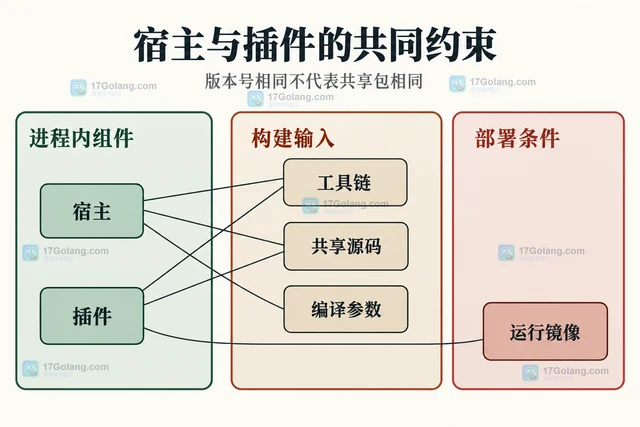
- Go plugin 在不同构建环境为何无法加载
- 418浏览 收藏
-
- Golang · Go问答 | 1小时前 |
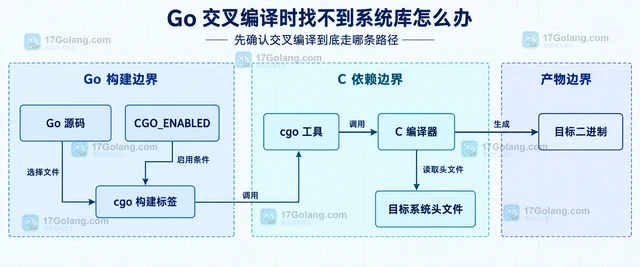
- Go 交叉编译时找不到系统库怎么办
- 445浏览 收藏
-
- Golang · Go问答 | 1小时前 |
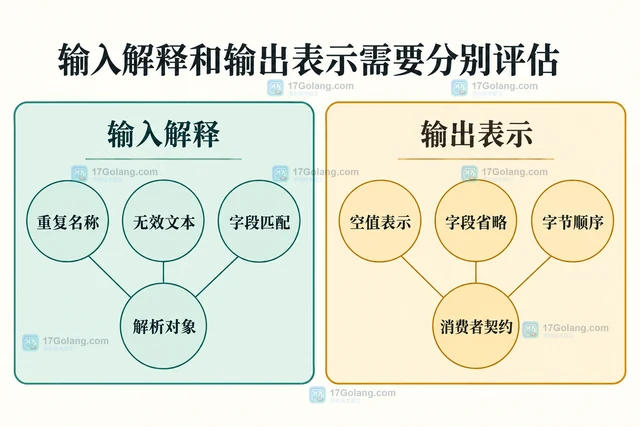
- Go json/v2 迁移时怎样评估兼容风险
- 384浏览 收藏
-
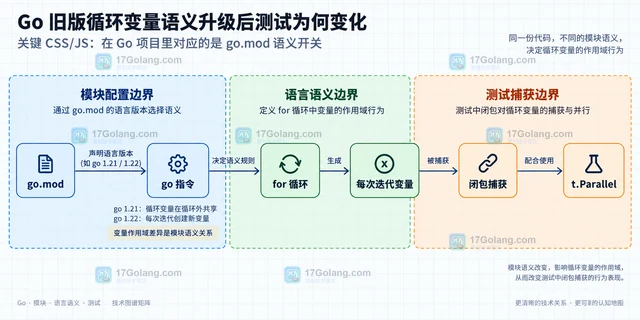
- Golang · Go问答 | 1小时前 | 测试 · go · Go 循环变量 go.mod t.Parallel loopvar
- Go 旧版循环变量语义升级后测试为何变化
- 266浏览 收藏
-
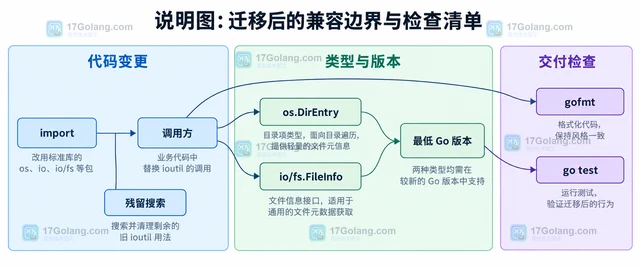
- Golang · Go问答 | 1小时前 |
- Go 旧版 ioutil 代码怎样迁移到 os 和 io
- 151浏览 收藏
-
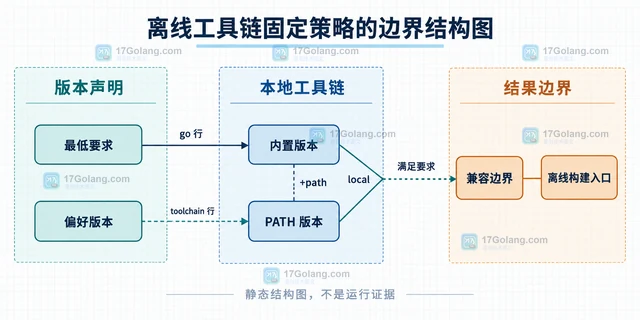
- Golang · Go问答 | 1小时前 |
- Go toolchain 自动下载失败如何固定本地版本
- 103浏览 收藏
-
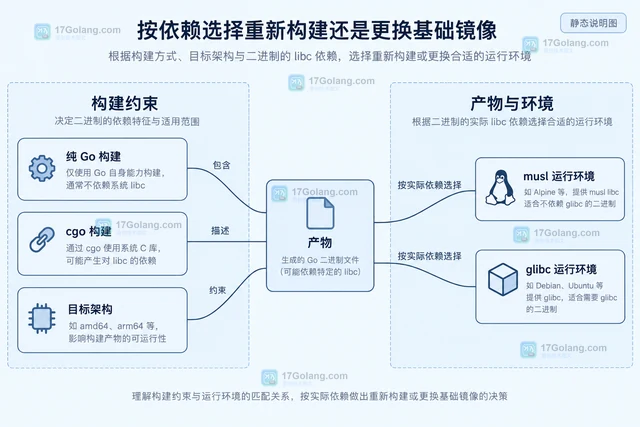
- Golang · Go问答 | 1小时前 |
- Go 二进制在 Alpine 中运行失败如何判断 libc 依赖
- 374浏览 收藏
-
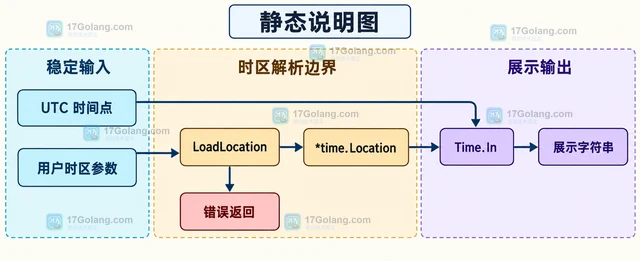
- Golang · Go问答 | 2小时前 | go · 时区 · 时间处理 · 兼容性 · LoadLocation UTC ParseInLocation Go时区 time.Local 容器时区
- Go 程序时区在容器和本地为什么不同
- 272浏览 收藏
-
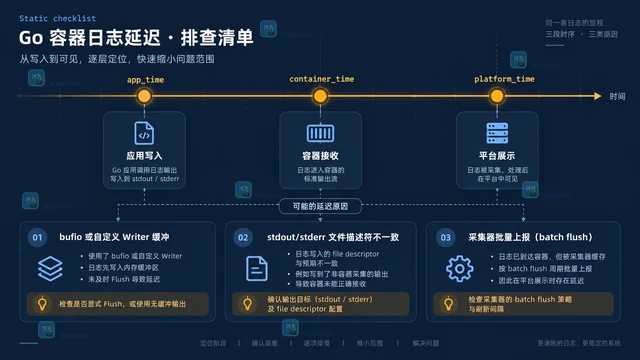
- Golang · Go问答 | 2小时前 |
- Go 日志在容器中为什么没有及时输出
- 243浏览 收藏
查看更多
课程推荐
-

- 前端进阶之JavaScript设计模式
- 设计模式是开发人员在软件开发过程中面临一般问题时的解决方案,代表了最佳的实践。本课程的主打内容包括JS常见设计模式以及具体应用场景,打造一站式知识长龙服务,适合有JS基础的同学学习。
- 543次学习
-

- GO语言核心编程课程
- 本课程采用真实案例,全面具体可落地,从理论到实践,一步一步将GO核心编程技术、编程思想、底层实现融会贯通,使学习者贴近时代脉搏,做IT互联网时代的弄潮儿。
- 516次学习
-

- 简单聊聊mysql8与网络通信
- 如有问题加微信:Le-studyg;在课程中,我们将首先介绍MySQL8的新特性,包括性能优化、安全增强、新数据类型等,帮助学生快速熟悉MySQL8的最新功能。接着,我们将深入解析MySQL的网络通信机制,包括协议、连接管理、数据传输等,让
- 500次学习
-

- JavaScript正则表达式基础与实战
- 在任何一门编程语言中,正则表达式,都是一项重要的知识,它提供了高效的字符串匹配与捕获机制,可以极大的简化程序设计。
- 487次学习
-

- 从零制作响应式网站—Grid布局
- 本系列教程将展示从零制作一个假想的网络科技公司官网,分为导航,轮播,关于我们,成功案例,服务流程,团队介绍,数据部分,公司动态,底部信息等内容区块。网站整体采用CSSGrid布局,支持响应式,有流畅过渡和展现动画。
- 485次学习
查看更多
AI推荐
-

- PubMedQA
- 深入了解PubMedQA生物医学问答数据集,涵盖其核心功能、使用方法及在临床决策、药物研发等场景的应用,助力提升NLP模型性能。
- 466次使用
-

- H2O EvalGPT
- H2O EvalGPT是H2O.ai推出的开源LLM评估平台,提供详细的大模型性能排行榜、行业特定基准测试及A/B测试功能,助您快速选择最适合项目的高性能大语言模型。
- 528次使用
-

- LMArena
- LMArena是加州大学伯克利分校推出的AI模型匿名评测平台。通过盲测投票机制,用户可对比不同大模型回答并生成实时排行榜,助力开发者优化模型及用户选择最佳AI工具。
- 546次使用
-

- HELM
- 深入了解斯坦福推出的HELM(Holistic Evaluation of Language Models)大模型评测体系。本文解析其核心功能、安装配置步骤及应用场景,涵盖准确性、公平性、鲁棒性等多维度指标,助力开发者全面优化语言模型性能。
- 497次使用
-

- MMBench
- MMBench是由上海人工智能实验室等机构联合推出的多模态基准测试平台,提供细粒度能力评估、大规模数据集及VLMEvalKit工具。本文详细介绍其核心功能、安装使用方法及应用场景,助力开发者全面评估多模态模型性能。
- 316次使用
查看更多
相关文章
-
- 用Nginx反向代理部署go写的网站。
- 2023-01-17 502浏览
-
- GoLand调式动态执行代码
- 2023-01-13 502浏览
-
- Go crypto/rand.Text 的长度为什么不是固定字符数
- 2026-10-04 501浏览
-
- Go strings.ToValidUTF8 清洗日志内容的边界
- 2026-10-03 501浏览
-
- Go tls.GetCertificate 为什么收不到空 ServerName 请求
- 2026-09-27 501浏览


